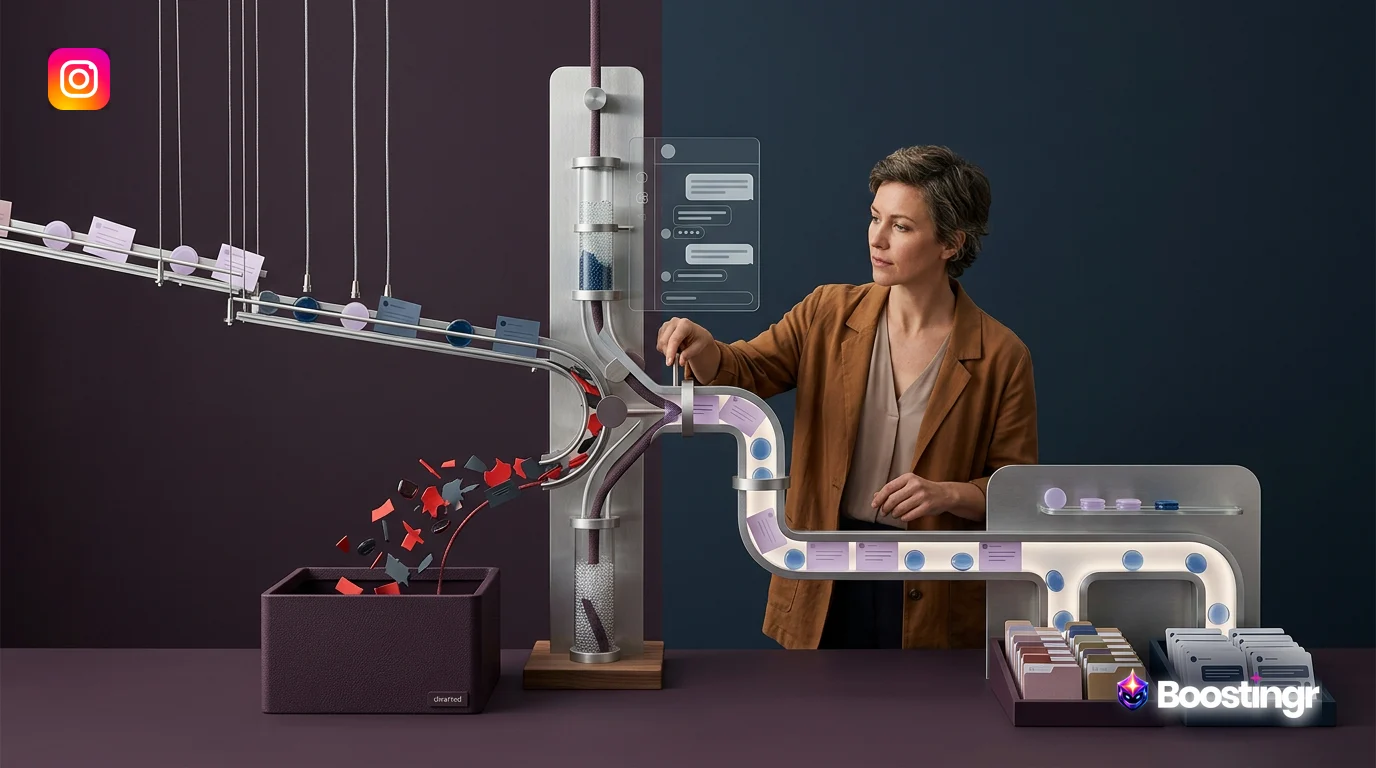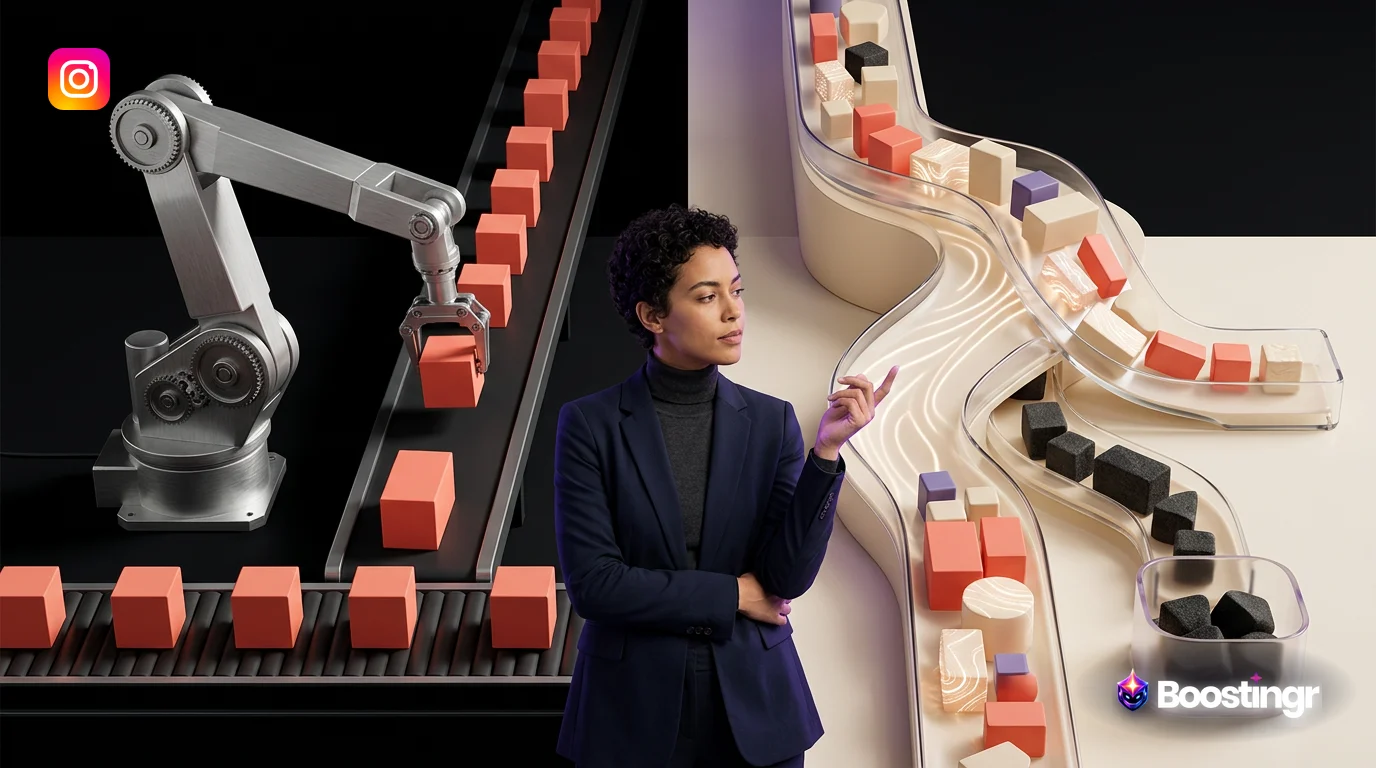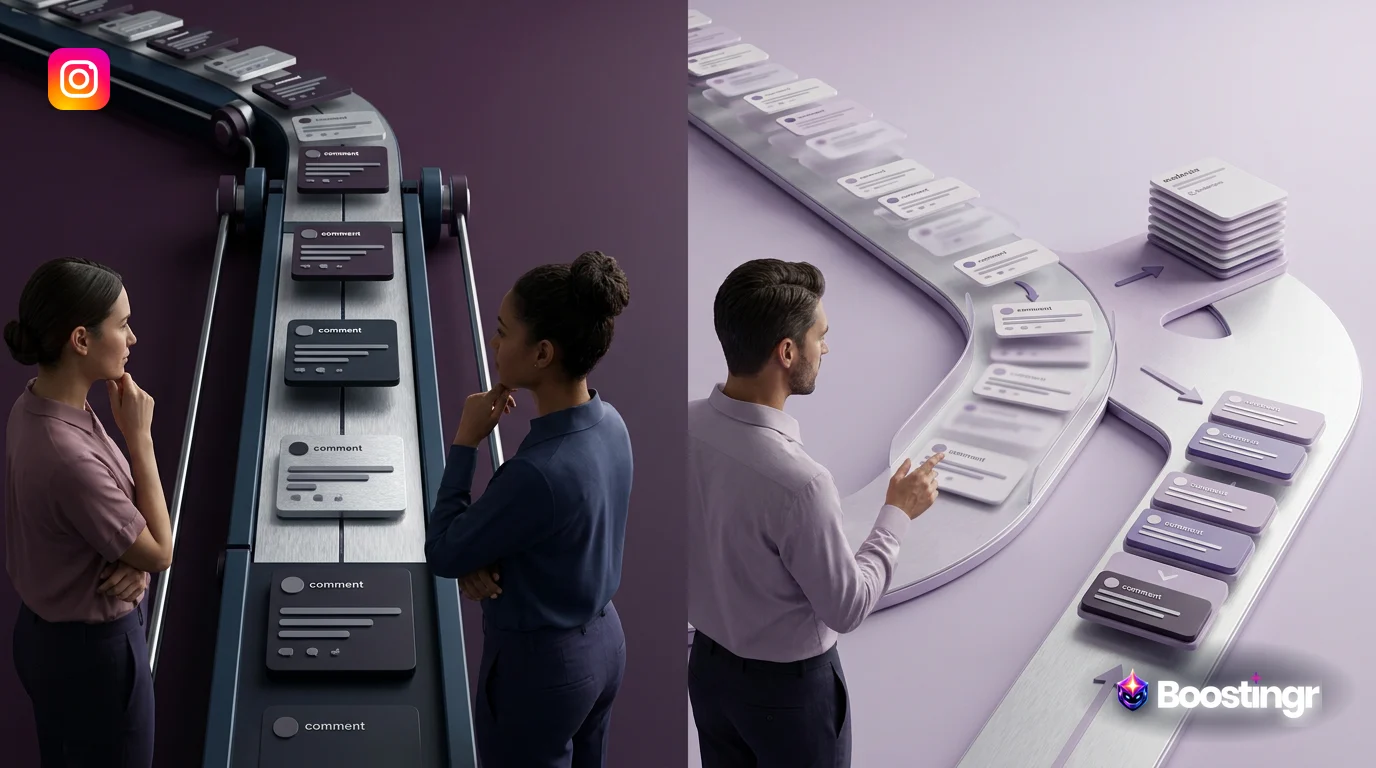
Quick Answer
The best AI comment automation tool uses advanced artificial intelligence—including sentiment and intent analysis—to execute a complete workflow of classifying, moderating, and responding to social media comments. Unlike basic keyword-based bots, it understands user meaning, maintains a consistent brand voice, protects your brand from spam and trolls, and transforms engagement into measurable outcomes like leads and customer intelligence, all with minimal human intervention.
The Unanswered Opportunity in Your Comment Section
Every day, a goldmine of customer insight, purchase intent, and community-building opportunities sits untapped in your social media comment sections. Statistics suggest that a staggering percentage of social media comments go unanswered, leaving potential customers feeling ignored and valuable feedback lost in the digital noise. For years, the solution was either hiring more community managers or using rudimentary 'auto-reply' tools that often did more harm than good with robotic, context-deaf responses.
But the landscape has fundamentally changed. The conversation is no longer about simple automation; it's about *intelligence*. The search for the **best AI comment automation tool** is no longer about finding a simple bot. It's about finding a strategic partner that can understand the nuance of human conversation, protect your brand's reputation, and actively contribute to business growth.
This guide cuts through the marketing hype. We'll move beyond simple feature lists to provide a workflow-first comparison, analyzing the true intelligence behind the AI. We will explore:
* The critical difference between basic keyword triggers, AI-assisted suggestions, and true, fully-automated AI. * How to evaluate a tool based on a strategic workflow: Classify → Route → Hide/Respond → Analyze. * The importance of 'Brand Memory' in maintaining a consistent and humanized brand voice. * How to transform your comment section from a moderation chore into a powerful engine for lead capture and customer intelligence.
Beyond Keywords: What Defines the Best AI Comment Automation Tool?
Not all 'AI' is created equal. The term is used broadly, but the technology behind comment automation tools varies dramatically. Understanding these differences is the first step in choosing a tool that will be an asset, not a liability.
Level 1: Keyword Triggers (The Old Way)
This is the most basic form of automation. It operates on simple `if/then` logic. If a comment contains the word "price," then the tool posts a pre-written reply with a link to the pricing page. Tools like ManyChat have historically excelled at this rule-based engagement, which can be effective for very simple, high-volume queries.
However, this approach is brittle and lacks context. A first-party observation from our work at Boostingr is seeing this exact scenario backfire: a user comments, "The price is too high!" and a keyword-triggered bot cheerfully replies with, "You can find our pricing here!" This creates a negative user experience and makes the brand look out of touch.
Level 2: AI-Assisted Moderation (The Helper)
This is a step up. Here, AI is used to help a human moderator work more efficiently. Broader social media management suites like Sprout Social or Hootsuite often incorporate these features. The AI might analyze a comment's sentiment (positive, negative, neutral) and suggest a pre-approved reply template. The human moderator then reviews the suggestion, edits if necessary, and hits 'send'.
This approach improves efficiency and provides a layer of brand safety, as a human is always in the loop. However, it doesn't solve the problem of scale. Your team is still required to manually approve every single response, which can be a bottleneck for brands with high engagement.
Level 3: True AI Automation (The Co-Pilot)
This is the cutting edge and where the **best AI comment automation tool** truly shines. This level of automation goes beyond keywords and suggestions to understand, decide, and act autonomously based on sophisticated AI models. This is the philosophy behind Boostingr. True AI automation is built on several key pillars:
* **Sentiment & Intent Analysis:** The AI doesn't just see the word "broken"; it understands the user's *intent* is to complain and their *sentiment* is negative. It can differentiate between a question ("Where can I buy this?"), a complaint ("This arrived broken!"), praise ("I love this product!"), and a lead ("I need this for my team."). * **Brand Voice & Memory:** The AI is trained on your brand's specific tone, style, and knowledge base. It learns from your website, help docs, and past successful replies to generate new, on-brand responses that sound human. We call this Brand Memory for AI Replies. * **Full Workflow Automation:** It manages the entire lifecycle of a comment without requiring manual intervention for every action. It can automatically hide spam, reply to questions, route leads to a CRM, and flag complex issues for human review, all based on its understanding of the comment's context.
Comparison Table: Top AI Comment Automation Tools in 2024
To help you navigate the market, here is a comparison of several popular tools, evaluated based on their AI sophistication and primary use case. This moves beyond a simple feature list to help you understand the core philosophy of each platform.
| Tool | Best For | AI Sophistication | Key Features | Platform Support |
|---|---|---|---|---|
| **Boostingr** | Brands & Agencies seeking full workflow automation and comment intelligence. | **Full AI** (Intent & Sentiment) | Brand Memory, Intent-based routing, Automated moderation (hide/delete), Lead capture, Community intelligence dashboard. | Instagram, Facebook, YouTube, TikTok, LinkedIn |
| **NapoleonCat** | Teams needing a unified inbox with moderate automation. | **AI-Assisted** | Social inbox, AI reply suggestions, Basic moderation rules, Analytics. | Instagram, Facebook, YouTube, LinkedIn, Messenger |
| **Respondology** | Brands focused primarily on hiding toxic comments in real-time. | **AI-Assisted** | Real-time comment hiding, Troll management, Approval queues for replies. | Instagram, Facebook, YouTube, Twitter |
| **ManyChat** | Businesses focused on rule-based DM automation and simple comment triggers. | **Keyword Triggers** | Visual flow builder, Keyword-based comment-to-DM funnels, Broadcasts. | Instagram, Facebook, Messenger, WhatsApp |
| **Sprout Social** | Large enterprises needing an all-in-one social media management suite. | **AI-Assisted** | Unified inbox, Publishing, Listening, AI-suggested replies, Advanced analytics. | Instagram, Facebook, Twitter, LinkedIn, Pinterest, TikTok |
A Workflow-First Comparison of Social Media Comment Moderation Tools
A tool's features are meaningless without a coherent workflow. The most powerful platforms don't just offer a list of capabilities; they connect them into a strategic process that turns comment chaos into a streamlined, value-generating system. Here’s how to evaluate **social media comment moderation tools** from a workflow perspective.
Step 1: Ingestion & Classification
It all starts with data. The tool must reliably pull in every comment from your connected accounts in real-time via official APIs, like the Instagram Graph API. But ingestion is just the beginning. The magic is in classification. A superior tool uses AI to instantly triage every incoming comment:
* **Spam/Bot:** Is it a generic "DM me for a collab" message? * **Hate Speech/Troll:** Does it contain harmful or abusive language? See our guide on AI-powered troll detection. * **Customer Question:** Is the user asking about features, shipping, or availability? * **Purchase Intent/Lead:** Is the user expressing a desire to buy? ("I need this!" "Where can I get one?") * **Customer Complaint:** Is a user reporting a problem or expressing dissatisfaction? * **Positive Feedback:** Is a user sharing praise or a positive experience?
Step 2: Routing & Moderation
Once a comment is classified, the system needs to know what to do with it. This is where a powerful rules engine comes in. Based on the classification, the tool should automatically execute a pre-defined action:
* **Spam & Hate Speech:** Automatically hide or delete the comment to protect your community. A good system does this in seconds. Learn more about intelligent spam detection. * **Leads:** Route the comment and user details to a specific person, a Slack channel, or directly into your CRM for follow-up. This is the core of Instagram lead capture. * **Complex Complaints:** Flag the comment and assign it to a senior customer support agent for a high-touch, human response. * **Simple Questions:** Route the comment to the AI responder for an automated answer.
Step 3: Response Generation
This is the most visible part of the workflow and the one with the highest stakes for your brand's reputation. As discussed, there are two main approaches:
* **AI-Assisted:** The tool suggests a reply, and a human approves it. This is safe but not scalable. * **Fully Automated:** The AI generates and posts the reply without human intervention. This is highly scalable but requires a sophisticated AI to ensure brand safety. Platforms like Boostingr mitigate risk by using confidence scores—only replying automatically when the AI is highly certain of the user's intent—and providing robust Brand Memory to ensure the response is always on-brand and accurate. For a deeper dive, read our guide to brand-safe AI replies.
Step 4: Analysis & Intelligence
The workflow doesn't end with a reply. The **best AI comment automation tool** aggregates all this data into a powerful analytics dashboard. This transforms your comment section into a source of 'Community Intelligence'. You can answer strategic questions like:
* What are the most common questions our customers are asking? * Is customer sentiment trending up or down over time? * Which posts are generating the most purchase-intent comments? * What are the most frequent product complaints or feature requests?
This data is invaluable for your product, marketing, and support teams, closing the loop and allowing your community's voice to influence business strategy.
Deep Dive: Evaluating the AI Behind the Automation
To truly understand if a tool is right for you, you need to look under the hood at the AI itself.
How Does the AI Learn Your Brand Voice?
Many tools claim to use an 'on-brand' voice, but this often means you just provide a simple instruction in a prompt box (e.g., "Be friendly and use emojis"). This is superficial. True brand alignment comes from a concept we call **Brand Memory**. A sophisticated AI, like the one powering Boostingr, is trained on a comprehensive knowledge base you provide:
* **Website Content:** Your 'About Us' page, product descriptions, and mission statement. * **Help Documentation:** Your FAQs and support articles. * **Past Communications:** Successful ad copy, blog posts, and even human-written comment replies.
This 'Brand Memory' acts as the AI's brain, allowing it to generate responses that are not only tonally correct but also factually accurate and consistent with your brand's messaging. It's the difference between an AI that *mimics* your brand and an AI that *understands* it.
Sentiment vs. Intent: Why It Matters
Basic AI tools often stop at sentiment analysis. They can tell if a comment is positive or negative. But this is only half the story. Intent detection is what unlocks strategic action. Consider these examples:
| Comment | Sentiment | Intent | Correct Action |
|---|---|---|---|
| "This is sick! I love it!" | Positive | Praise | Thank the user. |
| "I've been waiting 3 weeks, this is sick." | Negative | Complaint | Apologize and route to support. |
| "Where can I buy this?" | Neutral | Purchase | Provide a link to buy. |
An AI that only sees sentiment might misinterpret the second example. An AI that understands intent knows exactly what the user wants and can take the most appropriate action, making it a powerful tool for **AI for social media engagement**.
Practical Examples and Use Cases
Let's see how this technology applies to different business types.
For Ecommerce Brands
An online apparel store is flooded with comments on their latest Instagram post. Boostingr's AI gets to work: * It instantly hides 50+ spam comments ("DM @promoter_xyz"). * It identifies 25 comments asking "Price?" or "Is this available in blue?" and uses an **AI comment responder** to reply with product details and a link to the specific variant, sent via DM. * It flags 10 comments like "I want this!" or "Need this for my vacation" as high-intent leads and routes them to a dedicated list for the marketing team. * It identifies a comment saying "My order from last week never arrived" and automatically creates a ticket in the support system for a human agent.
For Content Creators
A popular tech YouTuber faces a constant barrage of repetitive questions on their videos. An AI tool helps them manage **YouTube comment automation**: * It automatically replies to the top 20 most common questions, like "What camera do you use?" and "Link to the microphone?" with pre-vetted, accurate answers. * It filters out trolls and hateful comments, keeping the comment section a positive space for their community. * It identifies comments with high engagement and positive sentiment, flagging them for the creator to personally reply to, fostering a stronger connection with their superfans.
For Agencies
An agency manages social media for 10 different clients, from a law firm to a CPG brand. Using a multi-tenant platform like Boostingr: * They create a unique Brand Memory for each client, ensuring the AI always responds in the correct voice—professional and formal for the law firm, fun and casual for the CPG brand. * They use a centralized dashboard to monitor all client comments, saving dozens of hours per week switching between accounts. * They generate automated monthly reports for each client showing sentiment trends, response rates, and the number of leads captured from comments, demonstrating clear ROI.
Boostingr: The Operating System for Comment Intelligence
While many tools offer pieces of the puzzle, Boostingr is designed from the ground up to be the complete operating system for managing your comments. We don't just help you reply faster; we help you build a smarter, more strategic community engagement engine.
Our platform is built on the principle of a complete, intelligent workflow. A key insight from our platform data is that brands moving from basic keyword-based tools to Boostingr's intent-based AI reduce their manual moderation time by over 80% while increasing qualified lead capture from comments by an average of 300%.
Here's how Boostingr delivers on the promise of true AI automation:
* **Teach Once, Engage Everywhere:** Our unique Brand Memory feature means you train the AI once on your brand's voice and knowledge. It then applies that learning across all your connected accounts—Instagram, Facebook, YouTube, and more. * **Humanized, Brand-Safe AI Replies:** Our AI is designed for conversational nuance. It understands slang, emojis, and context, generating replies that feel authentic. With adjustable confidence thresholds and approval queues, you always have full control over brand safety. See how our AI Instagram reply bot works. * **From Comment to Conversion:** We are laser-focused on turning engagement into business results. Our system is built to identify purchase intent, capture user information, and integrate with your sales and marketing tools. * **Community Intelligence Dashboard:** Go beyond simple metrics. Our analytics reveal the *why* behind your comments, providing actionable insights to inform your entire business strategy.
Mini Case Study: Fashion Retailer Transforms Engagement into Sales
A mid-sized ecommerce fashion brand was struggling with a high volume of comments on their Instagram and TikTok posts. Their small social media team spent hours each day manually hiding spam and answering repetitive questions about price and availability. High-intent comments like "I need this dress!" were often missed.
After implementing Boostingr, they set up a workflow that automated over 90% of their comment management. Spam was instantly hidden. Common questions were answered by the AI with links to the correct product pages. Most importantly, comments expressing clear purchase intent were automatically identified, and the user was sent a personalized DM with a direct checkout link. Within three months, the brand saw a 15% increase in website traffic originating from social comments and attributed a significant lift in sales directly to these automated interactions.
Ready to see it for yourself? Sign up for a trial or explore our pricing plans.
Checklist: Choosing Your AI Comment Automation Tool
Use this checklist to evaluate potential tools and ensure you're selecting a solution that truly meets your needs:
- [ ] **Platform Support:** Does it support all my key social platforms (Instagram, Facebook, YouTube, TikTok)?
- [ ] **AI Sophistication:** What is the level of AI? Is it basic keyword triggers, AI-assisted suggestions, or full intent and sentiment analysis?
- [ ] **Brand Voice Customization:** Can it learn and maintain my specific brand voice through a 'Brand Memory' or just a simple prompt?
- [ ] **Workflow Capability:** Does it offer a full workflow (classify, route, hide, respond, analyze), or just one or two of these features?
- [ ] **Brand Safety Controls:** What controls are in place? (e.g., approval queues, confidence scores, blacklists/whitelists).
- [ ] **Business-Oriented Features:** Does it help me capture leads and integrate with my CRM, or just reply to comments?
- [ ] **Analytics & Reporting:** Does it provide actionable 'Community Intelligence' or just vanity metrics like comment count?
- [ ] **Scalability & Pricing:** Is the pricing model transparent and scalable as my engagement grows?
Original Diagrams
These original visuals explain the workflow in a faster, more defensible format than plain text alone and give the article first-party assets that are easier to understand and harder to copy.
Comment Processing Workflow
This workflow illustrates the end-to-end journey of a social media comment. The AI tool ingests the comment, classifies its intent and sentiment, applies moderation rules, and executes a final action like replying, hiding, or escalating to a human agent.
AI Decision Tree
The best AI tools use a complex decision tree to determine the right action for each comment. This diagram shows how the AI analyzes sentiment and intent to choose between replying with a specific message, hiding the comment, or flagging it for review.
Moderation Pipeline
Brand safety is a critical function of AI comment automation. This moderation pipeline shows how the system acts as a multi-stage filter, automatically identifying and removing spam, hate speech, and other harmful content before it can damage your brand's reputation.
Intent Classification Flow
Going beyond simple replies, advanced AI sorts comments into actionable categories. This flow shows a comment being analyzed and then routed into specific buckets like 'Sales Lead,' 'Support Inquiry,' or 'User Feedback' for targeted follow-up.
Brand Memory Diagram
To ensure consistency, the AI references a central 'brand memory' or knowledge base. This allows it to pull correct information, adhere to brand voice guidelines, and answer questions accurately without human intervention.
Key Takeaways
* **Go Beyond Keywords:** The best AI comment automation tools use true AI with sentiment and intent analysis, not just simple keyword triggers. * **Think in Workflows:** Evaluate tools based on their ability to manage the entire comment lifecycle: classify, route, moderate, respond, and analyze. * **Prioritize Brand Safety:** Differentiate between AI-assisted tools (human in the loop) and fully automated platforms with robust safety controls like Brand Memory and confidence scores. * **Aim for Intelligence, Not Just Replies:** The ultimate goal is 'Comment Intelligence'—using your comment section as a source of leads, customer feedback, and strategic business insights. * **Choose a Strategic Partner:** A platform like Boostingr acts as a central operating system for your community engagement, designed to scale with your brand and deliver measurable business value.
FAQs
Evidence, Experience, and References
This article is based on Boostingr's direct experience in developing AI-powered comment automation solutions and analyzing millions of comments for brands and agencies. The analysis of competitor tools is based on publicly available information from their respective websites and industry knowledge. All claims about Boostingr's capabilities are based on our current platform.
* [1] Respondology, "10 Best AI Tools for Social Media Comment Responses in 2026" * [2] OpusClip Blog, "10 Best Auto-Reply Tools for Comments & DMs in 2026" * [3] Replient.ai, "Automatic comment moderation: the best AI tools of 2026" * [4] Sociable AI Blog, "3 Best AI Commenting Tools for Brand Growth" * [5] Facebook for Developers, "Instagram Graph API Documentation" (https://developers.facebook.com/docs/instagram-platform/instagram-graph-api) * [6] Google Search Central, "Google Search Essentials" (https://developers.google.com/search/docs/fundamentals/seo-starter-guide)
About the Author
The Boostingr content team is composed of AI specialists, social media strategists, and data scientists. We are passionate about helping brands unlock the hidden value in their online communities. Our insights are drawn from years of experience building and implementing AI solutions that bridge the gap between automated efficiency and human-like interaction.
Last Updated
October 2023
Authority References
Search Intent and Topic Map
This guide targets readers researching Best AI Comment Automation Tool and maps the topic to practical evaluation and implementation decisions. Supporting concepts include AI comment responder, social media comment moderation tools, automated comment reply system, Instagram AI comment tool, YouTube comment automation, AI for social media engagement, AI content moderation tools, auto reply tools for social media, AI comment marketing, AI-powered response tools, comment moderation for brands, AI chatbot for comments, ai comment management, brand safe ai replies, comment moderation automation. These terms are used only where they clarify the reader's question, not as repeated ranking phrases.