Quick Answer
The best Instagram tool for 2026 isn't a single platform but a specialized, integrated stack. A winning setup combines a content scheduler (like Later or Buffer), a design tool (like Canva), and a dedicated AI comment management platform like Boostingr. This approach allows you to create, publish, and, most importantly, turn your community engagement into measurable growth and strategic intelligence, moving beyond simple automation to true understanding.
The Instagram Crossroads: Why Your 2025 Toolkit Won't Cut It in 2026
The race for attention on Instagram has reached a fever pitch. The old playbook of polished posts and sporadic engagement is losing ground. As noted by industry analysts, the trend for 2026 is that "volume beats polish," meaning consistent, engaging content is paramount [2]. But this creates a paradox: how can creators, brands, and agencies scale content and engagement without sacrificing quality or burning out?
The answer lies in leveraging the right technology. However, many marketers find themselves wrestling with a disjointed collection of apps—a scheduler here, a designer there, a clunky inbox for messages. This patchwork approach creates data silos, wastes time, and misses the single most valuable source of customer insight on the platform: your comment section.
This guide redefines the search for the **best Instagram tool 2026**. We'll move beyond simplistic listicles and introduce a workflow-centric model for building your perfect Instagram marketing stack. We will explore the essential tool categories and reveal the missing piece in most strategies: AI-powered Community Intelligence. It’s time to stop just *managing* your Instagram and start *understanding* it.
The Evolution of the Instagram Marketing Stack in 2026
The idea of a single, all-in-one tool that does everything perfectly is becoming a myth. While convenient, these platforms often provide surface-level features across the board, failing to deliver the deep functionality needed to truly excel. The future is specialized and integrated. A modern, high-performance Instagram stack is built on three core pillars:
- **Content Creation & Scheduling:** This is the foundation. These tools help you design visuals, write compelling copy, and plan your content calendar to ensure a consistent presence. They are the engine of your content strategy.
- **Engagement & Automation:** This is your growth engine. These tools manage the flow of communication, from DMs to comments. Historically, this has meant simple keyword triggers and auto-replies. However, the next evolution is intelligent, brand-safe engagement that feels human.
- **Analytics & Intelligence:** This is the strategic brain. While basic analytics show you likes and follower counts, true intelligence dives deeper. It analyzes the *content* of conversations to uncover sentiment, purchase intent, product feedback, and emerging trends.
This third pillar, which we call **Community Intelligence**, is the new frontier. It's about transforming your comment section from a chaotic stream of notifications into a structured, searchable database of audience insights. While competitors focus on transactional comment-to-DM funnels [4], they overlook the goldmine of data within the comments themselves. This is the gap we will explore and fill.
Best Instagram Tools by Category (The 2026 Lineup)
To build your perfect stack, you need to understand the strengths and weaknesses of each tool category. Here’s a breakdown of the essential players and where they fit in your workflow.
1. AI Content Creation & Scheduling Tools
These are the workhorses of your Instagram strategy, helping you create and publish content efficiently. They are essential for maintaining consistency and a professional aesthetic.
* **Top Examples:** Later, Buffer, Sprout Social, Canva, Jasper. * **Primary Use Case:** Planning your content calendar, scheduling posts and Reels for optimal times, designing graphics, and using AI to write captions. * **Pros:** Excellent for visual planning, time-saving, and team collaboration on content creation. * **Cons:** These tools are built for publishing, not conversation. Their built-in inboxes are often basic, lacking the sophisticated moderation and analysis features needed to manage engagement at scale.
2. All-in-One Instagram Management Tools
These platforms aim to be a single dashboard for all your social media activities. They combine scheduling, a unified inbox, and analytics into one subscription.
* **Top Examples:** Sprout Social, Agorapulse, Vista Social. * **Primary Use Case:** Managing multiple social profiles from one place, assigning conversations to team members, and generating cross-platform reports. * **Pros:** Centralized workflow, good for agencies managing many clients, comprehensive feature sets. * **Cons:** The 'jack of all trades, master of none' problem. Their comment management features, while present, are often rudimentary [3]. They typically lack advanced AI for spam and troll detection, deep sentiment analysis, and the ability to turn qualitative comment data into quantitative insights.
3. Instagram DM & Comment-to-DM Automation Tools
This category has grown popular for its ability to create automated sales funnels. They use keyword triggers in comments to initiate a conversation in the DMs.
* **Top Examples:** ManyChat, FlowGent AI. * **Primary Use Case:** Running contests, delivering lead magnets, and starting sales conversations based on specific comment keywords (e.g., "Comment 'GUIDE' to get our free ebook"). * **Pros:** Effective for high-volume, transactional campaigns and list building. * **Cons:** This is automation, not intelligence. These tools are reactive and keyword-based, unable to understand nuance, sentiment, or intent. They can feel impersonal and often miss valuable comments that don't contain the exact trigger word. They focus on moving the conversation away from the public eye, missing the community-building opportunity of public replies.
4. The Definitive Category: AI Comment Management & Community Intelligence Tools
This is the missing link in the modern Instagram stack—a category dedicated to understanding and strategically managing your comment section. These tools go beyond simple replies and moderation to provide deep, actionable insights that inform your entire marketing strategy. This is where Boostingr is pioneering the future.
* **The Leader:** **Boostingr** * **Primary Use Case:** Transforming your comment section from a moderation chore into a strategic asset. This involves: * **AI-Powered Moderation:** Automatically detecting and hiding spam, trolls, and harmful comments to protect your brand's reputation. Learn more about the AI spam detection workflow. * **Sentiment & Intent Analysis:** Understanding the emotion and purpose behind every comment. Is it a support question? A pre-sale inquiry? A complaint? Or glowing praise? * **Brand-Safe AI Replies:** Using a 'Brand Memory' to generate accurate, on-brand responses to common questions, freeing up your team for high-value interactions. See how to create brand-safe AI replies. * **Community Intelligence:** Aggregating all comment data into a dashboard that reveals trends, product feedback, and campaign performance insights. * **Intelligent Lead Capture:** Identifying high-intent comments (e.g., "Do you ship to Australia?") without needing a specific keyword, and flagging them for your sales team. Explore our Instagram lead capture solution.
Boostingr doesn't just *read* comments; it *understands people*. It integrates with your scheduler and acts as the intelligent brain of your engagement strategy, ensuring no opportunity or insight is missed.
Comparison Table: Choosing Your Instagram Tool Stack
| Tool Category | Top Examples | Primary Use Case | Strength | Limitation / Gap |
|---|---|---|---|---|
| **Content Schedulers** | Later, Buffer, Planoly | Visual planning and auto-publishing of posts, Reels, and Stories. | Excellent for content calendar management and workflow efficiency. | Weak or non-existent comment moderation and analysis features. |
| **All-in-One Suites** | Sprout Social, Agorapulse | Centralized management of multiple social profiles and unified inboxes. | Good for agencies and large teams needing a single dashboard. | Comment management is often basic, lacking deep AI intelligence and sentiment analysis. |
| **DM & C2D Automation** | ManyChat, FlowGent AI | Keyword-triggered DM funnels for lead generation and contests. | Effective for high-volume, transactional campaigns. | Lacks nuance; cannot understand intent or sentiment. Misses valuable non-keyword comments. |
| **AI Comment Intelligence** | **Boostingr** | Moderation, brand-safe AI replies, and analysis of comment data for strategic insights. | Turns comments into a source of business intelligence and protects brand safety at scale. | Focused specifically on comment management; designed to integrate with, not replace, schedulers. |
A Workflow-Centric Approach: The Best Instagram Tool for YOUR Business
The "best" tool is the one that fits your specific needs. Let's break down the ideal tool stack for three common user profiles.
The Creator Workflow
* **Primary Goals:** Building an authentic community, saving time on comment moderation, and increasing engagement rates. * **Pain Points:** Drowning in comment notifications, dealing with spam and trolls, and struggling to reply to everyone personally. * **Recommended Stack:**
- **Scheduler (e.g., Later):** For visually planning their feed and scheduling content during peak engagement hours.
- **Design Tool (e.g., Canva):** For creating on-brand graphics and video thumbnails quickly.
- **AI Comment Intelligence (Boostingr):** This is the game-changer. Boostingr automatically hides spam and hateful comments, allowing the creator's real community to shine. It can identify top fans for special recognition and use its AI Instagram reply bot to answer frequently asked questions (e.g., "What camera do you use?"), freeing the creator to focus on more meaningful conversations.
The Ecommerce Brand Workflow
* **Primary Goals:** Driving sales, providing excellent customer support, and gathering product feedback. * **Pain Points:** Missing sales opportunities in comments, slow response times to customer questions, and not knowing what customers *really* think about their products. * **Recommended Stack:**
- **All-in-One (e.g., Sprout Social):** To manage the overall social presence and basic inbox routing.
- **Ecommerce Platform (e.g., Shopify):** The sales backend.
- **AI Comment Intelligence (Boostingr):** Boostingr integrates with the workflow to supercharge it. It identifies comments with purchase intent like "How much is this?" or "Is this available in blue?" and flags them for immediate sales team follow-up. It uses Brand Memory to answer pre-sale questions about shipping, materials, or return policies instantly. Most importantly, its sentiment analysis dashboard can aggregate thousands of comments to reveal that, for example, customers love the new clothing line but are consistently complaining that the 'red' color looks more 'orange' in person—invaluable feedback for product development.
> **First-Party Observation:** We've seen ecommerce brands use Boostingr's intent detection to discover that 15% of their comments were pre-sale questions going unanswered. By implementing an AI reply workflow for these questions, they increased their comment-to-website click-through rate by 40% within a month.
The Agency Workflow
* **Primary Goals:** Delivering measurable ROI for clients, ensuring brand safety across all accounts, and operating with maximum efficiency. * **Pain Points:** Managing multiple client voices, protecting client accounts from PR crises, and proving the value of community management. * **Recommended Stack:**
- **Agency-Focused Suite (e.g., Agorapulse):** For client dashboards, team assignments, and reporting.
- **AI Comment Intelligence (Boostingr):** Boostingr is essential for agencies. They can set up unique moderation rules and Brand Memories for each client, ensuring the AI's tone and information are always perfectly aligned. The platform's advanced troll detection and spam filters act as a 24/7 brand guardian. The intelligence reports provide concrete data on audience sentiment and key conversation topics, which can be white-labeled and included in client reports to demonstrate the strategic value of their work.
Practical Examples and Use Cases
Let's move from theory to practice. Here’s how AI Comment Intelligence solves real-world problems.
**Use Case 1: From Spam Hell to Community Haven** A fitness apparel brand runs a giveaway that goes viral. Their post is flooded with thousands of comments. Unfortunately, a large portion is spam from bots and scammers ("DM me for a collab!"). Their social media manager is overwhelmed. By activating Boostingr, they instantly hide over 95% of the spam comments based on AI analysis. Genuine comments from excited fans are now visible, and the comment section becomes a positive reflection of their brand, not a spam-filled liability.
**Use Case 2: Uncovering "Community Intelligence"** A tech company launches a new software feature and promotes it heavily on Instagram. The post gets hundreds of comments. Using a basic tool, they see "positive engagement." Using Boostingr's sentiment analysis, they see a more nuanced picture: 80% positive, 15% neutral (questions), and 5% negative. Diving into the negative comments, they discover they are all from users in Germany who are confused about the feature's pricing in Euros. This specific, actionable insight allows them to create a follow-up post targeting their German audience to clarify the pricing, preventing churn and improving customer satisfaction.
**Use Case 3: The Intelligent Lead Capture** A real estate agent posts a video tour of a new listing. A user comments, "Wow, that backyard is incredible. Is the neighborhood good for families with young kids?" A basic comment-to-DM tool would miss this entirely because it doesn't contain the word "lead" or "price." Boostingr's intent detection recognizes this as a high-value buying signal. It automatically tags the comment as 'Lead Inquiry,' flags it as 'High Priority,' and sends a notification directly to the agent's phone, allowing them to jump in and start a valuable conversation immediately.
Original Diagrams
These original visuals explain the workflow in a faster, more defensible format than plain text alone and give the article first-party assets that are easier to understand and harder to copy.
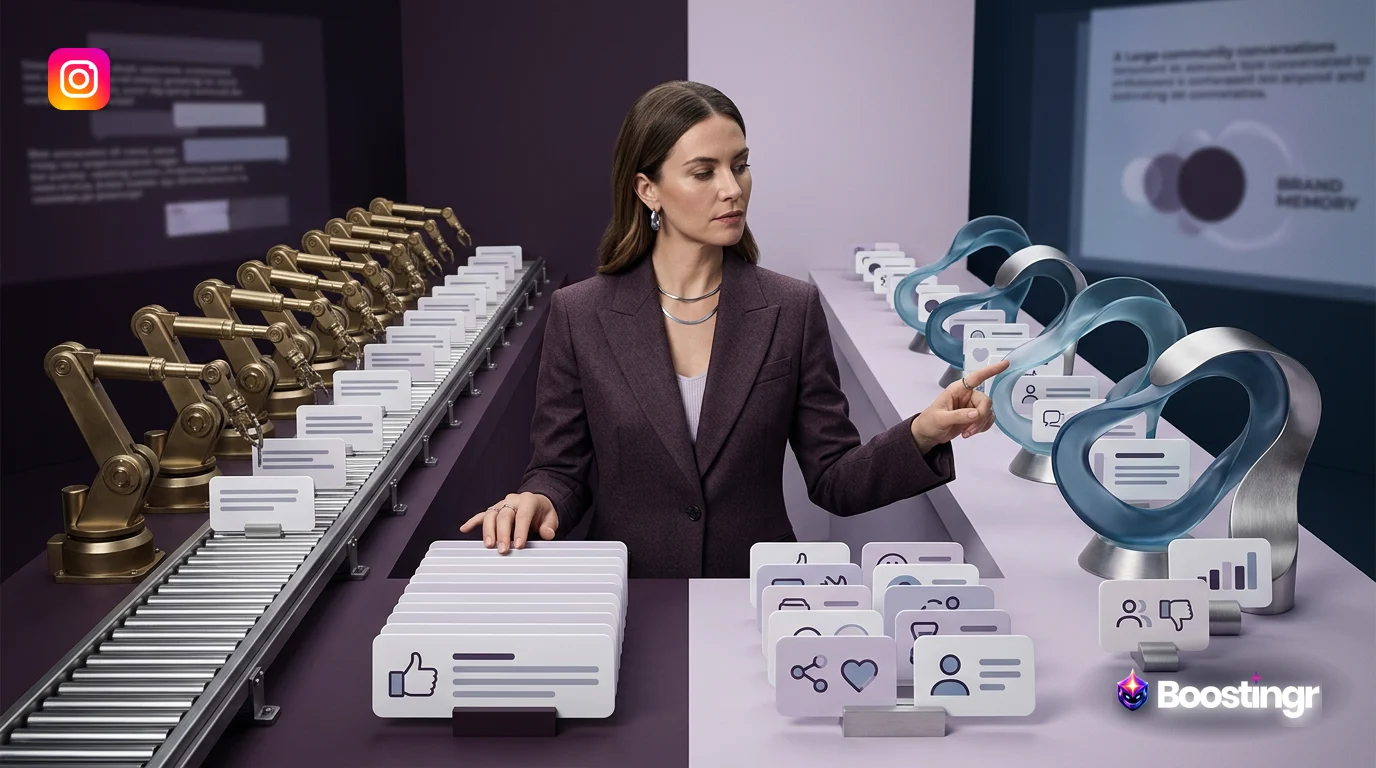
Comment Processing Workflow
This diagram illustrates how a modern AI tool processes every Instagram comment, turning chaotic engagement into a structured, manageable workflow. It's the engine that powers scalable community management in 2026.
AI Decision Tree
See how an AI makes human-like decisions in milliseconds. This decision tree shows the logic for handling a single comment, from identifying its intent to determining the appropriate automated or human-assisted response.
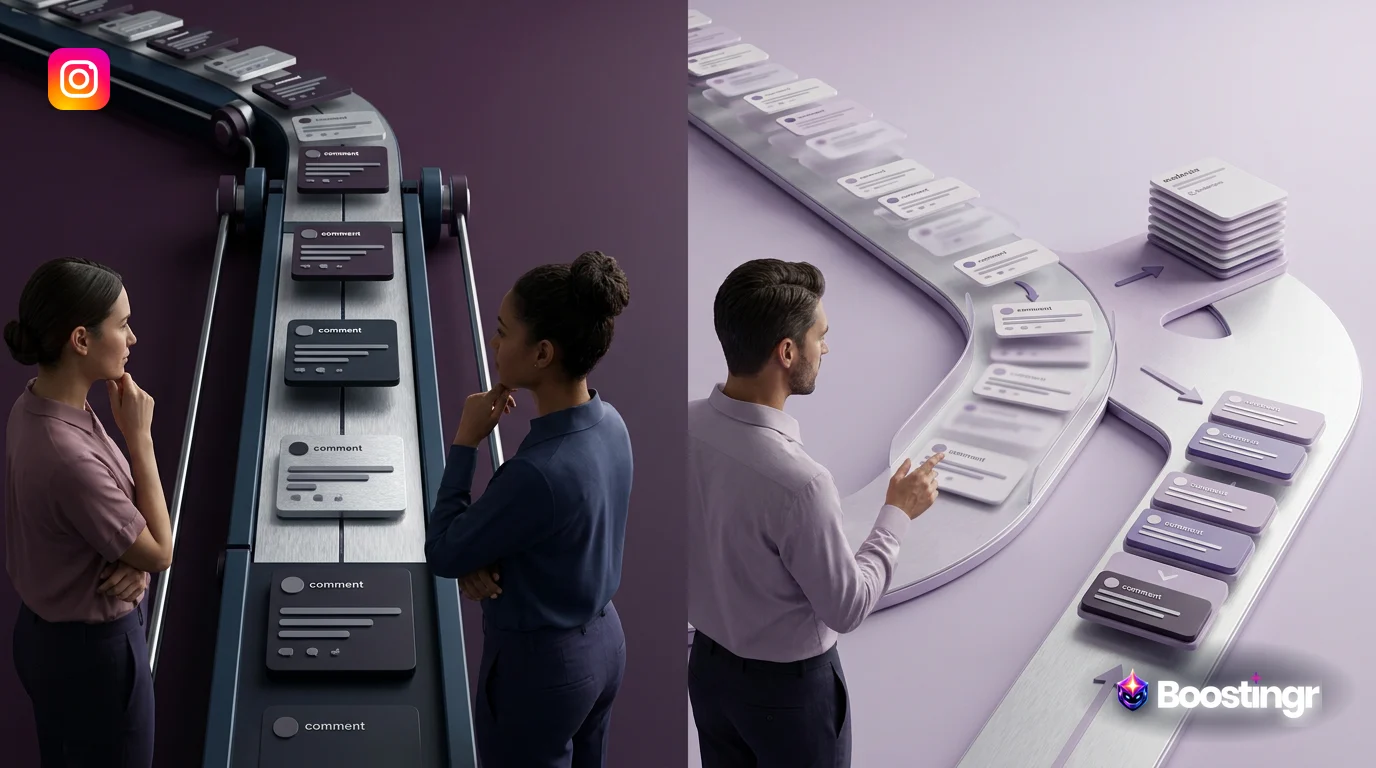
Moderation Pipeline
Protecting your brand is non-negotiable. This pipeline shows how comments are automatically filtered for spam, hate speech, and policy violations, escalating only the nuanced cases for human review.
Intent Classification Flow
Go beyond simple likes. This flow demonstrates how AI categorizes comments by user intent—identifying sales leads, support issues, and valuable feedback—so you can route them to the right team or process instantly.
Brand Memory Diagram
The key to authentic AI engagement is context. This diagram represents the 'Brand Memory,' where the AI stores product details, past interactions, and brand voice guidelines to generate relevant and consistent replies.
Checklist: Building Your 2026 Instagram Tool Stack
Use this checklist to audit your current process and build a more intelligent, efficient stack.
- [ ] **Audit Your Workflow:** Identify your biggest time sinks and missed opportunities. Are you spending hours deleting spam or manually answering the same questions?
- [ ] **Define Your Primary Goal:** Is your main objective brand awareness, lead generation, customer support, or community building?
- [ ] **Choose Your Core Scheduler:** Select a platform like Later, Buffer, or Sprout Social that fits your budget and content planning style.
- [ ] **Select Your Content Creation Tools:** Master a tool like Canva for visuals and consider an AI writer like Jasper for caption ideas.
- [ ] **Evaluate Your Comment Management Needs:** Go beyond a basic inbox. Do you need to understand sentiment, protect your brand from trolls, and identify leads automatically? This is a critical step.
- [ ] **Implement an AI Comment Intelligence Tool:** Integrate a specialized platform like Boostingr to act as the brain of your engagement strategy. This is how you scale without losing quality.
- [ ] **Connect Your Tools:** Ensure your workflow is seamless. Your intelligence tool should complement your scheduler, not compete with it.
- [ ] **Review & Refine:** Use the insights from your Community Intelligence dashboard to inform your content strategy for the following month. Repeat.
Key Takeaways
As you prepare your Instagram strategy for 2026, remember these core principles:
* The **best Instagram tool 2026** is not a single product but a curated *stack* of specialized tools working in harmony. * A complete stack must address three pillars: Content Creation & Scheduling, Engagement & Automation, and Analytics & Intelligence. * Simple automation (like basic comment-to-DM) is being superseded by AI-driven **Community Intelligence**, which focuses on understanding the meaning behind conversations. * **Boostingr** is the leader in the emerging category of AI Comment Management and Community Intelligence, designed to turn your comments from a liability into your greatest strategic asset. * The most effective tool stack is built around your specific workflow, whether you're a creator, an ecommerce brand, or an agency.
By adopting this workflow-centric, intelligence-led approach, you can move beyond the chaotic, reactive cycle of social media management and build a powerful, proactive engine for growth.
FAQs
**What is the best Instagram tool in 2026?** The best tool is a combination of platforms tailored to your workflow. This typically includes a content scheduler (like Later), a design tool (like Canva), and a dedicated AI comment intelligence platform like Boostingr to manage engagement, protect your brand, and extract strategic insights from your comments.
**What are the best free Instagram tools?** For those starting out, Meta Business Suite is the best free tool, offering basic scheduling, inbox management, and analytics directly from the source [4]. Canva also offers a robust free version for content creation. However, to manage engagement and spam effectively at scale, a paid, specialized tool is necessary.
**What is the difference between DM automation and comment intelligence?** DM automation (from tools like ManyChat) typically uses keyword triggers in comments to start a private DM sequence, focusing on funnels and lead capture. Comment intelligence (from a platform like Boostingr) analyzes the *content and context* of all comments to provide moderation, brand-safe replies, and strategic insights on sentiment and intent, whether or not a keyword is used.
**Can AI tools get my Instagram account banned?** Using AI tools that violate Instagram's terms of service, such as those that generate fake followers or engage in aggressive, spammy auto-commenting, can put your account at risk. However, tools like Boostingr that use the official Instagram Graph API for managing your own comment section are compliant and safe, as they enhance your ability to manage your community, not fake engagement.
**How does Boostingr integrate with scheduling tools like Later or Buffer?** Boostingr works alongside your scheduling tool. You continue to schedule and publish your content with Later or Buffer as usual. Once a post is live, Boostingr's AI takes over the comment section, moderating, replying, and analyzing in real-time. It fills the engagement management gap that schedulers don't cover.
**What is the best Instagram tool for business growth?** A tool that provides Community Intelligence, like Boostingr, is best for sustainable business growth. While schedulers help with consistency, an intelligence tool uncovers sales leads, gathers product feedback, and protects your brand reputation—all of which are direct drivers of growth. It helps you acquire and retain customers by understanding them better.
**Is an all-in-one Instagram management tool enough?** For small businesses with minimal engagement, an all-in-one tool might be sufficient. However, for any brand, creator, or agency serious about growth, brand safety, and customer intelligence, an all-in-one tool's comment management features are too basic. They lack the sophisticated AI needed for deep analysis and effective moderation at scale.
**How can AI help with Instagram comment moderation?** AI revolutionizes comment moderation by automatically identifying and hiding spam, hate speech, and troll comments 24/7. It can also analyze the sentiment and intent of comments, prioritizing urgent customer issues for your team while using AI to answer common questions, dramatically reducing manual workload and response times. Learn more in our guide to AI comment moderation.
Evidence, Experience, and References
This article is based on Boostingr's experience processing millions of social media comments for brands, creators, and agencies worldwide. Our insights are derived from real-world data on engagement patterns, moderation challenges, and the strategic application of AI in community management. Our platform and workflows are built in compliance with official APIs, such as the Instagram Graph API.
Our analysis of the market is informed by publicly available information and our review of competing approaches discussed in articles by BooSend [1], Hyper AI [2], Blogging Wizard [3], and FlowGent AI [4]. Our goal is to provide a clear, forward-looking perspective that helps marketers build a truly effective and intelligent social media strategy, in line with best practices for discoverability outlined by search engines like Google [https://developers.google.com/search/docs/fundamentals/seo-starter-guide].
About the Author
The Boostingr team is composed of AI engineers, data scientists, and veteran social media marketers dedicated to solving the biggest challenges in community management. We believe that the future of social media marketing lies in understanding people, not just counting likes. Our focus is on building tools that empower brands to build safer, smarter, and more engaged communities.
Last Updated
October 2023
Search Intent and Topic Map
This guide targets readers researching best instagram tool 2026 and maps the topic to practical evaluation and implementation decisions. Supporting concepts include best Instagram AI tools, Instagram automation tools 2026, Instagram marketing tools, Instagram analytics tools, Instagram growth tools, AI content creation for Instagram, Instagram comment automation, Instagram DM automation, Instagram scheduling tools, all-in-one Instagram management tool, free Instagram tools, Instagram tools for creators, Instagram tools for business, comment-to-DM tools, ai comment management. These terms are used only where they clarify the reader's question, not as repeated ranking phrases.