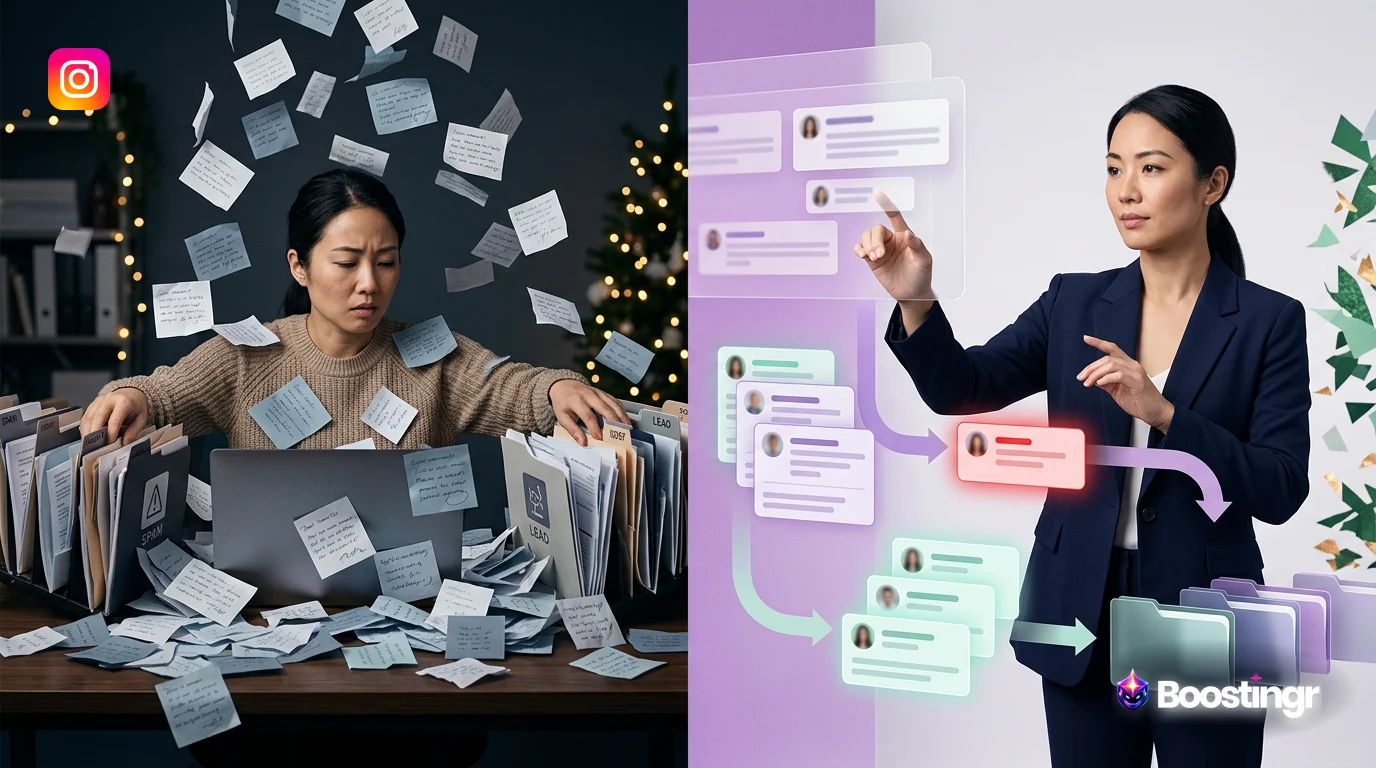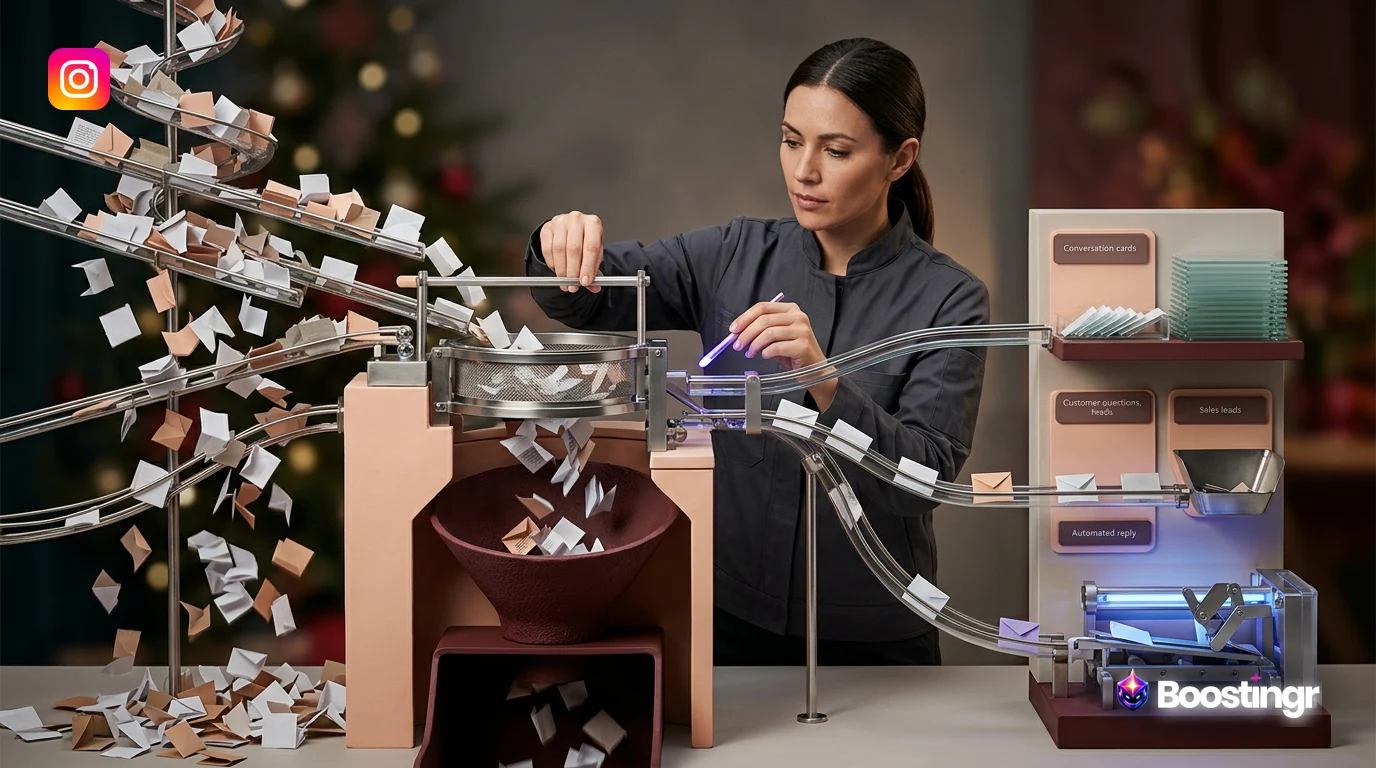
Quick Answer
Instagram comment automation is a strategic system that uses Artificial Intelligence to classify, moderate, and respond to public comments on your posts, Reels, and ads. A proper workflow goes beyond basic bots, integrating intelligent replies, brand safety moderation, and high-intent lead capture to scale engagement, protect your brand reputation, and drive measurable business growth directly from your comment section.
The Unseen Cost of Unmanaged Instagram Comments
Your Instagram comment section is a goldmine. It’s a bustling hub of customer questions, high-praise, purchase signals, and valuable feedback. But for most brands, it's also a chaotic, overwhelming flood of notifications. Manually sifting through hundreds or thousands of comments per day is an impossible task. The result? Missed leads, unanswered questions, frustrated customers, and a brand reputation vulnerable to spam and trolls.
Many brands turn to basic automation tools in hopes of a solution. They set up simple keyword triggers—if a comment contains "price," send a DM. While a step up from manual labor, this approach is brittle and often does more harm than good. These bots lack understanding. They can’t distinguish sarcasm from genuine praise, a serious complaint from a troll, or a high-intent buying question from a simple query. They are robotic, prone to error, and ultimately, they fail to build genuine community.
This is where a fundamental shift in thinking is required. The goal isn't just to *react* to comments; it's to *understand* the people behind them. True **Instagram comment automation** isn't a simple bot; it's an intelligent engine. It’s a complete workflow that transforms your comment section from a cost center into a powerful engine for growth, engagement, and brand safety.
This guide provides that workflow. We'll break down the strategic system for implementing intelligent **Instagram comment automation** that handles public replies, moderation, and lead capture with precision and a human touch.
Building Your Intelligent Instagram Comment Automation Workflow
A robust automation workflow is a multi-stage process that mirrors and enhances the decision-making of an expert social media team. It’s about building a system that can triage, moderate, engage, and convert at a scale no human team can match. Platforms like Boostingr are designed to be the operating system for this exact workflow.
Step 1: The Triage Engine - Classifying Every Comment with AI
The foundation of any intelligent system is its ability to accurately understand incoming data. Before you can reply, hide, or escalate, you must first know what you're dealing with. A triage engine uses AI to analyze and categorize every single comment in real-time, going far beyond simple keyword matching.
**Key Classification Layers:**
* **Sentiment Analysis:** Is the comment positive, negative, neutral, or mixed? This is the first layer of prioritization. A glowing review and an angry complaint require vastly different actions. An intelligent system can even detect nuanced sarcasm that would fool basic tools. Learn more about how to build a prioritization workflow for sentiment analysis. * **Intent Detection:** What is the commenter's goal? This is the most critical layer for business outcomes. Boostingr's AI is trained to understand the *why* behind the words, identifying intents like: * **Purchase Intent:** "How much is this?", "Is this available in blue?", "I need this!" * **Customer Support Question:** "My order hasn't arrived," "How do I return this?" * **Product Question:** "Is this waterproof?", "What are the ingredients?" * **Praise & Advocacy:** "This is the best product ever!", "I recommend this to everyone!" * **Spam & Troll Detection:** Is the comment from a legitimate user or a bad actor? The AI analyzes user history, comment patterns, and language to identify and flag spam, scams, and trolling. This is crucial for maintaining a healthy community. You can build a complete workflow for AI spam comment detection to protect your brand.
At Boostingr, we've observed that brands switching from keyword-based bots to our intent-detection system see a significant drop in 'automation fails'—instances where a bot gives a nonsensical or inappropriate reply. This is because understanding the *why* behind a comment is more powerful than matching a single word.
Step 2: The Moderation Pipeline - An Automated System for Brand Safety
With comments accurately classified, you can now build an **instagram comment workflow automation** pipeline to handle them. The goal is to protect your brand and community without silencing genuine conversation.
**The Moderation Workflow:**
- **Automate Hiding/Deletion:** For comments classified with high confidence as spam, hate speech, or containing banned words, the system can automatically hide or delete them based on your predefined rules. This is your first line of defense, cleaning up the comment section 24/7.
- **Route for Human Review:** Nuance is key. A comment with negative sentiment might be a valid customer complaint that needs empathy, not deletion. These comments, along with potential trolling that the AI flags as uncertain, are automatically routed to a human moderation queue. This ensures your team's time is spent on high-impact issues, not on obvious spam.
- **Escalate Urgency:** If the AI detects a potential PR crisis (e.g., a product safety concern, a serious accusation), it can bypass the standard queue and immediately escalate the comment to senior team members or a dedicated crisis management channel via Slack or email.
This tiered approach ensures maximum safety with minimum manual effort. For a deeper dive, explore our strategic workflow for troll detection.
Step 3: The Engagement Engine - Crafting Humanized Automated Instagram Comment Replies
This is where intelligent automation truly shines. The goal isn't just to send a reply; it's to send the *right* reply, in the right tone, with the right information. This is how you scale engagement without sounding like a robot.
**Moving Beyond Canned Responses:**
Basic bots rely on a simple `IF X, THEN Y` logic. If a comment has "love," reply with "Thanks for the love! ❤️". This quickly becomes repetitive and inauthentic. An intelligent engagement engine, powered by what we at Boostingr call **Brand Memory**, operates on a different level.
**Brand Memory** is an AI model of your brand's unique knowledge base. You teach it once, and it engages everywhere. It learns from: * Your brand guidelines and voice. * Your product catalog and specifications. * Your website's FAQ page. * Past replies made by your human team.
With this context, the AI can generate **automated instagram comment replies** that are not only accurate but also perfectly on-brand. For example, to the question "Is this vegan?", the AI doesn't just say "Yes." It consults its Brand Memory and replies, "It sure is! All our skincare products are 100% vegan and cruelty-free. You can check out the full ingredient list on the product page. ✨"
**The Reply Workflow:**
* **Fully Automated Replies:** For common, low-risk questions with clear answers in Brand Memory (e.g., store hours, shipping policies), the AI can reply instantly and publicly. * **AI-Suggested Replies:** For more complex or sensitive questions, the AI generates a draft reply for your community manager to review, edit, and approve with a single click. This combines the speed of AI with the oversight of a human expert. * **Public vs. DM:** The system can decide whether a public reply or a private DM is more appropriate. A general question gets a public answer for all to see, while a personal order issue is immediately taken to DMs to protect user privacy.
This approach ensures every reply is helpful, humanized, and brand-safe. Learn more about building your governance engine for brand-safe AI replies.
Step 4: The Conversion Funnel - Turning Comments into Customers
Your comment section is one of your highest-intent marketing channels. People who take the time to comment on a product are actively considering a purchase. A sophisticated **instagram comment bot for business** is designed to capture this intent and convert it into revenue.
**The Lead Capture Workflow:**
- **AI Intent Detection:** The system identifies comments with clear purchase intent, such as "Price?", "Where can I get this?", "DM me info," or even more nuanced phrases like "I need this for my vacation!"
- **Automated Public Reply:** The AI instantly posts a public reply like, "Great choice! We're sending the details straight to your DM right now." This serves as social proof to other viewers that your brand is responsive and creates a sense of urgency.
- **Personalized DM Initiation:** Simultaneously, the AI sends a personalized DM to the user. This isn't a generic message. It can reference the specific product they commented on and include a direct link to purchase, a discount code, or a link to a lead capture form.
- **Data Integration:** The lead's information (username, comment, intent) is automatically tagged and pushed to your CRM, a Google Sheet, or your email marketing platform. Your sales team now has a list of warm leads delivered to them in real-time, complete with the context of their initial inquiry.
This closed-loop system transforms passive comments into an active, measurable sales funnel. A common pattern we see at Boostingr is that the highest-value leads don't always use obvious keywords like 'price.' They often ask nuanced questions like 'Does this come in other materials?' or 'What's the warranty like?' An intelligent **instagram comment automation** system is trained to recognize these buying signals that simpler tools would miss. Explore how to turn comments into customers with an Instagram lead capture tool.
Comparison Table: Intelligent vs. Basic Instagram Comment Automation
Not all automation is created equal. Understanding the difference between a basic keyword bot and an intelligent AI engine is crucial for choosing the right platform.
| Feature | Basic Bot (e.g., ManyChat) | Intelligent Engine (e.g., Boostingr) | Business Impact |
|---|---|---|---|
| **Comment Understanding** | Keyword-based triggers (e.g., "price," "how much") | AI-powered Intent & Sentiment Analysis (understands context, sarcasm, and nuance) | Reduces errors, captures more opportunities, provides deeper insights. |
| **Reply Quality** | Pre-written, static, canned responses. | Dynamic, context-aware, humanized replies generated from Brand Memory. | Builds genuine community, enhances brand perception, and provides real value. |
| **Moderation** | Basic keyword filtering for hiding comments. | AI-powered spam, troll, and hate speech detection with automated hiding and human review queues. | Ensures brand safety at scale, protects community health, and saves team hours. |
| **Lead Capture** | Triggers a generic DM based on a keyword. | Identifies high-intent comments, sends personalized DMs, and integrates lead data with your CRM. | Creates a measurable sales funnel, increases conversion rates, and proves ROI. |
| **Scalability** | Becomes chaotic and hard to manage with many rules. | Learns and improves over time ("Teach Once, Engage Everywhere"). Scales across all social accounts. | Provides a unified, efficient system that grows with your brand. |
| **API Compliance** | Varies; some may use unofficial methods. | Built on the official Instagram Graph API for stability and safety. | Ensures your account is safe from being flagged or banned by Meta. |
Practical Examples and Use Cases
Here’s how this strategic workflow looks in action for different types of businesses:
* **Ecommerce Fashion Brand:** During a new collection launch, the brand is flooded with comments. The Boostingr workflow automatically hides spam comments asking users to follow other accounts. It identifies questions like "Is this true to size?" and uses Brand Memory to provide an AI-generated reply about the fit. For comments like "OMG I need this dress!", it triggers the lead capture workflow, sending a public reply and a DM with a direct link to the product page, converting interest into a sale within seconds.
* **B2B SaaS Company:** The company posts a case study on Instagram. An executive from a target company comments, "Interesting results. What was the integration process like?" A basic bot would miss this. Boostingr's AI identifies this as a high-value lead with a specific technical question. It automatically routes the comment to a sales engineer's Slack channel and posts a public reply: "Great question! We're having one of our technical experts reach out via DM to walk you through it." The lead is captured, and the right expert is engaged immediately.
* **Fitness Creator:** A creator posts a workout Reel that goes viral. They are inundated with thousands of comments. The automation engine filters out 95% of the spam and troll comments. It uses an AI Instagram reply bot to answer hundreds of repetitive questions like "What song is this?" and "Where are your leggings from?" with pre-approved, on-brand answers. This frees the creator to personally engage with the most meaningful comments, fostering a stronger community.
Mini Case Study: Boostingr in Action
An ecommerce fashion brand using Boostingr saw a **70% reduction in manual comment moderation time** and a **25% increase in qualified leads captured from Instagram comments** within the first month. The AI identified purchase intent in comments like 'OMG I need this dress' and automatically initiated a DM conversation, leading directly to sales that were previously lost in the noise.
Checklist: Implementing Your Instagram Comment Automation System
Ready to build your automation engine? Follow this step-by-step checklist.
- [ ] **Define Goals & Policies:** Clearly document your primary goal (e.g., lead gen, brand safety) and create a moderation policy (what to hide, delete, or flag for review).
- [ ] **Connect Your Account:** Choose an intelligent platform like Boostingr and securely connect your Instagram Business account via the official API.
- [ ] **Establish Brand Voice:** Input your brand's tone guidelines (e.g., friendly, professional, witty) into the AI system.
- [ ] **Train Your Brand Memory:** Feed the AI with key information by providing your website URL, FAQ page, and product details. This is the core of creating humanized replies.
- [ ] **Configure Triage Rules:** Set up your first classification rules. For example: If `Intent = Spam`, then `Action = Hide`. If `Sentiment = Negative` AND `User is a customer`, then `Action = Escalate to Support Team`.
- [ ] **Build Your First Workflows:** Start with the highest-impact areas. Set up the lead capture workflow for purchase-intent comments and the moderation workflow for spam.
- [ ] **Run in Suggestion Mode:** Before enabling full automation, run the system in a mode where it suggests replies and actions. This allows your team to approve or reject them, further training the AI on your specific preferences.
- [ ] **Go Live & Monitor:** Once you're confident, activate the full automation. Monitor the AI's performance via the dashboard.
- [ ] **Refine and Optimize:** Review the system's activity weekly. Refine your rules, add new information to Brand Memory, and adapt the workflow based on performance data. The system gets smarter over time.
Original Diagrams
These original visuals explain the workflow in a faster, more defensible format than plain text alone and give the article first-party assets that are easier to understand and harder to copy.
Comment Processing Workflow
This workflow shows the journey of every comment from the moment it's posted. The system instantly captures, classifies, and routes it to the correct action, ensuring no lead or question is missed.
AI Decision Tree
The AI decision tree maps out the logic behind each automated action. It analyzes a comment's content and sentiment to choose the most effective path, from answering a question to escalating to a human agent.
Moderation Pipeline
This moderation pipeline acts as a 24/7 brand shield for your comments. It automatically identifies and filters spam and harmful language, escalating sensitive cases for human review to maintain brand safety.
Intent Classification Flow
This flow demonstrates how the AI deciphers a user's true intent. By classifying comments as sales inquiries or support questions, the system triggers the most valuable and relevant automated workflow.
Brand Memory Diagram
The Brand Memory acts as the AI's single source of truth, containing your product details, FAQs, and brand voice guidelines. This ensures every automated reply is consistently accurate and on-brand.
Key Takeaways
* Modern **Instagram comment automation** is an intelligent system focused on understanding context and intent, not just matching keywords. * A successful workflow must integrate three core functions: AI-powered moderation for brand safety, humanized replies for engagement, and intent-based lead capture for revenue. * Platforms with a **Brand Memory** feature, like Boostingr, are essential for scaling engagement without sacrificing your brand's unique voice and personality. * The goal of automation is not to replace your human team but to empower them, freeing them from repetitive tasks to focus on high-value strategic interactions. * By implementing a strategic workflow, you can transform your Instagram comments from a chaotic liability into a predictable, measurable engine for business growth.
Evidence, Experience, and References
This article is based on Boostingr's direct experience in developing AI-powered comment management solutions for brands across various industries. Our insights are drawn from analyzing millions of comments and building workflows that prioritize brand safety, efficiency, and ROI. Our technology operates in compliance with Meta's official platform policies, utilizing the Instagram Graph API to ensure stable and secure integration. The principles of creating valuable, user-first content are aligned with best practices outlined by search engines like Google in their SEO starter guide.
About the Author
The Boostingr team is composed of AI engineers, data scientists, and social media experts dedicated to solving the biggest challenges in community management. We believe that the future of brand communication lies in the intelligent synthesis of human creativity and artificial intelligence. Our mission is to build the operating system that allows brands to understand people, not just read comments.
Last Updated
October 17, 2023
FAQs
Search Intent and Topic Map
This guide targets readers researching instagram comment automation and maps the topic to practical evaluation and implementation decisions. Supporting concepts include automated instagram comment replies, instagram comment workflow automation, instagram comment bot for business, ai comment management, brand safe ai replies, comment moderation automation. These terms are used only where they clarify the reader's question, not as repeated ranking phrases.