


The Hidden ROAS Killer: How Unmoderated Comments Sabotage Your Instagram Ads
Ignoring your ad comments is like inviting hecklers to stand next to your billboard and shout at potential customers. The impact is immediate and financially damaging. Meta's algorithm is designed to serve content that users find valuable and engaging. A comment section filled with negativity and spam sends a powerful signal that your ad is low-quality, triggering a cascade of algorithmic penalties.
How Negative Comments & Spam Impact Ad Relevance Score
Instagram's ad delivery system uses a 'quality score' or 'relevance score' to determine an ad's value to its audience. While the exact formula is proprietary, it heavily weighs user interactions. Here’s how unmoderated comments degrade it:
- Negative Social Proof: New prospects seeing your ad for the first time rely on social proof. Comments like "This is a scam," "Doesn't work," or "Cheaper at [competitor link]" act as anti-social proof, deterring clicks and conversions.
- User Reports: Spam, hate speech, and offensive comments often get reported by users. These reports are a direct, negative signal to the algorithm that your ad is creating a poor user experience.
- Low-Quality Engagement: Spam comments, while technically 'engagement', are recognized by the algorithm as low-quality. This can dilute the positive engagement signals from genuine customers.
As these negative signals accumulate, your ad's relevance score plummets. The algorithm concludes your ad is not a good fit for the audience, and it begins to penalize you.
The Ripple Effect: From Low Score to Higher CPMs and CPAs
A low relevance score is not just a vanity metric; it has direct financial consequences. To compensate for the perceived low quality, Meta's ad auction system will charge you more to show your ad to the same audience.
- Increased CPM (Cost Per Mille): You'll pay more for every 1,000 impressions because the algorithm is less willing to prioritize your ad.
- Increased CPA (Cost Per Acquisition): As noted by industry experts at platforms like getkoro.app, unmoderated comments can increase CPAs by 15-20%. This happens because fewer people click (due to negative social proof) and you're paying more for each impression. The combined effect is a disastrous blow to your Return on Ad Spend (ROAS).
First-Party Observation: At Boostingr, we analyzed a D2C client's ad account that was struggling with profitability. Their ads had high engagement but low conversions. Upon implementing our AI moderation, we found that over 30% of their comments were either spam or from disgruntled customers from a past shipping issue. By automatically hiding these comments and prioritizing replies to new, positive inquiries, their CPA dropped by 22% within the first two weeks, directly saving thousands in ad spend.
Beyond Native Tools: Why Instagram's Built-in Filters Aren't Enough
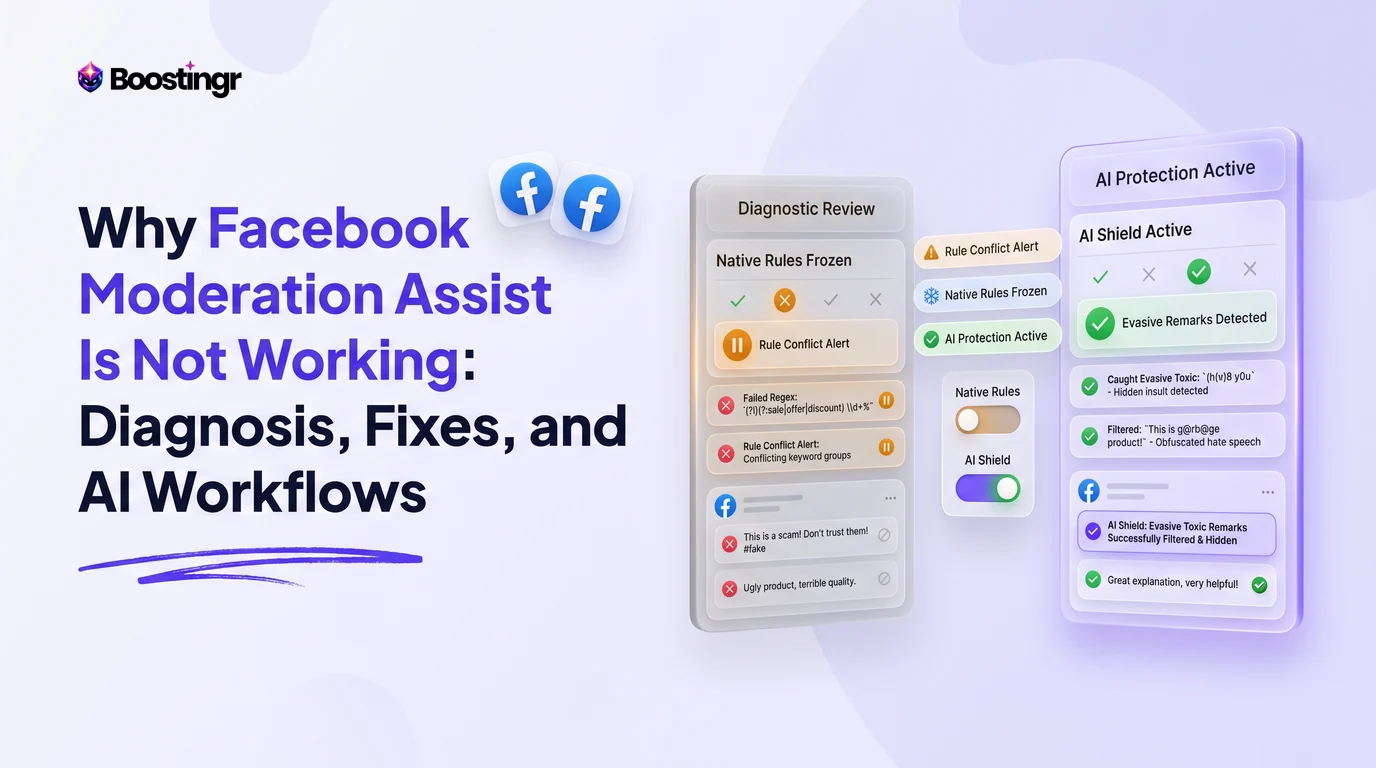
Instagram and Meta Business Suite offer basic moderation features, such as the 'Hidden Words' list. You can create a list of keywords, and any comment containing them will be automatically hidden. While better than nothing, this approach is fundamentally flawed for serious advertisers.
- Lack of Context: A keyword filter can't distinguish between "This price is a joke" (negative) and "I'd pay twice the price for this, no joke!" (positive). It lacks the semantic understanding to interpret context.
- Inability to Detect Nuance: Sarcasm, emojis, and evolving internet slang will fly right past a simple keyword filter. A comment like "Wow, another life-changing product 🙄" is clearly negative, but a basic filter won't catch it.
- No Intent Recognition: Native tools can't identify a user's intent. They can't tell the difference between a spammer, a customer needing support, and a hot lead asking, "Do you ship to Canada?" All are just text.
- Reactive, Not Proactive: These tools are purely defensive. They offer no capability to proactively engage with positive comments or identify sales opportunities.
For any brand spending significantly on ads, relying on native tools is like using a bucket to fight a house fire. You need an intelligent, scalable solution that understands people, not just words.
A Deep Dive into AI-Powered Moderation: What "AI" Really Means
Many platforms claim to use 'AI', but the term is often a vague marketing buzzword. True AI-powered instagram ad comment moderation involves multiple sophisticated layers working in concert. This is how Boostingr's AI is built to understand the human nuance in every comment.
Layer 1: Basic Keyword & Pattern Matching
This is the foundation, similar to native tools but more advanced. It catches obvious spam, profanity, and predefined competitor names using complex patterns (regex) and blocklists.
Layer 2: Sentiment Analysis
This layer goes beyond keywords to analyze the emotional tone of a comment. It classifies comments as positive, negative, or neutral. This allows you to create rules like, "Automatically hide all comments with negative sentiment" or "Notify the marketing team of all comments with highly positive sentiment."
Layer 3: Intent Recognition
This is where true intelligence emerges. Boostingr's AI is trained to understand the purpose behind a comment. It can distinguish between:
- Buying Intent: "How much is this?", "Is it available in blue?", "DM me the price."
- Customer Service Inquiry: "My order hasn't arrived," "How do I return this?"
- Spam/Troll: Gibberish, malicious links, repetitive hostile messages.
- Positive Feedback: "I love this product!", "Best purchase ever!"
This allows for highly specific workflows, like automatically routing all customer service issues to a support inbox while simultaneously sending an automated reply to buying intent questions. Check out our guide on AI comment moderation workflows for more.
Layer 4: Object & Text Detection in Images
As users increasingly reply with memes or screenshots, this advanced layer becomes crucial. The AI can analyze images within comments to detect spam, inappropriate content, or even competitor logos, allowing for moderation that goes beyond text.
By combining these layers, Boostingr doesn't just read comments; it understands the people behind them. This allows you to "teach once, engage everywhere," creating a consistent, intelligent, and brand-safe response system across all your ads.
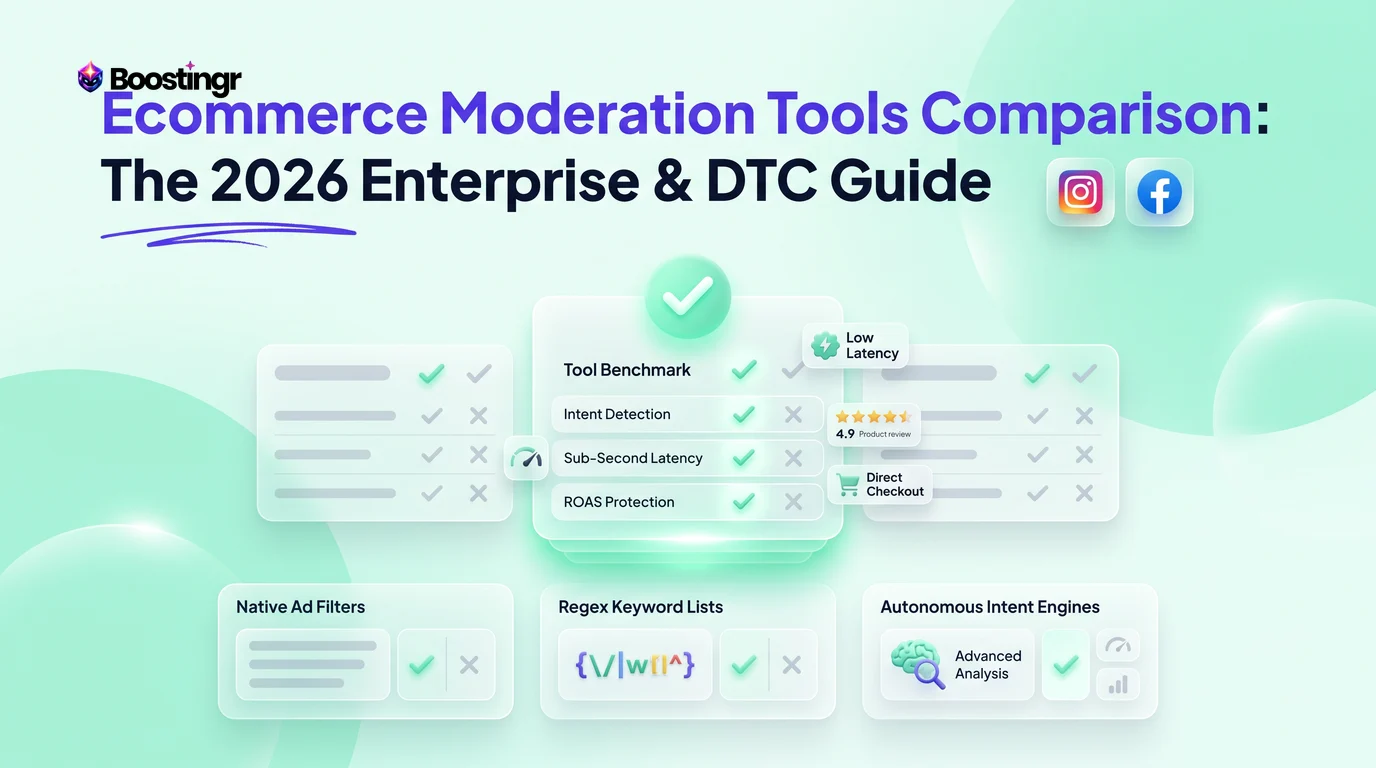
Comparison Table
| Feature | Native Instagram Tools | Basic Automation Tools | Boostingr AI Platform |
|---|---|---|---|
| Core Function | Keyword-based hiding | Keyword hiding & basic replies | Multi-layer AI analysis & workflow automation |
| Sentiment Analysis | No | Limited or None | Yes (Positive, Negative, Neutral) |
| Intent Recognition | No | No | Yes (Sales, Support, Spam, etc.) |
| Dark Post Moderation | Manual, post by post | Limited, often misses posts | Full, real-time moderation for all ad types |
| Automated Replies | No | Template-based (e.g., reply to any comment) | Context-aware, intent-driven replies |
| Lead Identification | No | No | Yes, automatically tags buying intent comments |
| Agency/Multi-Account | Clunky, requires account switching | Basic, often lacks per-client rules | Centralized dashboard, custom client rulesets & reporting |
| Scalability | Very Low | Medium | Very High |
The Offensive Strategy: Turning Comments into a Conversion Engine
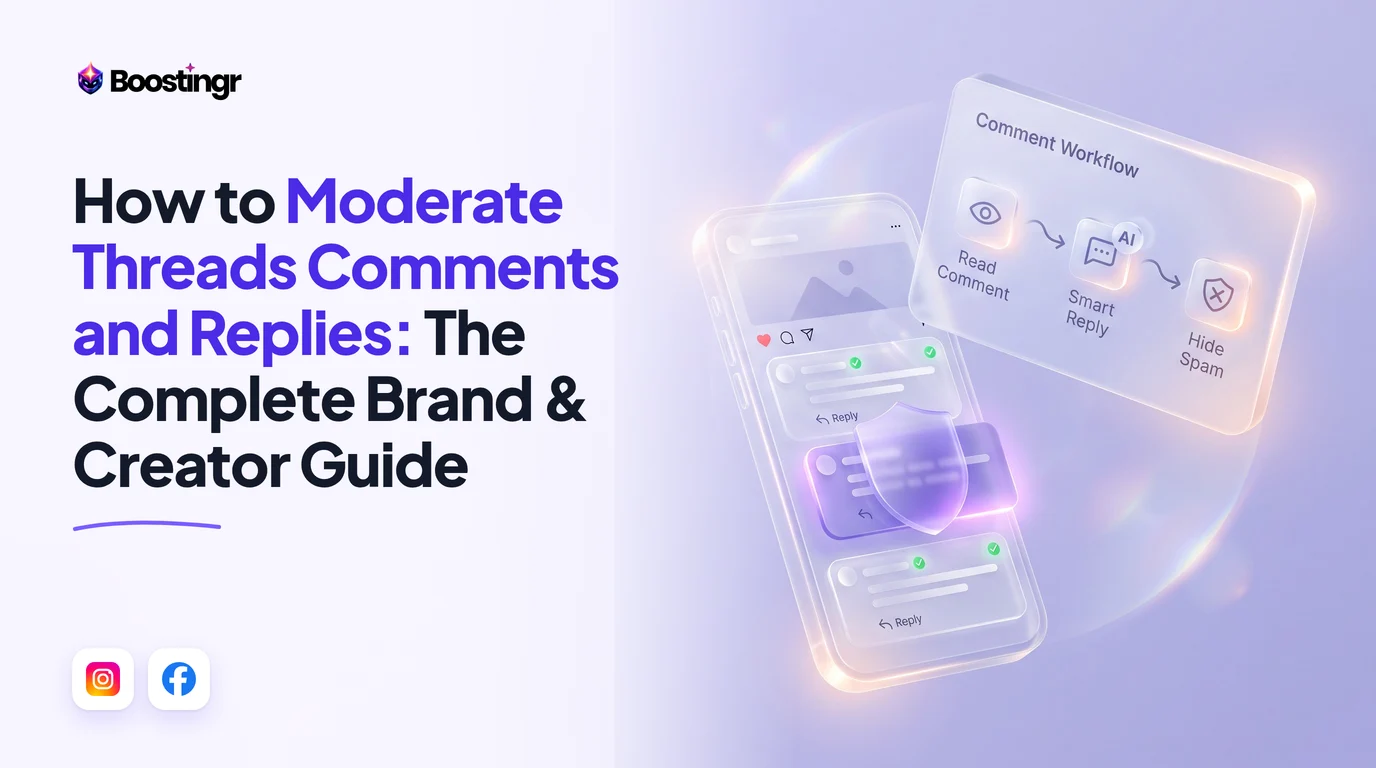
Most moderation tools focus on defense: hiding spam and negativity. This is only half the battle. A truly powerful instagram ad comment moderation strategy is also offensive, proactively turning your comment section into a high-converting sales channel. This is where you can automate instagram ad comments for growth, not just for cleanup.
Automatically Identifying and Tagging High-Intent Leads
With intent recognition, Boostingr acts like a 24/7 salesperson scanning your comments. When a user asks, "How much?" or "Where can I buy this?", the AI can instantly:
- Tag the comment as a 'Hot Lead'.
- Add the user's profile to a dedicated lead list within the Boostingr dashboard.
- Notify your sales team via Slack or email.
This transforms passive questions into an active, organized Instagram lead capture funnel, ensuring no opportunity is missed.
Using AI Replies to Answer Sales Questions Instantly
Speed is critical in social commerce. A potential customer who asks a question wants an answer now, not hours later. Using an AI Instagram reply bot powered by Boostingr, you can set up rules like:
- If Intent = 'Buying Intent' AND contains 'price', then auto-reply: "Hi [Username]! You can find all the pricing details on our website. The link is in our bio! Let us know if you have any other questions."
- If Intent = 'Buying Intent' AND contains 'shipping', then auto-reply: "Great question, [Username]! We ship worldwide. You can check the estimated delivery time for your location at checkout."
These instant, helpful replies satisfy the user and push them further down the funnel while your team sleeps.
Creating a Proactive Sales Funnel in Your Ad Comments
By combining lead tagging and automated replies, you create a complete funnel. A user asks about a feature, receives an instant, helpful reply, and is simultaneously tagged as a lead for your sales team to follow up with a personalized DM. This offensive approach doesn't just protect ROAS; it actively increases it.
Workflow-First: Tailoring Moderation to Your Ad Campaign Objectives
A one-size-fits-all moderation strategy is inefficient. Your approach should adapt to the specific goal of each ad campaign. Here’s how to build workflows in Boostingr for different objectives.
Workflow for Lead Generation Campaigns
- Primary Goal: Capture high-quality leads.
- Keyword Focus:
instagram lead capture - Boostingr Workflow:
- Rule 1 (Offense): Set Intent Recognition to tag any comment with 'Buying Intent' or 'Inquiry' as a 'Lead'. Trigger a notification to the sales team's Slack channel.
- Rule 2 (Defense): Aggressively hide all comments containing spam keywords, links, or competitor names to keep the comment section focused and trustworthy.
- Rule 3 (Engagement): Auto-reply to common questions about pricing, features, or demos with a link to the lead form or landing page.
Workflow for Website Conversion Campaigns
- Primary Goal: Drive traffic and sales on your website.
- Keyword Focus:
manage instagram ad comments - Boostingr Workflow:
- Rule 1 (Overcome Objections): Identify comments expressing purchase friction (e.g., "too expensive," "worried about shipping"). Tag them for manual review by a community manager who can offer reassurance or a discount code.
- Rule 2 (Amplify Social Proof): Identify all 'Highly Positive' sentiment comments. Tag them for the marketing team to potentially use as testimonials.
- Rule 3 (Protect Clicks): Immediately hide comments on instagram ads that contain negative sentiment or product complaints to prevent them from deterring other potential buyers.
Workflow for Brand Awareness Campaigns
- Primary Goal: Maximize positive reach and sentiment.
- Keyword Focus:
instagram ads negative comments - Boostingr Workflow:
- Rule 1 (Sentiment Management): Hide comments with 'Highly Negative' sentiment to protect brand image. Do not delete them, as this can sometimes cause a backlash (the Streisand Effect).
- Rule 2 (Encourage Conversation): Tag 'Neutral' or 'Question' comments for a community manager to engage with personally, fostering a sense of community.
- Rule 3 (Crisis Alert): Create a rule that if the volume of negative comments spikes by more than 50% in an hour, an urgent alert is sent to the PR and marketing leads. This acts as an early warning system for potential crises.
Practical Examples and Use Cases
Example 1: An Ecommerce Brand Fighting Competitor Spam
A fashion brand running ads for a new collection found their comment sections flooded with posts from other small boutiques saying, "We have this cheaper!" and linking to their own sites. This was directly stealing customers and destroying their ad's credibility.
- Solution with Boostingr: They created a rule to automatically hide any comment containing phrases like "cheaper at," "we have this too," or any URL that wasn't their own. They also added the names of known competitors to a blocklist. This instantly cleaned up their ads, protected their traffic, and improved their conversion rate.
Example 2: A SaaS Company Capturing Leads from "How much?" Comments
A B2B software company's ads generated many comments like "Price?" and "Is there a free trial?" Their sales team was too busy to manually track and reply to every single one.
- Solution with Boostingr: They set up an intent-based rule. Any comment identified as 'Buying Intent' automatically triggered two actions: (1) an auto-reply saying, "Thanks for asking! We've just sent you a DM with the pricing info and a link to start a free trial," and (2) the user was added to a 'Hot Lead' list in their dashboard for a salesperson to follow up personally. This automated their top-of-funnel qualification process.
Example 3: A D2C Brand Managing a PR Crisis on an Ad
A food delivery brand faced a backlash after a news story. Their brand awareness ads were swamped with angry comments.
- Solution with Boostingr: They immediately activated a 'Crisis Mode' workflow. This rule automatically hid all comments with 'Highly Negative' sentiment and specific keywords related to the crisis. This prevented the ad from becoming a hub for negativity while allowing their PR team to use the Boostingr inbox to find and respond to a few key comments with the company's official statement, controlling the narrative.
The Unique Challenge of Dark Posts
'Dark posts' (or unpublished page posts) are ads that don't appear on your main Instagram grid. They are essential for A/B testing and targeting cold audiences. However, they present a unique moderation challenge.
Why Social Proof is Critical for Cold Audiences
Users who see a dark post are likely unfamiliar with your brand. They have no prior trust or loyalty. Their first instinct is to scroll down to the comments to see what other people are saying. For these audiences, the comment section is the social proof. A single negative or spam comment can be enough to make them scroll past, wasting your impression.
The Risks of Unmoderated 'Dark Post' Comments
Because these ads aren't on your public profile, they are easy to forget. A brand might spend days moderating its main grid posts while a high-spending dark post ad accumulates hundreds of toxic comments. This is where significant budget is wasted. You need a tool that can moderate dark post comments in real-time, just like public ones.
Boostingr connects directly to your ad account via the Meta Graph API, allowing it to see and manage comments on all posts, whether they are public, dark, or dynamic creative variations. This ensures 100% coverage and protects your ad spend across your entire account.
Checklist: Your Instagram Ad Comment Moderation Setup
[ ] Connect Your Ad Account: Integrate your Instagram Business and Meta Ad accounts with an AI moderation platform like Boostingr.
[ ] Set Up Defensive Rules: Create your first line of defense. Automatically hide comments containing: * Profanity and hate speech. * Spam links and phishing attempts. * Known competitor names.
[ ] Configure Sentiment Rules: Decide on your brand's tolerance for negativity. Start by hiding comments with 'Highly Negative' sentiment.
[ ] Establish Offensive Rules: Define what a 'lead' looks like for your business. Create an intent-based rule to tag comments asking about price, availability, or features.
[ ] Create Auto-Reply Workflows: Build at least one automated reply for your most common sales-related question to provide instant value to potential customers.
[ ] Set Up Team Notifications: Configure alerts (via email or Slack) for important events, such as new leads, a spike in negative comments, or customer service issues.
[ ] Define an Escalation Path: Create a rule to tag complex or sensitive comments for manual review by a senior team member.
[ ] Run a Test: Before launching on a high-spend campaign, test your rules on a low-spend ad to ensure they are firing correctly.
[ ] Review and Refine: Schedule a weekly or bi-weekly check-in to review the moderation logs, analyze comment trends, and refine your AI rules for better performance.
For Agencies: Scaling Comment Management Across Your Client Portfolio
Managing ad comments for one brand is tough. Managing them for ten or twenty clients is impossible without the right system. An instagram comment moderation tool built for agencies is essential for maintaining brand safety and proving value.
First-Party Observation: Agencies using Boostingr report saving an average of 10-15 hours per client per month on manual moderation tasks. This time is reallocated to higher-value strategic work, like creative testing and audience analysis.
Boostingr's agency-focused features include:
- Centralized Dashboard: Manage all client ad accounts from a single login. No more switching between dozens of Business Manager accounts.
- Custom Rule-Sets and Brand Voice: Each client is unique. Create and save distinct moderation rules, blocklists, and AI reply tones for each brand. A fintech client's moderation will be different from a fashion client's. Explore how this applies to sensitive industries like fintech and reputation.
- Client-Specific Reporting: Generate reports that show moderation activity, sentiment trends, and the number of leads captured for each client. This is a powerful way to demonstrate the ROI of your management services.
Key Takeaways
- Moderation is an Economic Issue: Unmoderated comments directly increase your CPA and decrease your ROAS by lowering your ad's quality score.
- Native Tools are Insufficient: Basic keyword filters lack the context, sentiment, and intent analysis needed for effective moderation at scale.
- Adopt an Offensive Strategy: Use AI to move beyond defense. Proactively identify leads, answer sales questions, and turn your comment section into a conversion channel.
- Workflows are Essential: Tailor your moderation rules to the specific goals of each ad campaign, whether it's lead gen, conversions, or brand awareness.
- Don't Forget Dark Posts: Cold audiences rely heavily on social proof. Use a tool that provides 100% moderation coverage for all ad types, including unpublished posts.
- AI is a Multi-Layered System: True AI moderation combines keyword matching, sentiment analysis, and intent recognition to understand the human behind the comment.
Ready to stop wasting ad spend and start converting more customers? Sign up for Boostingr and build your first AI moderation workflow in minutes.
Visual guide
How Negative Comments Hurt Your ROAS
This diagram shows the chain reaction caused by a single unmoderated negative comment, leading to higher ad costs and lower returns.
Boostingr's Multi-Layer AI Analysis
Unlike basic filters, true AI moderation analyzes comments on multiple levels to understand the user's true meaning and purpose.
Turning Comments into a Sales Funnel
This workflow shows how to proactively turn a user's question into a qualified lead for your sales team, increasing conversions.
Frequently asked questions
What is the best way to manage comments on Instagram ads?
The best way is to use an AI-powered Instagram ad comment moderation tool like Boostingr. This allows you to automate the process of hiding spam and negative comments, while also proactively identifying sales leads and answering customer questions 24/7, which protects your ad spend and improves ROAS.
Can you turn off comments on Instagram ads?
Yes, you can turn off comments on Instagram ads within the Meta Ads Manager at the ad level, before you publish the campaign. However, this is generally not recommended as it removes all social proof and prevents you from engaging with potential customers, which can make your ad appear less trustworthy and hurt performance.
How do you hide negative comments on Instagram ads automatically?
You can automatically hide negative comments on Instagram ads using a third-party tool that leverages AI sentiment analysis. By setting up a rule to 'auto-hide comments with negative sentiment,' the tool will instantly hide harmful comments as they are posted, protecting your brand's reputation and ad performance without manual intervention.
Should I hide or delete negative comments on my ads?
It is almost always better to hide negative comments rather than delete them. Hiding makes the comment invisible to everyone except the person who posted it and their friends. This prevents them from knowing they've been censored, avoiding a potential backlash. Deleting the comment removes it completely, which can anger the user and prompt them to post again.
How does comment moderation affect my ad's relevance score?
Effective comment moderation positively affects your ad's relevance score. By removing spam and negative comments, you improve the user experience and social proof, signaling to the Instagram algorithm that your ad is high-quality. This leads to a better relevance score, which in turn can lower your CPM and CPA.
Can AI help find sales leads in my Instagram ad comments?
Yes, advanced AI can find sales leads by using intent recognition. It analyzes comments to identify buying signals like questions about price, features, or availability ("How much?", "Do you ship to Germany?"). An AI tool like Boostingr can automatically tag these comments as 'leads' and notify your sales team.
Is it possible to moderate comments on Instagram dark posts?
Yes, it is possible to moderate comments on dark posts (unpublished ads) using an API-approved tool. Platforms like Boostingr connect directly to your Meta Ad Account, giving them visibility and control over all ad creatives, including dark posts, ensuring consistent brand safety across all your campaigns.
How can marketing agencies manage comment moderation for multiple clients?
Marketing agencies can efficiently manage comment moderation for multiple clients using a centralized platform. Tools designed for agencies offer a single dashboard to oversee all client accounts, with the ability to create client-specific rule sets, brand voices, and automated reports to demonstrate moderation effectiveness and ROI.
Is this available in size M? Want to order today