


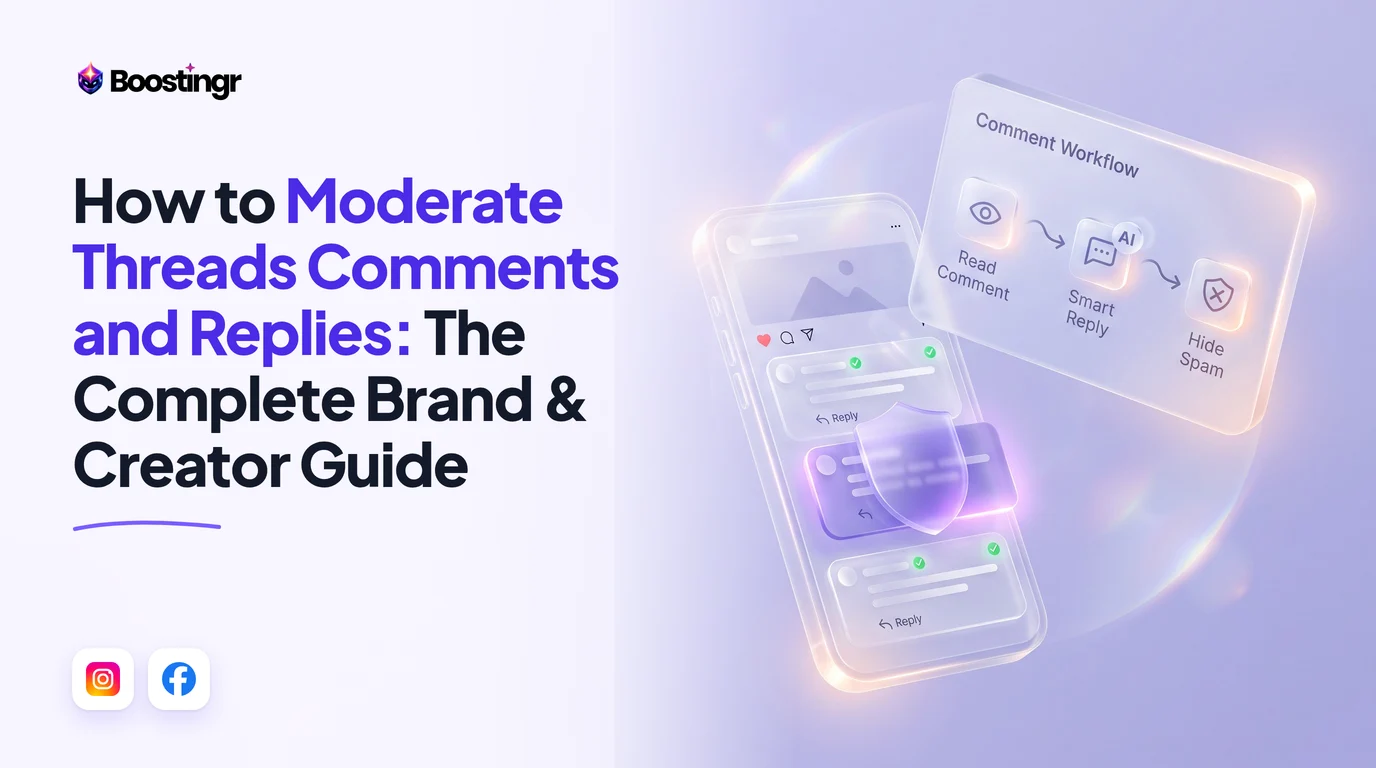
The Core Dilemma: Native Controls vs. Programmatic Protection
Meta’s Threads has rapidly evolved from a reactive microblogging experiment into a primary battleground for brand engagement, executive thought leadership, and performance marketing. However, managing community conversations on Threads presents distinct operational challenges that differ fundamentally from Instagram and Facebook.
Community managers often assume that because Threads is tied to the Instagram identity layer, comment moderation functions identically across both networks. In practice, the mechanics are starkly different. While Instagram benefits from mature keyword engines and private message automations, Threads relies on a conversational cascade where toxic, spammy, or off-brand replies can derail high-reach posts in minutes.
Understanding how to moderate threads comments and replies requires navigating a multi-layered spectrum of defenses: native in-app settings, content-filtering algorithms, Ads Manager dark post workflows, and the official Meta Threads API. Without a strategic framework, brands fall into the "engagement trap"—either restricting their comments so tightly that algorithmic reach collapses, or leaving the floor wide open to crypto spammers, competitor hijackers, and organized troll storms.
Native Reply Moderation: The Step-by-Step UI Guide
Before deploying programmatic or automated tools, brands and creators must master native interaction settings within the Threads mobile application and web interface.
1. How to Control Who Can Reply on Threads
Threads allows authors to define their conversation circle before or after hitting publish. Adjusting audience boundaries is your first line of defense against bot rings.
- Prior to Publishing: In the composer window, tap the bottom-left dropdown (defaulted to "Anyone can reply"). Select between three tiers:
- Anyone (Maximum organic reach; full exposure to public replies).
- Profiles you follow (Narrows discourse to your existing network; insulates against bot raids).
- Mentioned only (Closes the thread to all unsolicited responses; functions similarly to an announcement broadcast).
- After Publishing: Tap the three-dot menu (
...) in the upper-right corner of your published thread, select "Who can reply", and downgrade access immediately if a conversation turns hostile.
2. Threads Reply Approvals (The Pending Replies Queue)
For high-stakes brand announcements, PR statements, or influencer activations, Meta introduced threads reply approvals. When this feature is active, responses do not post directly to the public conversation tree.
Instead, they sit in a threads pending replies approval holding area visible only to the original poster. To manage this:
- Publish your thread, tap the
...menu, and toggle on "Turn on reply approvals". - As replies arrive, you will receive notifications directing you to the review dashboard.
- You can selectively tap Approve to push positive or constructive comments live, or dismiss low-quality submissions without the user receiving an explicit rejection notice.
3. How to Hide Replies on Threads (Manual UI)
If an offensive or off-topic reply slips past initial parameters, authors can manually hide it:
- Navigate to the reply under your thread.
- Tap the three-dot menu (
...) located directly next to the commenter's handle. - Tap "Hide".
- Threads will present an optional prompt: "Also block this account?" Select block if the user is a persistent troll, or simply confirm the hide action.
4. How to Delete Comments on Threads
While hiding conceals content from the public eye, how to delete comments on threads is a critical workflow for spam containing malicious links, phishing domains, or illegal material:
- Tap the three-dot menu on the reply you wish to purge.
- Select "Delete" (represented by a red trash icon).
- Confirm deletion. Note that deleting an organic comment removes that specific node and may orphan child responses underneath it.
Native UI "Hidden Words" vs. API "Hide for Everyone"
One of the most consequential points of confusion in meta threads comment moderation is the operational difference between the native consumer UI and programmatic API endpoints.
The "Drawer" Trap of Native Hidden Words
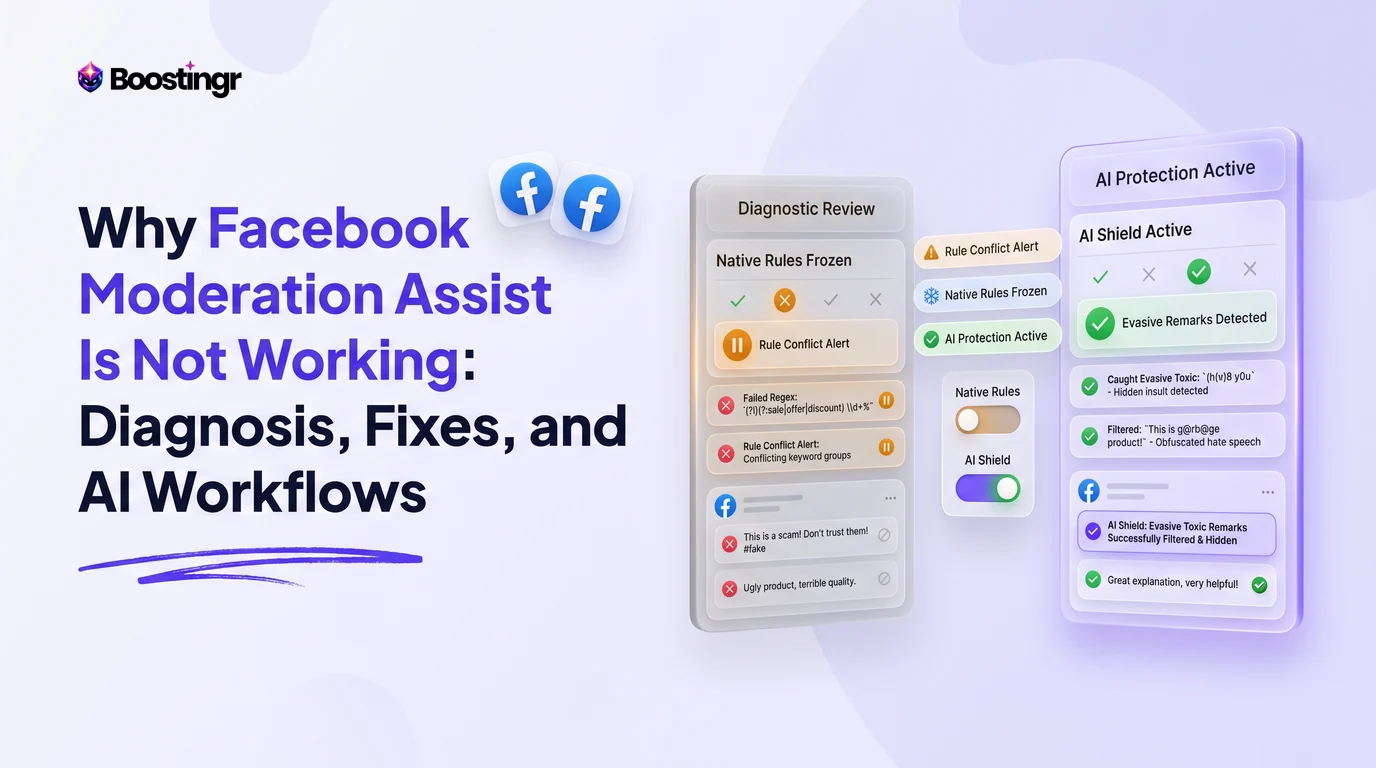
In the Threads application, users can configure a threads hidden words filter (synced directly with their Instagram settings under Privacy > Hidden Words). Here, you can define custom dictionaries to filter offensive words threads.
However, when the native filter triggers, it does not erase or fully suppress the reply. Instead, Meta groups these flagged responses and places them under an interactive drawer labeled "Hidden replies" at the bottom of the post.
Any visitor viewing your post can tap this drawer to expand and read every single filtered comment. This creates several strategic vulnerabilities:
- Curiosity Bias: Social media users routinely open hidden folders specifically looking for drama, outrage, or controversy.
- Brand Perception Risk: If aggressive slurs or scam links sit inside that drawer, your profile remains associated with unmanaged toxic discourse.
- Bypassing Keyword Rules: Native Hidden Words relies heavily on exact keyword matching. Spammers evade these filters effortlessly through zero-width spaces, leetspeak (
b!tco1n), unicode symbols, or line breaks.
[Native UI Architecture]
Filtered Reply ---> Matched via Exact String ---> Collapsed into Public "Hidden replies" Drawer ---> Clickable by Visitors

[API Architecture (Boostingr / Direct Graph API)]
Filtered Reply ---> Evaluated via Semantic Intent ---> Executed via "Hide for Everyone" ---> 100% Invisible to Public
The Power of "Hide for Everyone Threads" via API
When a marketing team integrates a dedicated AI comment management system utilizing the official Threads API, the moderation behavior changes entirely. By issuing an API patch to update the reply's visibility state to HIDE, the comment is subjected to a true hide for everyone threads protocol.
Under this programmatic regime:
- The comment becomes completely invisible to any third-party user loading the thread.
- There is no clickable drawer or visual artifact indicating that a reply was censored.
- The comment remains visible exclusively to the original commenter (a state known as shadow-hiding or soft-moderation), effectively preventing the commenter from realizing they have been filtered and re-posting from an alternate burner account.
Teams struggling with native filtering inconsistencies should review our technical breakdown on why Instagram Hidden Words fails and how to fix it.
Bridging Organic Threads and Dark Ad Posts
As Meta continues integrating Threads into Advantage+ and manual campaign placements within Meta Ads Manager, paid media teams face a new challenge: threads ad comments.
The Dark Post Blind Spot
When you run ads placed on Threads, those creatives do not appear as organic posts on your brand's public profile grid. They exist as unpublished "dark posts." Consequently:
- Native app push notifications do not alert social media managers when a user attacks a Threads ad placement.
- The comments do not surface in standard native notification feeds.
- A high-converting ad can rack up hundreds of negative, skeptical, or scam replies that depress ROAS without the media buyer ever noticing.
To moderate threads ad comments manually without software, media managers must open Meta Ads Manager, drill down to the Ad level, click Edit, navigate to the Ad Preview panel, select the dropdown for "Facebook Posts with Comments / Threads Ad Preview", and manually review incoming messages. This process is time-consuming and unsustainable during active spend scaling.
Furthermore, nested replies under Threads ads present an architectural limitation: secondary child replies under top-level comments are frequently missed by basic notification centers. Marketing teams that fail to supervise ad placements risk severe reputational damage. To dive deeper into troubleshooting hidden paid comments, consult our tactical guide on Meta Business Suite missing ad comments.
Unified Moderation Architecture
Enterprise brands resolve this blind spot by piping both organic Threads webhooks and Meta Marketing API webhooks into a unified command platform. Whether an interaction occurs on an organic viral thought leadership thread or a $50,000/month Threads placement ad, the comment must be routed through the exact same sentiment analysis and moderation pipeline.
Comparison Table
The following breakdown compares native in-app tools, native business management suites, and AI-powered comment management platforms across critical moderation dimensions:
| Capability / Metric | Native Threads App UI | Meta Business Suite / Ads Manager | Boostingr (AI Comment Management) |
|---|---|---|---|
| Hiding Mechanism | Collapses to clickable "Hidden replies" drawer | Manual hide (erratic dark ad synchronization) | API Hide for Everyone (Zero public trace) |
| Spam / Troll Detection | Exact-match keyword string only | Rudimentary blocklists | Contextual Sentiment & Intent AI |
| Dark Ad Comment Support | ❌ No visibility | ⚠️ Manual preview deep-links only | ✅ Unified organic & paid inbox stream |
| Pre-Moderation Queue | Manual Reply Approvals (manual tap) | ❌ Unsupported on Threads | ✅ Automated AI queueing based on risk score |
| Multi-Brand Workspace | Manual profile switching on mobile | Multi-asset dropdowns (slow UX) | Centralized multi-tenant team dashboard |
| Fediverse-Safe Moderation | Manual hiding preserves syndication | Manual hiding preserves syndication | Automated suppression with 0 federation loss |
| Automated Brand Replies | ❌ None | Basic keyword auto-responders | Dynamic Brand Memory & Intent Replies |
| Rate Limit Protection | N/A (Manual human speeds) | N/A | Adaptive queue pacing (<1,000 req/24h) |
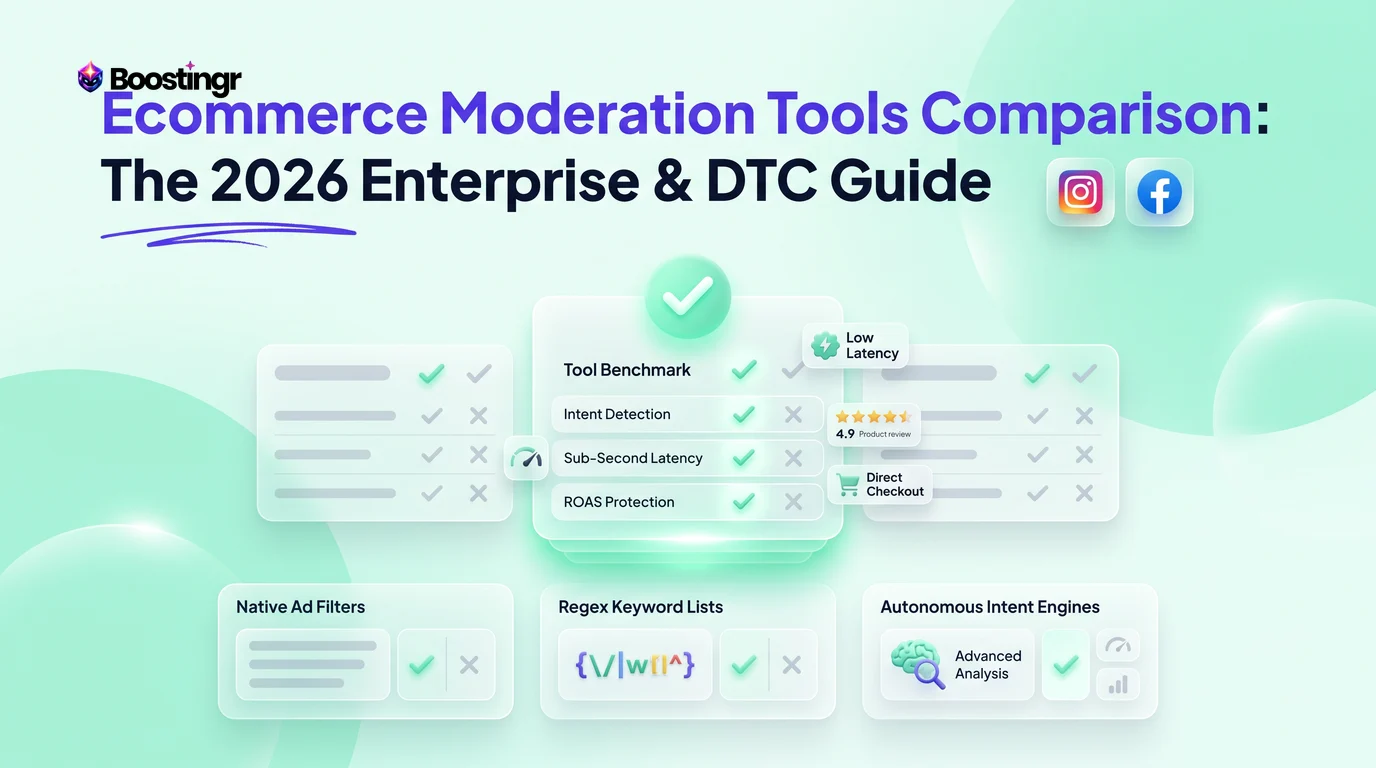
For an expanded industry view on tooling architectures, explore our benchmark on enterprise ecommerce moderation platforms.
The Technical Architecture of Threads API Comment Moderation
Building an automated moderation stack requires strict adherence to Meta's developer guidelines and infrastructure rules. Teams building custom scripts or deploying SaaS solutions must account for three structural constraints within the Threads API ecosystem.
1. The 1,000 Reply/24-Hour Rolling Rate Limit
According to the official Meta Graph API documentation and Instagram Platform specifications, Meta enforces an explicit ceiling on automated replies. A single Threads account can publish a maximum of 1,000 replies per rolling 24-hour window.
If a brand launches a viral sweepstakes or suffers a coordinated troll attack where thousands of comments flood in simultaneously, an unthrottled auto-reply bot will exhaust this quota rapidly. Once tripped, Meta blocks all outgoing API requests for that profile, effectively blinding your automated moderation. Platforms like Boostingr resolve this via adaptive queue pacing, prioritizing high-risk hiding actions (which consume standard graph endpoints) while conserving published reply calls for high-intent customer inquiries.
2. Zero DM Automation APIs on Threads
Marketers familiar with Instagram comment automation rely heavily on comment-to-DM triggers (e.g., "Comment 'DEAL' and we'll DM you the coupon code"). This is fundamentally impossible on Threads today.
Meta has not released a private messaging or Direct Message API for Threads. There are no native native DMs within the app architecture, and programmatic inbox triggers do not exist. Therefore, all threads auto reply automation must occur via public replies directly within the conversation thread.
Public replies demand infinitely higher precision than private DMs. If a bot responds with a generic, tone-deaf snippet to a customer expressing frustration, the mistake is broadcast publicly to all prospective buyers. Brands must move beyond rigid if-this-then-that logic to semantic AI that embodies brand voice and context.
3. Reading and Managing Nested Graph Trees
Threads uses an asynchronous, nested conversation graph. A single root thread can spawn multiple branch levels:
$$\text{Root Thread} \longrightarrow \text{Top-Level Reply (Parent)} \longrightarrow \text{Nested Reply (Child)} \longrightarrow \text{Sub-Reply}$$
When malicious actors post affiliate scams or impersonation links, they often place them as secondary replies underneath an already-popular top-level comment. Native notifications rarely alert account owners to these buried interactions. Programmatic API monitoring must continuously scrape and traverse the full reply tree to suppress bad actors hiding in secondary branches.
The Distribution Trade-Off: ActivityPub, Fediverse, and Algorithmic Reach
Moderation cannot be treated purely as a risk-mitigation task; it directly impacts content distribution. On Threads, how you configure your interaction boundaries alters how Meta's recommendation engine scores your content.
[Audience Setting: Anyone]
      │
      ├─► ActivityPub / Fediverse Syndication: ENABLED
      ├─► For You Recommendation Engine: MAXIMUM WEIGHT
      └─► Moderation Burden: CRITICAL (Requires Active AI Guardrails)

[Audience Setting: Profiles You Follow / Mentioned Only]
      │
      ├─► ActivityPub / Fediverse Syndication: DISABLED
      ├─► For You Recommendation Engine: SUPPRESSED / LOW PRIORITY
      └─► Moderation Burden: MINIMAL (Closed Garden)
The Fediverse (ActivityPub) Disconnect
Meta allows Threads users to opt into sharing their posts to the Fediverse, syndicating content across decentralized platforms like Mastodon. However, Meta's technical policy dictates that if an author restricts replies on a post (e.g., switching from "Anyone" to "Profiles you follow"), the post cannot federate.
If your organization relies on open-web syndication to capture decentralized audiences, using blunt native reply restrictions completely breaks your distribution pipeline. To maintain federation status, you must keep reply controls set to Anyone while executing moderation downstream via API hiding.
Algorithmic Reach Penalties
The Threads "For You" algorithmic feed prioritizes conversational density—measuring user dwell time, reply depth, and back-and-forth interactions. When an account turns on native threads reply approvals or heavily limits replies:
- The immediate velocity of user engagement halts.
- The recommendation engine flags the post as a restricted broadcast rather than a dynamic town square, reducing its likelihood of appearing on discovery feeds.
Consequently, the gold standard for growth-focused brands is open ingress paired with automated instant triage: allow the public to reply freely to maximize algorithmic scoring, but deploy intelligent background filters to neutralize bad actors within seconds.
Practical Examples and Use Cases
Use Case 1: Neutralizing a Coordinated Troll Pile-On
- Scenario: A consumer fintech brand posts an update regarding revised service fees. Within twenty minutes, a Reddit community coordinates a downvote and comment raid, dropping hundreds of hostile memes, personal attacks against company executives, and spam links.
- Native Failure: The social media manager attempts to use threads hidden words filter, but attackers circumvent the list using zero-width spaces and ASCII character replacements. Switching the thread to "Mentioned only" quashes reach and appears defensive.
- The AI Triage Workflow: The brand leverages Boostingr. The system detects an anomalous spike in negative velocity and activates an automated containment rule. Using intent detection and troll analysis, comments exhibiting ad-hominem hostility or off-topic spam are instantly actioned via hide for everyone threads API calls. Legitimate customer inquiries asking technical questions about the fee structure remain publicly visible and are tagged for priority support handling.
Use Case 2: Multi-Placement Dark Ad Governance for DTC Brands
- Scenario: An omnichannel apparel retailer runs an aggressive Advantage+ Meta campaign with dynamic creative distributed across Facebook, Instagram Reels, and Threads Ads.
- The Challenge: Competitor drop-shippers drop affiliate links in the Threads ad placements, warning potential buyers that the product is a "knockoff" and offering a counterfeit alternative.
- The Workflow: Because these dark posts do not show up in the native Threads notification feed, the team relies on automated moderation. The software identifies competitor link insertion patterns and suspicious account ages, executing an immediate delete and block across both Meta Business Suite and Threads ad endpoints simultaneously. Read our tactical guide on how to stop competitors commenting on Facebook and Meta ads for parallel strategies.
Use Case 3: Converting Viral Interest Without DM Automations
- Scenario: A B2B SaaS startup’s founder shares an insightful technical thread breaking down their architecture. The post goes viral, garnering over 1,500 replies asking for beta invites and product documentation.
- The Challenge: Because Threads lacks a DM automation API, the founder cannot send links via direct inbox triggers without manual labor.
- The Workflow: The team deploys an AI Instagram reply bot engine trained on their product documentation. The AI reads each incoming comment, differentiates between casual praise and high-intent sales queries, and responds publicly within seconds. For high-intent inquiries, the system generates humanized, varied replies: "Thrilled you liked the breakdown! You can grab sandbox access at the link in our bio—feel free to drop questions here as you test." This operationalizes lead capture from comments directly within Threads' platform limitations.
First-Party Mini Case Study: DTC Brand Manages a 14,000-Reply Drop
During a recent Black Friday product drop, an international lifestyle brand partnered with several high-tier creators to publish coordinated Threads announcements, alongside a $40,000 paid Threads ad placement push. Within six hours, the campaigns generated over 14,200 incoming replies across organic and dark ad variations.
The Challenge
The brand's four-person community team faced hundreds of crypto wallet drainers, phishing bots impersonating customer care handles, and sizing inquiries buried beneath spam. Relying on native UI tools resulted in an immediate 90-minute response backlog.
The Solution
The team connected their Meta Business accounts to Boostingr, deploying automated comment moderation rules:
- Impersonation Defense: Any comment matching the brand name combined with keywords like "giveaway," "support," or "claim" from unverified handles was immediately suppressed via API Hide for Everyone.
- Intent Categorization: Responses containing sizing, shipping, or discount inquiries were tagged as High-Intent Lead and routed into a fast-lane queue.
- Dynamic Brand-Voice Replies: Boostingr's AI generated contextual, on-brand responses addressing sizing questions directly in public replies, rotating copy variations to stay within Meta spam guidelines.
The Results
- Average Moderation Latency: Dropped from 84 minutes down to 4.2 seconds.
- Brand Safety: 1,840 scam and affiliate-jacking replies suppressed without public trace.
- Conversion Uplift: The real-time sizing assistance contributed to a 28% increase in direct attributed checkouts over the promotional weekend.
[14,200 Raw Incoming Replies]
       │
       ├─► 1,840 Impersonators/Spam ──► API Hide for Everyone (0 trace)
       ├─► 8,120 General Reactions  ──► Sentiment Tagged / Monitored
       └─► 4,240 Product Inquiries  ──► Dynamic Brand AI Public Replies
                                        (4.2s Avg Latency -> +28% Sales)
Visual guide
Moderating Threads with Reply Approvals
How the native pending replies queue lets you review comments before they appear publicly on your thread.
Native Drawer Versus API Hiding
Why relying on in-app keyword filters leaves offensive comments accessible compared to API-level moderation.
Managing Threads Dark Ad Comments
How ad placement comments bypass normal notifications and how to catch them before ad performance drops.
Operational Triage Blueprints for High-Velocity Threads
When a post goes viral, human moderation breaks down within hours. Teams must implement systematic triage operations to safeguard brand sentiment without sacrificing team sanity. For adjacent frameworks, study our guide on how teams triage Instagram comments.
Blueprint Phase 1: Ingestion & Sentiment Tagging
Every incoming comment must be categorized instantly by an AI layer trained to decipher internet slang, sarcasm, and regional idioms:
- Tier A (Critical Risk): Hate speech, corporate defamation, employee doxxing, malicious URLs. Action: Instant API Hide, log incident snapshot.
- Tier B (Commercial Friction): Competitor product comparisons, refund disputes, delivery complaints. Action: Route to high-priority customer support queue.
- Tier C (Conversion Intent): Pricing questions, product availability, compatibility. Action: Dispatch conversational AI response containing navigational guidance.
- Tier D (Low-Stakes Engagement): Emojis, brief reactions, memes. Action: Passive sentiment aggregation to inform reporting dashboards.
Blueprint Phase 2: Deciding to Hide vs. Delete
Community managers frequently debate whether to hide or delete offending content. On Threads, the rule of thumb mirrors Meta standards:
- Hide via API: Ideal for 95% of moderation incidents. The user does not know their provocation failed, avoiding retaliatory burner account attacks. Read our definitive guide on hide vs delete comments on Facebook and Meta for broader corporate policy templates.
- Delete: Reserved exclusively for dangerous links, explicit materials, or severe copyright infringements where complete data erasure is legally required.
                             [Trigger Event: Toxic Comment]
                                            │
                        Is the comment dangerous or illegal?
                                     /      \
                                   YES       NO
                                   /          \
              [Action: Permanent Delete]    Is commenter a persistent troll?
                                                   /      \
                                                 YES       NO
                                                 /          \
                  [Action: API Hide + Block User]      [Action: API Hide Only]
Why Modern Teams Choose Boostingr for Threads Management
Manual comment moderation across fragmented accounts is an operational bottleneck that drains growth. Native platform settings leave critical blind spots, and simplistic rule-based keyword blockers fail against modern spam tactics.
Boostingr does not just read comments, it understands people. Built specifically for brands, high-growth creators, and performance agencies, Boostingr provides an intelligent operating layer across your social profiles.
- Teach Once, Engage Everywhere: Train your proprietary Brand Memory once on your guidelines, documentation, and brand voice. Boostingr applies those core principles uniformly across Threads, Instagram, and Facebook.
- Humanized Brand-Tone Replies: Avoid stiff, robotic responses. Boostingr generates contextual, authentic replies that match your organization's exact communication style while adhering strictly to platform rate limits.
- Intelligent Troll & Spam Detection: Move beyond brittle keyword lists. Advanced sentiment analysis and intent detection neutralize coordinated attacks and competitor hijacks using true API Hide for Everyone protocols.
- Unified Paid & Organic Inbox: Eliminate dark ad blind spots. Monitor, triage, and reply to organic Threads conversations alongside Meta Ads Manager placement comments from one centralized console.
Ready to transform your social channels from unmoderated risk zones into brand-safe conversion engines? Explore our pricing plans or sign up today to automate your Threads moderation.
Checklist
Use this operational checklist to ensure your brand's Threads moderation posture is secure, scalable, and growth-friendly:
- Audit Default Interaction Settings: Review account-level privacy settings to confirm who can reply to standard corporate updates.
- Establish Reply Approval Protocols: Define clear PR triggers for when Reply Approvals must be switched on (e.g., crisis announcements, corporate restructuring).
- Evaluate Hidden Words Dictionaries: Audit current keyword dictionaries in Instagram/Threads settings; confirm high-risk terms are present while understanding the limitations of the public drawer.
- Bridge Dark Post Workflows: Establish a recurring operational schedule to review Threads Ad placements inside Ads Manager, or connect an API-driven unified inbox.
- Configure API Rate Pacing: If using automated scripts, ensure system architecture buffers outbound interactions below Meta's 1,000-reply/24-hour ceiling.
- Implement Intent-Based Triage: Set up classification tiers separating toxic harassment, customer inquiries, and commercial leads.
- Protect Federation Distribution: Avoid blanket reply limits on high-distribution thought leadership content to prevent ActivityPub federation disconnects.
- Draft Escalation SOPs: Provide community managers with explicit guidelines detailing when to soft-hide via API versus executing a permanent delete and block.
- Review Third-Party Connectors: Ensure any tool executing threads api comment moderation uses approved Graph API endpoints to prevent account integrity penalties.
- Deploy Brand Memory AI: Equip automated systems with context-aware knowledge bases to handle public inquiries accurately without risk of generic bot hallucinations.
Key Takeaways
- Native Hidden Words Leaves an Exposure Trail: In-app filtering merely moves flagged content into an accessible "Hidden replies" drawer. True brand safety requires programmatic API Hide for Everyone to scrub toxic comments from third-party view completely.
- Threads Dark Ads Require Dedicated Tooling: Comments left on Threads ads do not notify community teams through native feeds. Unifying organic and paid streams prevents unmoderated spam from degrading campaign ROAS.
- Distribution Depends on Moderation Choice: Restricting native reply permissions disables Fediverse syndication and dampens algorithmic discovery in the "For You" feed. Scalable brands keep ingress open while automating downstream triage.
- No Private DM Fallback Exists on Threads: Because Meta has not deployed a Threads DM API, all automated replies must be public. This elevates the need for humanized, brand-safe, contextual AI responses.
- Respect Meta's 1,000 Reply Daily Limit: High-traffic viral threads can easily exceed Meta’s rolling 24-hour rate limit. Intelligent queueing systems are mandatory to safeguard platform access.
Frequently asked questions
What is the difference between native Hidden Words and 'Hide for everyone' on Threads?
Native 'Hidden Words' collapses filtered replies into a clickable 'Hidden replies' drawer at the bottom of the thread, leaving them accessible to curious visitors. In contrast, using the Threads API or an enterprise moderation platform to execute 'Hide for everyone' suppresses public visibility entirely, rendering the reply invisible to all third-party viewers while keeping it visible only to the original author.
Can you delete comments left by other users on your Threads posts?
Yes. As the original author of a thread, you can delete any reply under your post by tapping the three-dot menu (...) on the target comment and selecting 'Delete'. Deleting permanently erases the comment and any nested child replies branching off it, unlike hiding, which can be reversed.
How do Threads Reply Approvals work for high-traffic accounts?
When 'Reply Approvals' is enabled in a thread's settings, incoming responses are routed into a private 'Pending replies' queue. Replies remain completely hidden from the public feed until the original post author manually reviews and approves them, effectively eliminating real-time spam or harassment pile-ons.
Does restricting replies on Threads affect Fediverse syndication?
Yes. When you restrict who can reply to a thread (such as selecting 'Profiles you follow' or 'Mentioned only'), Meta automatically disables federation to the Fediverse (ActivityPub). Your post will not be federated or syndicated to external decentralized platforms like Mastodon, and its algorithmic distribution on the 'For You' feed is typically constrained.
Can you automate direct messages from Threads comments like on Instagram?
No. Meta has not released a Direct Messaging (DM) API for Threads. Unlike Instagram, where comment-to-DM triggers can funnel leads into private chats, all Threads engagement and automated lead handling must happen via contextual, brand-safe public replies or by routing users to an external link or Instagram profile.
What are Meta's official API rate limits for Threads reply automation?
Meta enforces a strict published reply limit of 1,000 replies per rolling 24-hour window per Threads account. Third-party automation and AI moderation tools must pace their outbound responses within this programmatic ceiling to prevent temporary API throttling or account flags.
How do marketing teams moderate comments on Threads dark ads?
Threads ad comments do not appear in the native Threads profile timeline. Teams must either navigate to Meta Ads Manager, select 'Edit Ad', and preview the creative with comments on Threads, or connect an API-level moderation platform that unifies organic Threads posts and unpublished dark ad placements into a single triage inbox.
Is this available in size M? Want to order today