Quick Answer
Social media comment automation is the use of AI-powered systems to manage the entire lifecycle of a social media comment. Unlike basic inbox rules that use simple keyword triggers, it involves a sophisticated workflow to intelligently classify, moderate, route, and respond to comments across multiple platforms based on their sentiment, intent, and context, enabling brands to engage communities and protect their reputation at scale.
The Tsunami of Comments: An Opportunity Wrapped in Chaos
Every comment on your social media posts is a signal. It could be a customer on the brink of purchase, a frustrated user needing support, a fan spreading positive word-of-mouth, or a spam bot trying to derail the conversation. For modern brands, this constant stream of engagement is a double-edged sword.
On one side, it's an unprecedented opportunity to connect with your audience, gather feedback, generate leads, and build a loyal community. On the other, it's a chaotic, high-volume firehose that can quickly overwhelm even the most dedicated social media teams. The sheer scale—across Instagram, Facebook, TikTok, YouTube, and more—makes manual management impossible.
Many brands turn to what they believe is the solution: automation. They set up simple keyword triggers and auto-replies, hoping to tame the beast. But this often leads to a new set of problems: generic, robotic responses that alienate users, missed high-intent leads, and brand safety crises when moderation fails. This isn't true automation; it's a digital band-aid on a systemic issue.
True **social media comment automation** is not about setting up a simple auto-responder. It's about implementing an intelligent operating system for your comments—a system that understands people, not just keywords. It’s a strategic shift from a reactive inbox-clearing mindset to a proactive, workflow-driven approach that transforms comment chaos into community intelligence and business growth. This guide will show you how.
The Great Divide: Basic Inbox Automation vs. Intelligent Comment Automation
The term "automation" is used broadly, but in the context of comment management, there are two vastly different worlds. Understanding this distinction is the first step toward building a scalable and effective community engagement strategy.
What is Basic Inbox Automation?
This is the most common form of automation, often found as a feature in all-in-one social media schedulers or simple chatbot tools. It operates on a simple `IF-THEN` logic:
* **IF** a comment contains the keyword "price", **THEN** send a pre-written DM. * **IF** a comment contains a specific curse word, **THEN** hide it.
While better than nothing, this approach is fundamentally flawed. It's rigid, lacks context, and is easily fooled. A comment like "I can't believe the price of this, it's a steal!" is treated the same as "The price is too high." It can't understand sarcasm, slang, or nuance. It's a blunt instrument in a conversation that requires surgical precision.
The Rise of Intelligent Comment Automation
Intelligent **social media comment automation**, the kind powered by platforms like Boostingr, represents a paradigm shift. It moves beyond simple keywords to understand the *meaning* behind the words. This is less of a tool and more of an AI-powered brain for your community management.
Instead of a simple `IF-THEN` rule, it uses a sophisticated **social comment workflow automation** model:
* **Sentiment:** Is the user happy, angry, or neutral? * **Intent:** What are they trying to do? Ask a question? Make a purchase? Complain? Praise the brand? * **Safety:** Is it spam, a troll attack, or hate speech?
* Instantly hiding a harmful comment. * Drafting a human-like, on-brand AI reply for a common question. * Tagging a comment as a high-intent lead and routing it to the sales team. * Escalating a negative sentiment comment to a senior customer support agent.
- **Ingest:** It pulls in every comment from all your connected social accounts (Instagram Ads, Facebook posts, YouTube videos, etc.) into a single, unified system.
- **Understand:** An AI engine analyzes each comment for multiple layers of meaning:
- **Act:** Based on this deep understanding, the system executes a pre-defined workflow. This could mean:
This is the difference between a tool that just reads comments and an intelligence engine that understands people. It's the foundation for scaling engagement without sacrificing quality or brand safety.
Comparison Table: Inbox Automation vs. AI Comment Management
| Feature | Basic Inbox Automation (e.g., ManyChat, simple schedulers) | Intelligent AI Comment Management (e.g., Boostingr) |
|---|---|---|
| **Core Logic** | Keyword-based triggers (IF/THEN) | AI-driven intent, sentiment, and context analysis |
| **Moderation** | Basic profanity filters; hides specific words. | Proactive spam, troll, and hate speech detection; understands nuance. |
| **Replies** | Canned, pre-written responses. Often robotic. | Context-aware, humanized AI replies using brand voice and memory. |
| **Lead Capture** | Catches explicit keywords like "buy" or "price". | Identifies nuanced purchase intent (e.g., "I need this!", "Is this available in blue?"). |
| **Scalability** | Becomes unwieldy with many rules; platform-specific. | Scales across platforms with unified workflows ("Teach once, engage everywhere"). |
| **Analytics** | Counts keyword mentions. | Provides deep community intelligence, trend analysis, and sentiment tracking. |
| **Brand Safety** | Reactive; high risk of missed threats. | Proactive; significantly reduces brand safety risks. |
| **Workflow** | Simple, linear rules. | Complex, multi-step workflows for triage, routing, and escalation. |
The Core Components of a Modern Social Media Comment Automation Workflow
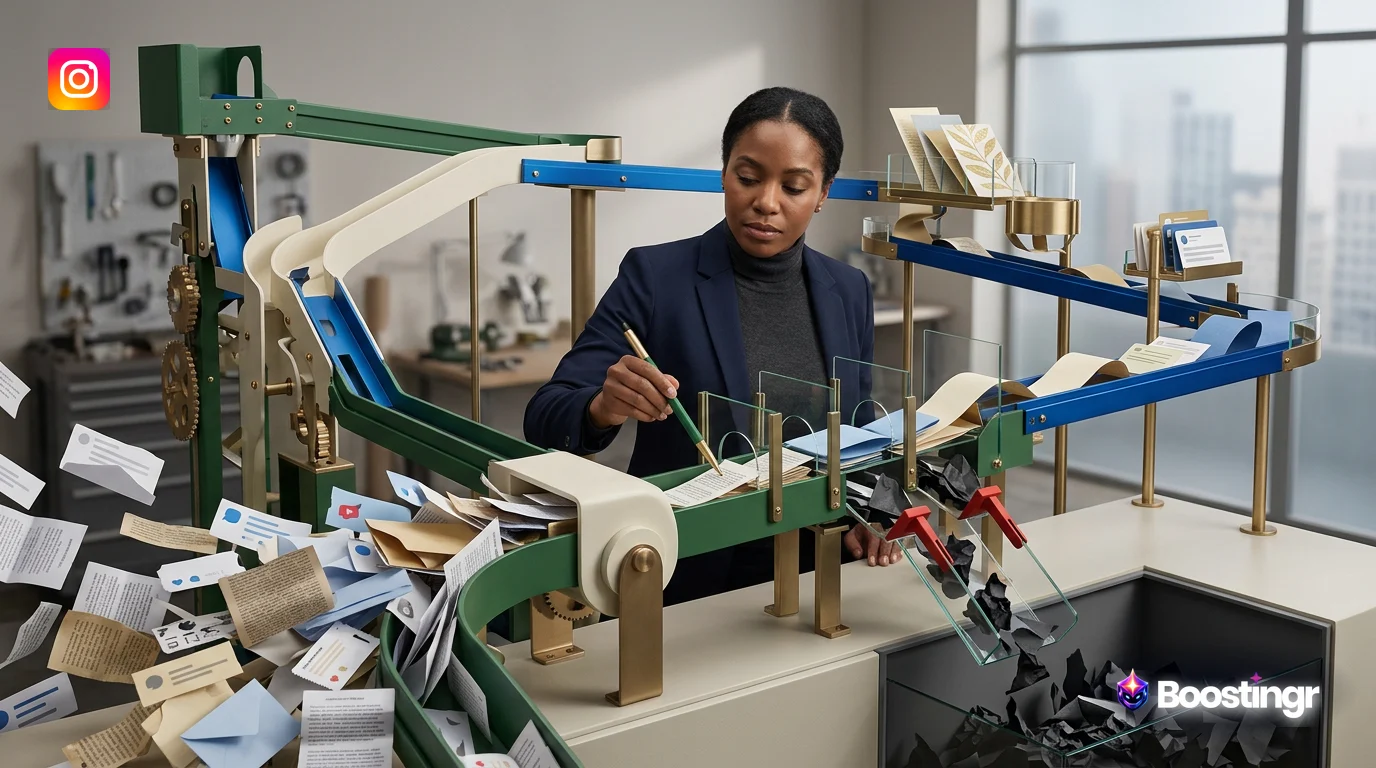
A robust **social comment workflow automation** strategy is not a single action but a multi-stage pipeline. Think of it as an intelligent assembly line for your comments, where each one is analyzed and processed to maximize its value and minimize its risk. Boostingr acts as the operating system for this entire process.
Ingestion & Unification
The first step is to break down the data silos. Your brand receives comments on Instagram Reels, Facebook Ads, organic posts, YouTube videos, and TikToks. A true **comment automation platform** connects to these sources via their official APIs (like the Instagram Graph API) and funnels every single comment into one centralized dashboard. This unified view is the non-negotiable starting point for effective management.
Classification & Triage (The AI Brain)
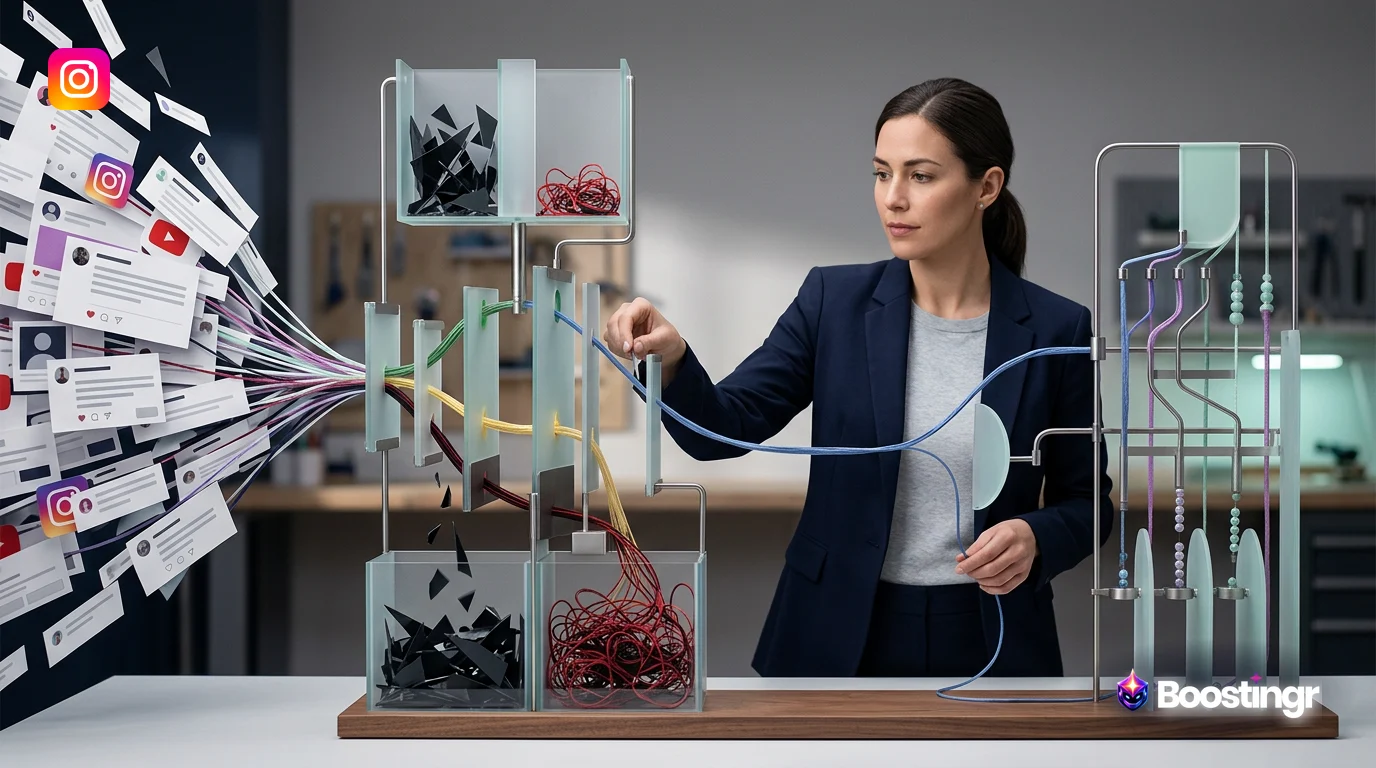
Once a comment is ingested, the AI gets to work. This is the most critical stage, where deep understanding separates intelligent automation from basic tools.
* **Spam & Troll Detection:** Before anything else, the system scans for threats. Using advanced pattern recognition and machine learning, it identifies and automatically hides spam links, bot comments, and coordinated troll attacks. This is your first line of defense for brand safety. For a deeper dive, explore our playbook on AI comment moderation. * **Sentiment Analysis:** The AI then gauges the emotional tone of the comment. Is it positive, negative, or neutral? This simple classification is powerful. A wave of negative sentiment on an ad, for example, can be an early warning to check your campaign or product. * **Intent Detection:** This is the game-changer. Sentiment tells you *how* a person feels; intent tells you *what* they want to do. The AI is trained to recognize dozens of intents, such as: * **Purchase Intent:** "I need this in my life!" or "Do you ship to Canada?" * **Customer Support:** "My order hasn't arrived" or "This broke after one use." * **Product Question:** "Is this waterproof?" or "What is it made of?" * **Positive Feedback:** "I love your products! Best customer service ever!" * **Negative Feedback:** "I'm so disappointed with the quality."
Understanding intent is crucial for taking the right action. Learn more in our ultimate guide to intent detection for comments.
Routing & Escalation
With the comment fully understood, the workflow engine routes it to the right destination. This automated triage saves hundreds of hours.
* **Spam/Hate Speech:** Automatically hidden, with the user potentially blocked. * **Simple Questions:** Queued for an AI-generated reply, pending human approval. * **High-Intent Leads:** Tagged as 'Lead' and sent directly to a sales dashboard or CRM. * **Negative Sentiment/Support Issues:** Immediately escalated to the customer support team's queue in Zendesk or Slack, with all context attached. * **Positive Feedback/UGC:** Tagged for the marketing team to review for testimonials or future content.
Response & Engagement
Finally, it's time to respond. Intelligent automation aims for quality and authenticity, not just speed.
* **AI-Generated Replies with Brand Memory:** For common questions or comments, the system can draft a response. Crucially, a platform like Boostingr uses **Brand Memory**. It learns from your brand guidelines, past human responses, and product catalogs to generate replies that are not only accurate but also perfectly match your brand's unique voice and tone. It's the key to creating brand-safe AI replies. * **Human-in-the-Loop Workflow:** The best systems don't remove humans; they empower them. AI drafts the reply, and a human agent simply clicks "approve" or makes a quick edit. This combines the speed of AI with the nuance and final say of a human expert, ensuring 100% quality control.
Practical Examples and Use Cases
Let's move from theory to practice. Here’s how a sophisticated **social media comment automation** workflow transforms business operations.
**Use Case 1: The Ecommerce Brand** * **Problem:** A fashion brand runs an Instagram Reel showcasing a new dress. It goes viral, attracting thousands of comments like "OMG I need this!", "Where can I get one?", "Price?", and "Is this in stock in a size M?". The social media manager is drowning. * **Workflow Solution:**
- Boostingr ingests all comments.
- Comments with clear purchase intent are automatically identified.
- The system drafts a personalized reply: "We're so glad you love it! You can find the 'Sunset' dress right here [link]. It is currently in stock in size M!" and sends a DM with the link.
- These comments are tagged as 'Hot Leads' and pushed to a dashboard for the sales team to see the direct ROI from the Reel.
- This entire process is a core function of an Instagram lead capture tool.
**Use Case 2: The B2B SaaS Company** * **Problem:** A SaaS company runs a Facebook ad campaign. They get comments ranging from "Looks interesting, how does this compare to [Competitor]?" to "I'm having a bug with your current software" and spammy crypto links. * **Workflow Solution:**
- Spam comments are instantly hidden.
- The support query ("I'm having a bug...") is identified by its negative sentiment and support intent. It's automatically routed to the support team's high-priority Slack channel with a link to the user's profile.
- The competitive question ("how does this compare...") is identified as a pre-sales inquiry. An AI Instagram reply bot (or Facebook, in this case) drafts a reply based on the Brand Memory's competitor battle cards: "Great question! While both tools do X, our platform is unique in its focus on Y and Z. We have a full comparison here [link]." A human agent approves the reply with one click.
**First-Party Observation from Boostingr:** We've observed that brands using basic keyword automation for lead capture often miss over 50% of purchase-intent comments because they're phrased colloquially (e.g., 'I need this!' vs. 'How much is this?'). An intent-based system like Boostingr captures both, effectively doubling the lead volume from the same ad spend.
How to Automate Social Comments Across Multiple Platforms
The true power of a modern **comment automation platform** is its ability to create a unified strategy that works everywhere. Your audience doesn't care if they're on TikTok or Instagram; they expect a consistent brand experience.
The challenge is that each platform has unique technical requirements and user behaviors. A comment on a professional LinkedIn post is very different from a comment on a TikTok dance challenge. Manually managing these differences is a nightmare.
This is where the "Teach once, engage everywhere" philosophy comes in. With a platform like Boostingr, you don't build separate, siloed automation for each channel. Instead, you build a central **social comment workflow automation** strategy. You teach the AI your brand voice, your product details, and your escalation paths *once*. The platform then intelligently applies that logic across all connected accounts, adapting to the specific context of each one.
A workflow designed to identify and route customer complaints can work seamlessly on a Facebook ad comment, a YouTube video comment, and an Instagram post comment, all without any extra configuration. This unified approach not only saves immense amounts of time but also ensures a consistent, high-quality response to every customer, no matter where they choose to engage.
Building Your Social Comment Workflow Automation Strategy
Ready to build your own system? Follow this strategic blueprint.
Step 1: Define Your Goals
What is the primary business objective? You can't optimize for everything at once. Pick a primary goal: * **Brand Safety:** Prioritize hiding spam, hate, and troll comments above all else. * **Lead Generation:** Focus on identifying and quickly responding to purchase intent. * **Customer Support Efficiency:** Aim to reduce response times and resolve issues faster. * **Community Building:** Encourage positive conversations and identify brand advocates.
Step 2: Map Your Comment Types
Audit your comments for a week. Categorize them. What percentage are spam, questions, leads, complaints, or praise? This data will inform where you focus your automation efforts.
Step 3: Design Your Workflows
Using your goals and comment map, design the logic. For each comment type, define the desired outcome. Use a simple flowchart. * **Example for a 'Complaint' comment:** * `Comment Received` -> `AI detects Negative Sentiment + Support Intent` -> `Tag as 'Urgent Support'` -> `Create ticket in Zendesk` -> `Assign to Tier 2 Agent` -> `Post internal Slack notification`.
Step 4: Configure Your AI with Brand Memory
This is where you train your automation partner. In Boostingr, this involves: * Uploading your brand style guide for voice and tone. * Creating a knowledge base of FAQs and product information. * Defining your escalation paths and routing rules. * Providing examples of how your best human agents have replied in the past.
Step 5: Implement, Monitor, and Iterate
Go live, but don't set it and forget it. Use the platform's analytics to monitor performance. Is the AI correctly identifying intent? Are the replies accurate? Use the human-in-the-loop feature to correct the AI, helping it learn and improve over time. The goal is a system that gets smarter with every interaction.
**First-Party Observation from Boostingr:** A common pain point for multi-location brands is inconsistent replies. By implementing a central **social comment workflow automation** in Boostingr, a national retail client with over 200 local Facebook pages reduced their average first response time by 70% and ensured 100% brand voice consistency across all locations within the first month.
Checklist: Implementing Your Social Media Comment Automation System
Use this checklist to guide your implementation of a platform like Boostingr.
- [ ] **Audit & Goal Setting:**
- [ ] Define primary goal (Brand Safety, Leads, Support).
- [ ] Analyze existing comment volume and types across all platforms.
- [ ] Set measurable KPIs (e.g., reduce response time by 50%, increase lead capture by 20%).
- [ ] **Platform Setup:**
- [ ] Connect all relevant social media accounts (Instagram, Facebook, YouTube, etc.).
- [ ] Integrate with key business systems (CRM, helpdesk like Zendesk, team comms like Slack).
- [ ] Invite and assign roles to team members (Moderators, Sales, Support).
- [ ] **AI & Workflow Configuration:**
- [ ] Configure spam and troll detection sensitivity.
- [ ] Build your first workflow for your primary goal (e.g., a lead capture workflow).
- [ ] Populate the Brand Memory with your brand voice, FAQs, and product info.
- [ ] Set up routing rules for different comment intents (e.g., negative sentiment -> support channel).
- [ ] **Deployment & Training:**
- [ ] Run the system in a 'monitor-only' or 'draft-only' mode for a short period to validate AI accuracy.
- [ ] Train your team on the new human-in-the-loop workflow (approving/editing AI replies).
- [ ] Activate your first workflow.
- [ ] **Optimization:**
- [ ] Schedule weekly reviews of the analytics dashboard.
- [ ] Identify and correct any misclassified comments to improve the AI model.
- [ ] Gather feedback from the team and refine workflows for better efficiency.
- [ ] Gradually build and activate new workflows for other use cases.
Key Takeaways
* **Not All Automation is Equal:** There's a massive difference between basic keyword triggers and intelligent, AI-powered **social media comment automation** that understands context. * **Think Workflows, Not Rules:** The future of comment management is building strategic, multi-step workflows for classification, routing, and response—not just simple IF/THEN rules. * **Intent is the Game-Changer:** Understanding *why* someone is commenting is more important than the specific words they use. Intent detection unlocks true business value from your comments section. * **Unification is Power:** A single platform to manage comments from all social channels is essential for consistency and efficiency. The "Teach once, engage everywhere" model saves countless hours. * **AI Empowers Humans, It Doesn't Replace Them:** The best systems use AI for speed and scale, and humans for quality control and strategic oversight. The human-in-the-loop model is key. * **Start with a Goal:** Don't try to automate everything at once. Pick a primary goal—like lead capture or brand safety—and build a focused workflow to solve that specific problem first.
Original Diagrams
These original visuals explain the workflow in a faster, more defensible format than plain text alone and give the article first-party assets that are easier to understand and harder to copy.
Comment Processing Workflow
This diagram illustrates the end-to-end journey of a social media comment through an intelligent automation system. It starts with comment ingestion and moves through classification, moderation, and routing to the appropriate response or action.
AI Decision Tree
See how the AI makes decisions by analyzing a comment's sentiment, intent, and keywords. This decision tree shows the logic used to determine the correct next step, whether it's a reply, a moderation action, or escalation.
Moderation Pipeline
This pipeline visualizes the automated trust and safety workflow. Comments enter one end and are filtered through stages like profanity checks, spam detection, and hate speech analysis before being either hidden, deleted, or approved.
Intent Classification Flow
Not all comments are equal; this flow shows how the system categorizes comments by user intent. It routes sales inquiries, support requests, and general feedback to the correct internal process or team.
Brand Memory Diagram
Intelligent automation learns from every interaction. This diagram shows how the AI accesses a 'Brand Memory' of past conversations, user history, and brand guidelines to provide context-aware and personalized replies.
Evidence, Experience, and References
This article is based on Boostingr's direct experience building and implementing enterprise-grade AI comment management systems for leading brands. Our team consists of experts in machine learning, natural language processing, and social media strategy. The workflows and principles described are derived from analyzing billions of public comments and refining our AI models to deliver measurable business outcomes like improved brand safety, increased lead generation, and enhanced customer support efficiency.
Our platform operates in compliance with the terms of service for all connected social networks, utilizing official APIs for data access.
**Authoritative Sources:** * Facebook Graph API Documentation * Google Search Essentials
About the Author
The Boostingr team is dedicated to helping brands move beyond simple moderation and unlock the strategic value hidden within their social media comments. Our content is written by a collective of product specialists, AI researchers, and marketing strategists with deep expertise in the intersection of community management and artificial intelligence.
Last Updated
October 2023
FAQs
Search Intent and Topic Map
This guide targets readers researching social media comment automation and maps the topic to practical evaluation and implementation decisions. Supporting concepts include comment automation platform, automate social comments, social comment workflow automation, ai comment management, brand safe ai replies, comment moderation automation. These terms are used only where they clarify the reader's question, not as repeated ranking phrases.