


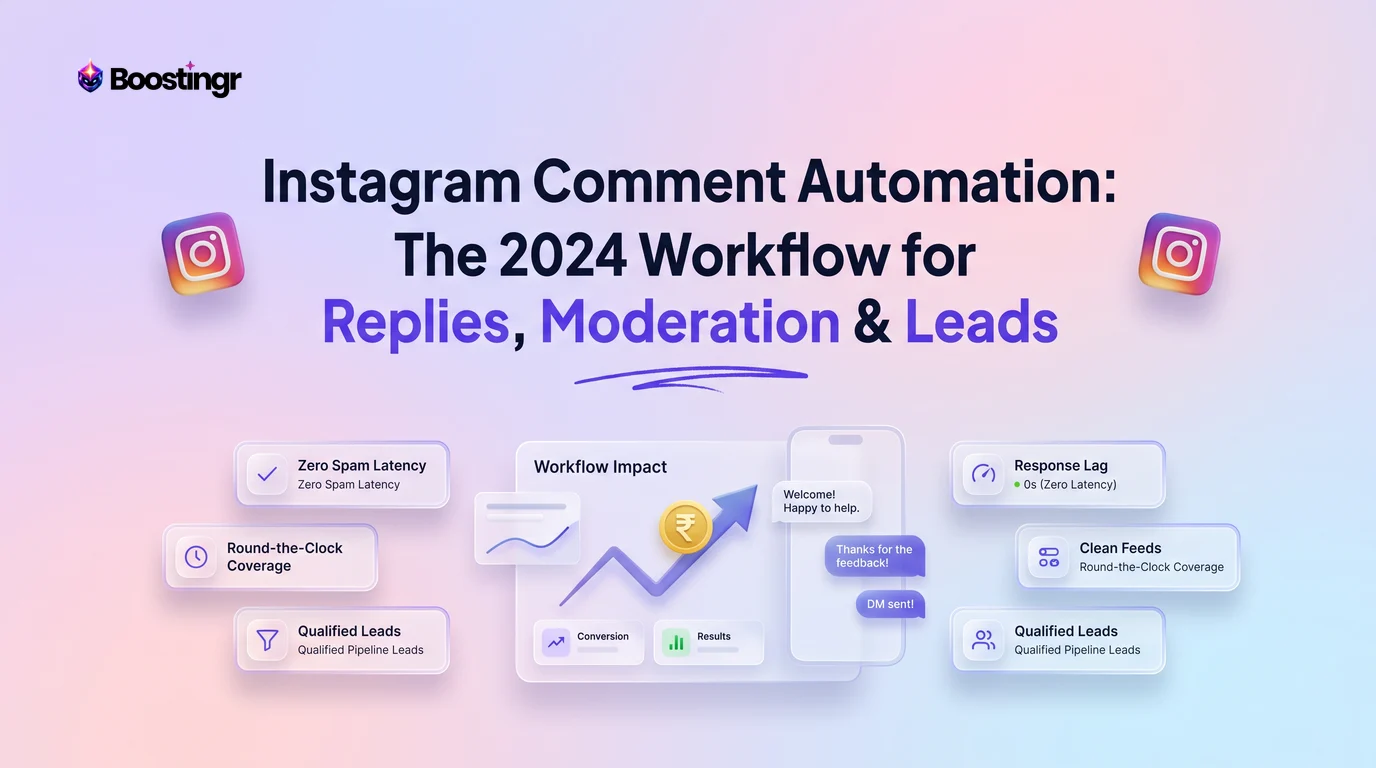
The Challenge: Why Manual Comment Management Fails at Scale
Your Instagram is buzzing. Your Reels are hitting the For You page, your ads are performing, and the comments are flooding in. This is the goal, right? Yes, but it comes with a significant operational challenge. For brands, creators, and agencies, a high volume of comments is a double-edged sword. On one side, it’s a powerful indicator of audience engagement and interest. On the other, it’s an overwhelming wave of notifications that can quickly lead to chaos.
Manually sifting through hundreds or thousands of comments per day is simply not sustainable. This manual approach inevitably leads to critical failures:
- Missed Opportunities: Buried within the flood are golden opportunities. A user asking, "Where can I buy this?" is a hot lead. A customer praising your product is a chance for powerful social proof. A person asking a specific question is an opportunity to build trust. When your team can't keep up, these opportunities vanish.
- Brand Reputation Risk: Spam, trolls, and hateful comments can poison your community space. If left unaddressed, they deter genuine fans and damage your brand's image. Similarly, legitimate customer complaints or negative feedback that go unanswered make your brand appear careless and unresponsive, eroding trust that took years to build.
- Team Burnout and Inefficiency: Your social media managers are strategic assets, not comment-clearing robots. Forcing them to spend hours a day on repetitive tasks like deleting spam or typing out the same answer to a common question leads to burnout, reduces morale, and pulls them away from high-impact activities like content strategy, campaign analysis, and community building.
- Lack of Actionable Insights: Your comment section is a real-time focus group. It contains raw, unfiltered feedback about your products, marketing, and customer service. Manually managing comments provides anecdotal evidence at best. You lack the ability to quantify sentiment, track recurring issues, or spot emerging trends in customer needs.
Without a system, you're not just managing comments; you're actively losing potential revenue, damaging your brand, and burning out your team. The solution isn't to hire more people to do the same repetitive work. The solution is a smarter workflow powered by intelligent instagram comment automation.
What is Intelligent Instagram Comment Automation? (Beyond Basic Bots)
When many marketers hear "automation," they picture rigid, old-school bots. They think of clunky, keyword-based systems that trigger the same robotic reply every time someone types "price," often leading to awkward and off-brand interactions. This is not intelligent automation.
Modern instagram comment automation, particularly the kind powered by a platform like Boostingr, is fundamentally different. It's not about just reading keywords; it's about understanding people. This new generation of tools uses advanced AI models to analyze the nuances of human language.
Here’s what sets intelligent automation apart:
- Sentiment Analysis: The AI can determine if a comment is positive, negative, or neutral. This allows you to automatically thank happy customers while flagging angry ones for immediate human attention.
- Intent Detection: The system goes beyond sentiment to understand what the user wants. Is it a purchase inquiry ("How do I order?"), a customer support issue ("My package hasn't arrived"), a pre-sale question ("Does this come in blue?"), or simple praise ("Love this!")? Understanding intent is the key to providing a relevant response.
- Spam & Troll Detection: Sophisticated AI can identify and automatically hide comments that are obviously spam, hateful, or from known trolls, keeping your comment section clean and safe without manual intervention.
- Brand Memory: This is a crucial component. An intelligent AI like Boostingr can be trained on your specific brand. You teach it your brand voice, your product details, your FAQs, and your policies. This ensures that when the AI generates a reply, it sounds like you. This is the core of the "Teach once, engage everywhere" philosophy, creating humanized, brand-tone replies across all your connected social accounts.
Intelligent automation isn't a replacement for human connection. It's a force multiplier. It handles the noise, the repetition, and the initial sorting, freeing up your team to focus on the meaningful conversations that build a loyal community and drive business results.
The 3-Pillar Workflow for Instagram Comment Automation
A successful strategy for instagram comment automation isn't about turning on a single switch. It's about implementing a structured, multi-layered workflow. We can break this down into three core pillars: Intelligent Moderation, Automated Public Replies, and Proactive Lead Capture.
Pillar 1: Intelligent Moderation (The First Line of Defense)
Before you can engage, you must protect. Your comment section is a digital storefront, and it needs to be a safe and welcoming place. The first job of any automation workflow is to act as a 24/7 security guard.
The workflow for intelligent moderation looks like this:
- Automatic Classification: As each new comment arrives, Boostingr's AI instantly analyzes it. It's classified based on multiple factors: is it spam? Does it contain hate speech? Is it from a known troll? Is the sentiment strongly negative?
- Auto-Hide Harmful Content: Comments identified as spam, scams ("DM to be a brand ambassador"), or containing offensive language are automatically hidden from public view. This action is instant, preventing the harmful content from ever being seen by the majority of your audience. This is crucial for protecting your Return on Ad Spend (ROAS) on paid campaigns, as a clean comment section encourages legitimate engagement. You can learn more in our guide to Instagram ad comment moderation.
- Route & Prioritize for Human Review: Not all negative comments should be hidden. A legitimate customer complaint is an opportunity to provide excellent service. The AI flags these comments, tags them as "Urgent" or "Negative Sentiment," and routes them to a specific team member or channel (like a Slack channel for the support team). This ensures that critical issues are escalated and handled by a human with empathy and expertise.
This first pillar ensures your community remains healthy and your team isn't bogged down with the tedious task of manual cleanup. It creates a solid foundation upon which you can build your engagement strategy.
Pillar 2: Automated Public Replies (Engaging at Speed)
With the noise filtered out, you can focus on engagement. Speed is critical on Instagram. Replying quickly to a positive comment or a simple question not only delights the user but also signals to the Instagram algorithm that your post is valuable, potentially increasing its reach.
This is where you can leverage automated instagram comment replies in a smart, brand-safe way. The workflow involves:
- Identify Reply-Worthy Comments: The AI identifies comments that are safe and ideal for an automated reply. These typically include general praise ("This is amazing!", "I love your products!") and frequently asked questions ("What are your store hours?", "Do you ship to Canada?").
- Generate Contextual, On-Brand Replies: This is where Brand Memory shines. Instead of a generic "Thanks!", the AI can generate varied, human-sounding responses based on the context and your pre-defined brand voice. For example:
- Comment: "OMG I need this! 😍"
- AI Reply: "We're so glad you love it! It's definitely a team favorite over here. ✨"
- Set Governance Rules: You maintain full control. You can set rules to only automate replies for comments with positive sentiment, or for specific, known questions. You can also create a workflow where the AI suggests a reply, which a human team member then approves with a single click. This hybrid approach combines the speed of AI with the oversight of your team.
By using an AI Instagram reply bot like Boostingr, you ensure that no positive comment goes unacknowledged, building goodwill and engagement at a scale impossible to achieve manually.
Pillar 3: Proactive Lead Capture (Turning Comments into Conversions)
This is where instagram comment automation transitions from a community management tool to a revenue-generating engine. Your comment section is filled with users expressing commercial intent. The final pillar of your workflow is designed to identify and capture these high-intent individuals.
The lead capture workflow is a two-part process:
- Detect Buying Signals: Boostingr's intent detection AI is trained to recognize a wide range of buying signals, from explicit questions like "Price?" and "How can I buy?" to more subtle cues like "I want this for my birthday" or "Do you have this in a size medium?"
- Execute an Automated Action Sequence: Once a lead is identified, the system triggers a pre-defined sequence:
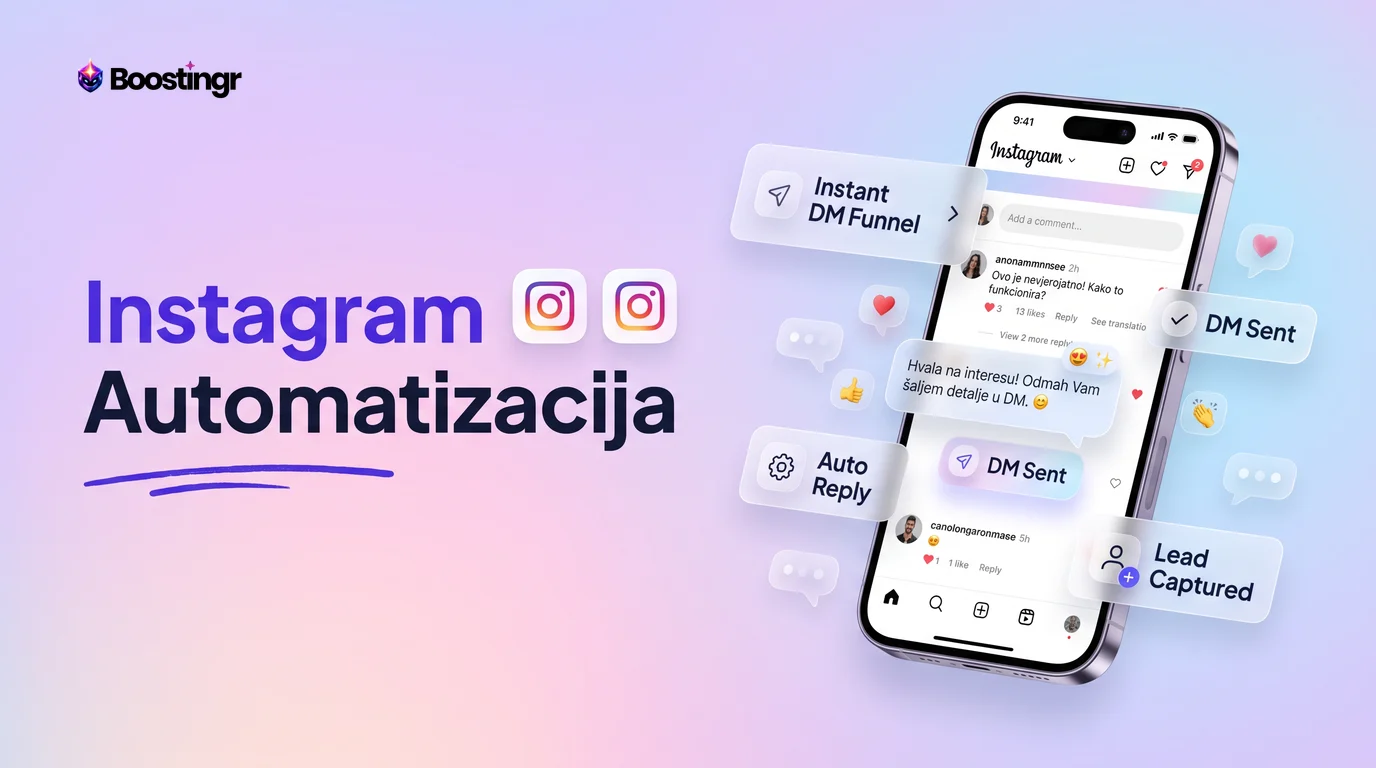
- Public Reply: It first posts a public reply to the comment, such as, "Great question! Sending you a DM with the details right now." This shows other users that you are responsive and creates social proof.
- Automated DM: Simultaneously, it sends a direct message to the user. This DM can contain a direct link to the product, a discount code to encourage purchase, or a question to qualify the lead further ("Are you looking for a specific color?").
- Tag and Route: The identified lead is automatically tagged within the Boostingr platform (e.g., "Hot Lead," "Product Inquiry") and can even be pushed to your CRM (like HubSpot or Salesforce) via integrations, instantly notifying your sales team.
This proactive Instagram lead capture workflow closes the loop between social media engagement and sales, ensuring that no potential customer slips through the cracks.
Building Your Instagram Comment Workflow Automation with Boostingr
Setting up this powerful three-pillar system is more straightforward than it sounds. With a platform designed for this purpose, you can create a robust instagram comment workflow automation strategy in a few logical steps.
Here’s how you would build it using Boostingr:
Step 1: Connect Your Instagram Account First, you securely connect your Instagram Business account to Boostingr. This is done through the official Meta Graph API, ensuring your account's safety and data privacy. This gives the platform permission to read comments and reply on your behalf, in accordance with Instagram's platform policies.
Step 2: Configure Your AI Moderation Rules This is your first line of defense. In your Boostingr dashboard, you'll define your moderation settings. This is as simple as toggling on features like:
- Auto-hide Spam: Automatically hides comments with suspicious links, gibberish, or common spam phrases.
- Auto-hide Hate Speech/Trolls: Uses an advanced AI model to detect and hide abusive language.
- Flag Negative Sentiment: Set a threshold for negativity. When a comment crosses it, it's automatically flagged and sent to a moderation queue for your team to review.
Step 3: Teach Your Brand Voice to the AI (Brand Memory) This is the most critical step for humanized replies. You'll populate Boostingr's Brand Memory with key information:
- Brand Persona: Describe your brand's tone—is it witty, professional, empathetic, or energetic? Provide examples.
- Product Information: Add details about your key products, services, and policies.
- FAQs: Input the answers to your most frequently asked questions.
The AI internalizes this information, ensuring that every reply it generates is accurate and perfectly on-brand.
Step 4: Set Up Reply Automation for Different Intents Now, you define the rules of engagement. You can create different automation flows for different comment intents detected by the AI:
- For Praise: If sentiment is positive, generate and post one of several pre-approved, varied thank-you messages.
- For Purchase Intent: If intent is "Purchase," trigger the public reply + DM sequence.
- For FAQs: If a known question is detected, post the answer from your Brand Memory.
You can choose to have these replies post automatically or be sent to a queue for one-click approval.
Step 5: Define Your Lead Capture Process Here, you connect your comment automation to your sales process. Configure what happens when a lead is identified:
- Customize the DM that gets sent. Include product links, discount codes, or questions.
- Set up tags to segment leads (e.g., "Lead - Serum," "Lead - Foundation").
- If you use a CRM, set up the integration to automatically create a new contact or deal when a lead is captured from a comment.
Step 6: Monitor and Refine with the Community Intelligence Dashboard Your work isn't done once the system is live. Use Boostingr's dashboard to monitor performance. See how many comments are being moderated, how many replies are being sent, and how many leads are being captured. You can analyze comment sentiment over time and identify new FAQs to add to your Brand Memory. This data-driven approach allows you to continuously refine and improve your automation workflow.
Ready to build your own intelligent workflow? You can explore our plans or sign up for a free trial to see it in action.
Comparison Table: AI Comment Management vs. Traditional Tools
To understand the value of an intelligent workflow, it's helpful to compare it against other common social media tools. Many platforms offer some form of "automation," but the capabilities differ dramatically.
| Feature | Boostingr (AI Comment Management) | Basic Chatbots (e.g., Early ManyChat) | Traditional Schedulers (e.g., Buffer) |
|---|---|---|---|
| Comment Understanding | Understands sentiment, intent, and context using AI. | Relies on rigid keyword triggers ("if user says X, reply Y"). | No comment understanding. Provides a unified inbox for manual replies. |
| Reply Personalization | Generates unique, human-like replies using Brand Memory. | Sends the same pre-written, static reply to every trigger. | All replies are 100% manual, written by a human each time. |
| Moderation Scope | Automatically hides spam, trolls, and hate speech. Flags negative sentiment for human review. | Limited to hiding comments with specific keywords. Easily bypassed. | Manual deletion or hiding of comments one by one. |
| Lead Identification | Proactively detects buying signals and commercial intent in natural language. | Can only identify a lead if they use an exact trigger keyword (e.g., "buy"). | No lead identification. Relies on a human to spot and manually log leads. |
| Cross-Platform Learning | "Teach once, engage everywhere." Brand Memory applies across Instagram, Facebook, etc. | Workflows must be built from scratch for each platform. | No learning capability. Functions as a simple content publisher and inbox. |
Practical Examples and Use Cases
Theory is great, but how does this workflow perform in the real world? Let's look at some practical applications for different types of businesses.
Use Case 1: The Ecommerce Brand
- Business: A direct-to-consumer cosmetics brand launching a new viral serum with Instagram Reels and paid ads.
- Challenge: A single Reel generates over 5,000 comments in 48 hours. The two-person social media team is completely overwhelmed. The comment section is a mix of praise, spam bots, legitimate questions about ingredients, and hundreds of "Price?" and "How to buy?" comments.
- The Workflow in Action:
- Moderation: Boostingr's AI instantly auto-hides over 800 spam and bot comments, keeping the section clean.
- Lead Capture: It identifies 1,500+ comments with clear purchase intent. For each one, it auto-replies publicly ("Just sent you a DM with a special launch offer!") and sends a private message with a direct link to the product page.
- Escalation: The AI detects 25 comments with negative sentiment related to shipping concerns from past orders. It tags these as "Urgent Support" and routes them to the customer service team's queue for a personal, empathetic response.
- Result: The brand protects its ad spend from being diluted by spam, captures hundreds of high-intent leads that would have been lost, and efficiently handles customer issues, turning a potential crisis into a massive sales and engagement win. This demonstrates the clear ROI on comment moderation tools.
Use Case 2: The B2B SaaS Company
- Business: A fintech company running educational content on Instagram about financial planning.
- Challenge: Their comments include a mix of simple questions, highly technical queries about software features, and inquiries from potential enterprise clients.
- The Workflow in Action:
- Triage: The AI distinguishes between simple questions ("Is this available in the UK?") and complex ones ("How does your API handle transaction reconciliation?").
- Reply & Route: It uses Brand Memory to auto-reply to the simple questions. It tags the technical questions as "Product Team Inquiry" and routes them to the appropriate expert. Comments like "We need a solution for our 100-person team" are identified as high-value leads and sent directly to the sales CRM.
- Result: The sales cycle is shortened, product experts are only looped in when necessary, and the brand builds a reputation for being knowledgeable and responsive, a key factor for building trust in the fintech space.
Use Case 3: The Creator/Influencer
- Business: A travel creator with 500k followers.
- Challenge: Every post is flooded with spam and the same repetitive questions: "What camera do you use?", "What hotel is this?", "Song name?".
- The Workflow in Action:
- Filter: The AI auto-hides all spam and promotional comments.
- FAQ Bot: It uses Brand Memory to automatically answer the top 10 most-asked questions with the correct information.
- Prioritize: This filtering leaves a clean inbox of genuine, unique comments from true fans, allowing the creator to spend their limited time engaging in meaningful conversations rather than performing administrative tasks.
- Result: The creator saves hours per week, fosters a stronger connection with their core audience, and maintains a professional and clean community space, making their profile more attractive to brand partners.
The Role of an Instagram Comment Bot for Business Growth
It's time to reframe the term instagram comment bot for business. It's not a spammy tool for faking engagement. When powered by true AI, it's a strategic assistant that drives tangible business growth in four key areas:
- Algorithmic Favor: Instagram's algorithm rewards posts that generate fast and sustained engagement. By replying to comments quickly, you create more conversation threads, which signals to the algorithm that your content is valuable and should be shown to more people. Boostingr's First-Party Observation: We've observed that brand posts where a significant percentage of comments receive a reply within the first hour consistently show a 15-20% higher reach compared to posts with slow or no reply engagement.
- Improved Customer Experience: In an on-demand world, speed is a critical component of customer satisfaction. An instant, helpful reply to a question or acknowledgment of praise makes your customers feel seen and valued, fostering loyalty.
- Increased Conversion Rates: Every missed buying signal is lost revenue. By automating the process of identifying, engaging, and routing leads from your comment section, you create a new, highly efficient sales funnel that works for you 24/7.
- Scalable Brand Protection: As your brand grows, so does the volume of unwanted comments. An AI-powered moderation system is the only way to protect your brand's reputation at scale, ensuring your community remains a positive reflection of your values.
An intelligent bot doesn't replace your team; it empowers them to operate at a higher, more strategic level.
Checklist: Implementing Your Instagram Comment Automation Strategy
Use this checklist to guide your implementation of a smart comment automation workflow.
- Define Your Primary Goal: Is it lead generation, customer support efficiency, brand protection, or pure engagement? Your goal will shape your workflow.
- Choose an AI-Powered Platform: Select a tool like Boostingr that focuses on AI understanding (intent, sentiment) rather than just keyword triggers.
- Connect & Secure Your Account: Link your Instagram Business profile via the official API.
- Establish Your Moderation Baseline: Immediately turn on auto-hiding for spam, hate speech, and trolls.
- Configure Your Escalation Path: Decide which types of comments (e.g., negative sentiment, specific keywords like "broken") should be flagged for human review and who should be notified.
- Build Your Brand Memory: Spend time teaching the AI your brand voice, product details, and answers to at least 10-15 of your most frequently asked questions.
- Create Your Reply Automation Rules: Start small. Automate replies for simple praise and 1-2 common questions. Review the AI's performance before expanding.
- Design Your Lead Capture Flow: Define the exact public reply and DM sequence for comments with purchase intent. Connect it to your CRM if applicable.
- Run a Test on a Non-Critical Post: Before going live on a major ad campaign, test your workflow on an organic post to see it in action.
- Review and Refine Weekly: Check your analytics dashboard once a week. What new questions are people asking? Is the sentiment trend positive? Use these insights to update your Brand Memory and refine your rules.
Visual guide
The 3-Pillar Comment Automation Workflow
This shows how automation systematically handles every comment, from initial moderation to final lead capture, turning your comment section into a growth engine.
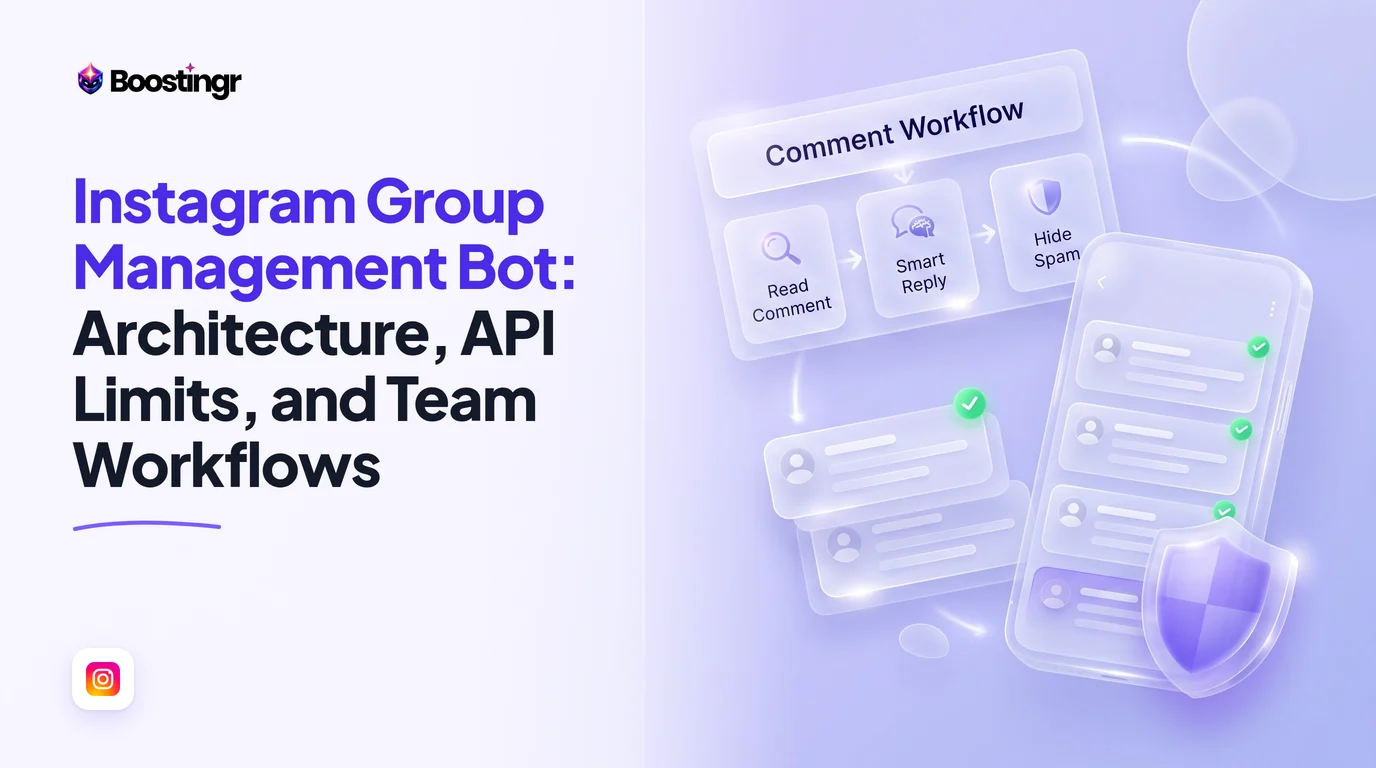
How AI Moderates Your Comment Section
This workflow shows how AI instantly cleans your comment section by automatically hiding harmful content and flagging important feedback for your team.
Turning Instagram Comments into Sales Leads
See the automated sequence that identifies buying signals in comments and turns interested users into qualified leads for your sales team.
Key Takeaways
- Manual comment management is inefficient, risky, and doesn't scale with your brand's growth.
- Intelligent instagram comment automation uses AI to understand the sentiment and intent behind comments, going far beyond basic keyword bots.
- A successful strategy is built on a 3-pillar workflow: Intelligent Moderation, Automated Public Replies, and Proactive Lead Capture.
- Platforms like Boostingr use a "Brand Memory" to ensure all automated replies are human-like, on-brand, and accurate.
- Automating comment management protects your brand, improves customer experience, increases algorithmic reach, and creates a direct funnel from comments to conversions.
- The goal of automation is not to replace humans, but to handle repetitive tasks at scale, freeing up your team for high-value strategic work.
Frequently asked questions
Is Instagram comment automation safe for my account?
Yes, when you use a platform like Boostingr that is an official Meta Business Partner and uses the official Instagram Graph API. These tools operate within Instagram's rules and do not perform risky actions like aggressive following or fake likes. The focus is on managing your own comment section, which is a safe and approved form of automation.
Will an AI bot make my brand sound robotic?
Not with modern AI. Unlike old keyword bots, platforms like Boostingr use a 'Brand Memory' feature. You teach the AI your specific brand voice, tone, and information. The AI then uses this to generate varied, contextual, and human-sounding replies, ensuring your brand's personality always shines through.
How is this different from ManyChat?
While both can automate responses, the core technology differs. ManyChat has traditionally focused on rule-based chatbot flows, often triggered by specific keywords. Boostingr is an AI-first platform focused on understanding the natural language, sentiment, and intent of a comment, allowing for more flexible, intelligent moderation, lead capture, and human-like reply generation without rigid rules.
Can I automate replies to comments on my Instagram Ads?
Absolutely. Automating replies and moderation on ad comments is one of the most powerful use cases. It helps you protect your ad spend from spam, instantly answer questions from potential customers, and capture leads in real-time, maximizing the ROI of your advertising campaigns.
How does the AI learn my brand's voice?
Through a feature often called 'Brand Memory.' You provide the AI with examples of your brand's tone, key messaging, product information, and answers to frequently asked questions. The AI internalizes this knowledge base to ensure every comment it generates is consistent with your brand identity.
What kind of comments should I NOT automate replies to?
You should avoid automating replies to angry or upset customers, complex technical support questions, or sensitive topics. The best practice is to use AI to automatically detect these comments, flag them as urgent, and route them to a human team member for a personal and empathetic response.
How does Instagram comment automation help with lead generation?
AI can detect 'commercial intent' in comments, such as questions about price, availability, or how to purchase. An automation workflow can then instantly reply publicly to the comment and send the user a direct message with a product link, a discount code, or a way to contact your sales team, effectively turning your comment section into an automated lead funnel.
Is this available in size M? Want to order today