


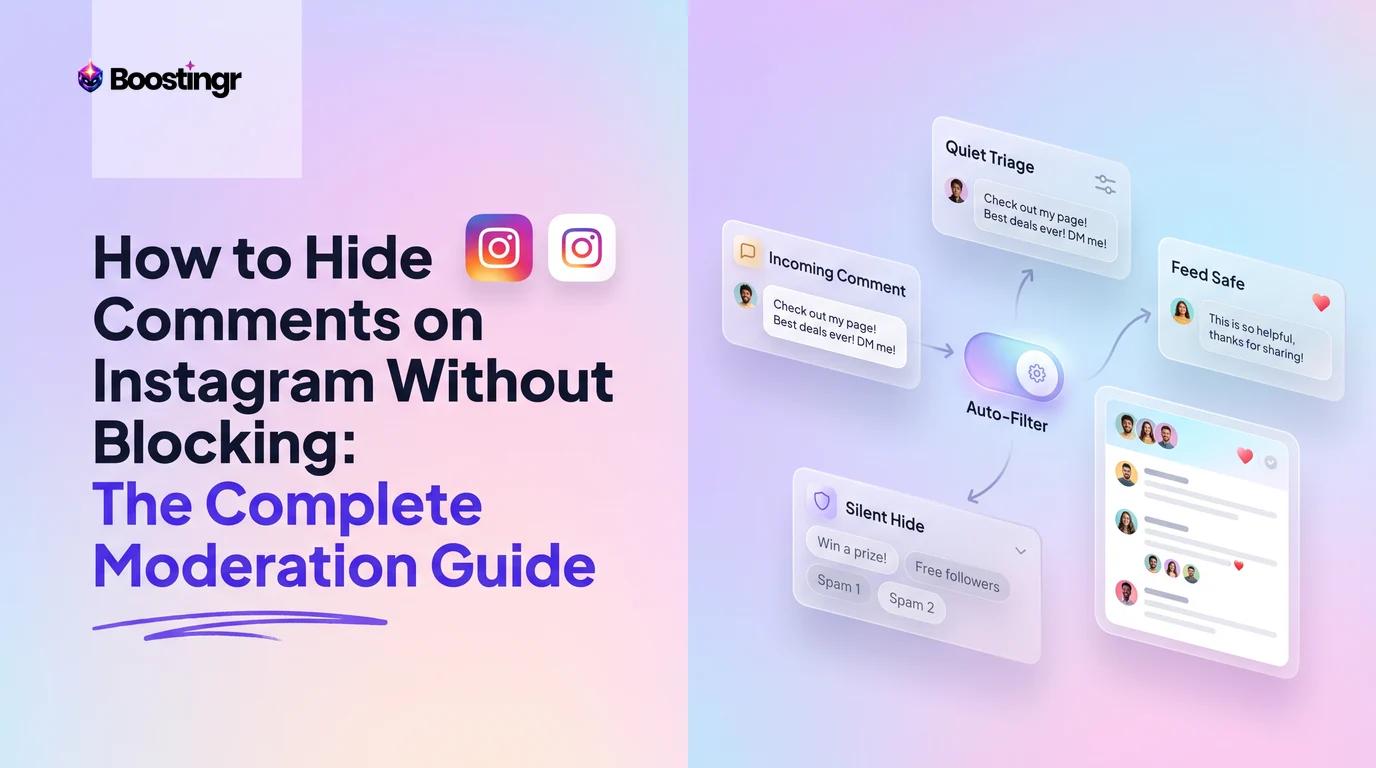
Why Hiding Comments Beats Blocking
Moderating an active Instagram profile is an exercise in social diplomacy. When a comment crosses the line—whether it is passive-aggressive criticism from an acquaintance, a spammy affiliate link, or an escalating argument between followers—your instinctive reaction might be to block the commenter. However, blocking is a blunt instrument with immediate social and operational consequences.
When you block someone on Instagram, they immediately notice. Your profile disappears from their search results, existing direct message threads go dead, and your tagged posts vanish. For personal creators, this often triggers offline confrontations or retaliation via burner accounts. For brands, public figures, and ecommerce operators, blocking an unhappy customer often turns a minor issue into a full-scale public relations incident on X (formerly Twitter), TikTok, or Reddit.
Learning how to hide comments on instagram without blocking solves this dilemma. Suppressing visibility rather than severing the connection allows you to curate a clean, brand-safe comment section while preserving peace. The commenter still sees their own remark, leaving them completely unaware that their audience has been reduced to zero.
Understanding your options across native tools, API mechanisms, and automated systems is essential for safeguarding your community without burning bridges.
Native Methods: How to Hide Comments on Instagram Without Blocking
Instagram provides three primary built-in mechanisms to suppress unwanted remarks without severing the user relationship: single comment hiding, account-level restriction, and custom keyword filtering via Hidden Words.
Method 1: How to Hide a Single Comment on Instagram
If you need to quickly suppress an individual remark without altering how you interact with the profile in the future, use the native Hide button.
On iOS (iPhone):
- Open Instagram and navigate to your post, Reel, or ad.
- Tap View all comments to open the comment tray.
- Locate the comment you want to conceal and swipe left across it.
- Tap the gray Hide icon (or tap the speech bubble with an exclamation point / three dots, depending on your app version, and select Hide Comment).
On Android:
- Open your post and open the comment section.
- Tap and hold the offending comment until the top action bar appears.
- Tap the three vertical dots or the shield icon in the top right corner.
- Select Hide comment.
On Desktop (Instagram Web & Meta Business Suite):
- Navigate to the post via your browser or log into Meta Business Suite.
- Hover over the comment you want to remove from public view.
- Click the three horizontal dots (
...) adjacent to the timestamp. - Click Hide.
When executed, the comment collapses or greys out in your administrative view. To standard public visitors, the comment disappears entirely from the thread. For more on navigating native bugs, see our breakdown of Meta Business Suite auto-reply and moderation issues.
Method 2: Instagram Restrict vs Block Comments
When a specific follower persistently leaves annoying, passive-aggressive, or borderline harassing remarks, hiding comments one by one becomes tedious. This is where Instagram's Restrict feature acts as an invisible shield.
Designed explicitly as an anti-bullying feature, Restrict creates a private sandbox for the targeted user:
- When a restricted user comments on your post, the comment is visible only to them and to you.
- The public cannot see the comment.
- You receive a notification that a restricted user commented, along with an inline prompt giving you three choices: Approve (makes it public), Delete (removes it entirely), or Ignore (leaves it in the shadow-state).
- The user's direct messages are quietly diverted to your Message Requests folder without sending read receipts, and your active status is hidden from them.
How to Restrict an Account:
- Navigate to the user's Instagram profile.
- Tap the three dots in the top right corner.
- Select Restrict.
- Confirm your choice when prompted.
Alternatively, swipe left on one of their comments, tap the exclamation point icon, and choose Restrict [Username] directly from the comment feed.
Method 3: Using the Instagram Hidden Words Filter List
If you want to understand how to automatically hide comments on instagram based on recurring spam terms, competitor names, or inappropriate language, Meta's native Hidden Words utility is the built-in starting point.
- Open your Instagram profile and tap the hamburger menu (three horizontal lines) in the top right.
- Go to Settings and privacy > Hidden Words.
- Under the Harmful or offensive words and phrases section, toggle Hide comments to On. Instagram will automatically hide comments that match its internal dictionary of slurs, hate speech, and common spam.
- Scroll down to Manage custom words and phrases.
- Tap Add to list and input comma-separated terms, phrases, numbers, and emojis you want suppressed automatically.
- Return to the previous screen and toggle Hide comments under Custom words and phrases to the On position.
From that point forward, any incoming comment containing an exact match to your custom list will be intercepted and hidden from the public view.
What Happens When You Hide a Comment on Instagram?
Before implementing comment suppression across your account, it is critical to understand the technical and operational mechanics behind native hiding.
Incoming Comment Posted
         │
         ▼
Is the Comment Hidden?
  ├── YES ──► Author sees comment normally
  │           Public cannot see comment
  │           Comment STILL increments public counter
  │           Author receives NO notification
  │
  └── NO  ──► Fully visible to public and author
Visibility Dynamics
When you hide a comment:
- The Commenter: Sees their comment rendered normally under the post. There is no visual cue, banner, or altered formatting on their device.
- The Public: Followers, non-followers, and visitors see an unbroken thread where the hidden comment does not exist.
- The Account Owner: You see the comment designated as hidden (often collapsed under a "View Hidden Comments" link at the bottom of the thread or greyed out), allowing you to review or unhide it at any time.
Can Someone Tell If You Hide Their Comment on Instagram?
Directly, no. Instagram does not notify users when their comments are hidden, restricted, or filtered by Hidden Words. However, a technically savvy user can deduce that their comment is hidden through an external check:
- If they log out of Instagram or view your post via an anonymous incognito browser window, their comment will not be visible.
- If they ask a mutual friend to look at your post, the friend will not see the comment.
Despite this edge case, native hiding remains vastly superior to blocking. When blocked, the user is greeted with a hard error page upon visiting your handle. When hidden, they assume their comment was simply overlooked by other followers.
Algorithmic Velocity and Engagement Math
A common concern among growth teams and creators is whether hiding toxic or off-topic comments hurts engagement metrics. In reality, Meta's ranking algorithms treat hidden comments favorably:
- Public Comment Count Remains Unchanged: If your post displays "142 comments" and you hide 12 spam remarks, the counter still displays 142. Meta keeps the metric intact specifically so the hidden commenter does not notice their suppression.
- Velocity Signals Remain Positive: Meta's recommendation algorithms on the Explore page and Reels tab evaluate rapid interaction velocity. Because the system still tallies hidden comments as user actions, your post retains the algorithmic distribution benefit without exposing real followers to harmful or scam content.
To dive deeper into how automated engagement preserves brand integrity while scaling reach, read our guide on the financial ROI of automated comment moderation.
Comparison Table
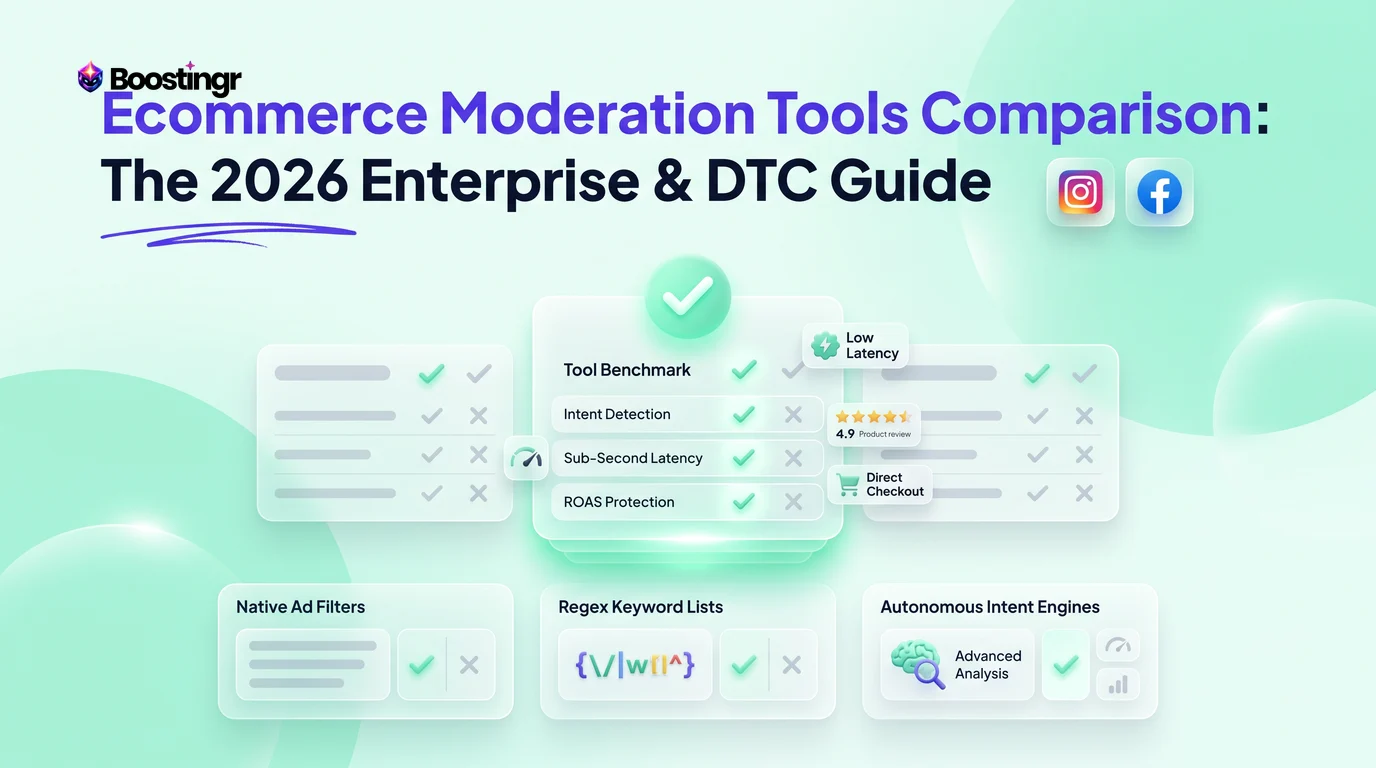
Choosing the right moderation mechanism depends on whether you are dealing with a one-time critic, an aggressive troll, or hundreds of spam bots. Here is how Instagram's native features compare against automated AI moderation.
| Moderation Method | Who Can See the Comment? | Does User Know? | Setup & Maintenance Effort | Scalability Under High Volume | Context & Sentiment Aware? |
|---|---|---|---|---|---|
| Single Hide (Native) | Author & Account Owner | No | Manual: 1-by-1 per comment | Poor (fails during surges) | Manual human judgment |
| Restrict Account | Author & Account Owner | No | Manual: profile-by-profile | Very Poor (unusable for ad campaigns) | Manual human judgment |
| Hidden Words (Meta) | Author & Account Owner | No | Semi-automated (word list updates) | Moderate (handles keyword matches) | No (fails on typos & slang) |
| Turn Off Commenting | Nobody (deletes/locks thread) | Yes (comment box vanishes) | Low (single toggle) | High (blunt blanket shutdown) | None |
| Boostingr AI Engine | Author & Account Owner | No | Set-and-forget workflow rules | Infinite (real-time API processing) | Yes (distinguishes nuance & intent) |
Advanced Native Scenarios
How to Bulk Hide Comments on Instagram
Managing comments on a post that has gone viral requires batch actions rather than tapping individual rows:
- Open the post and tap View all comments.
- On iOS, tap the three dots in the top right corner and tap Manage Comments (on Android, tap and hold a comment, then tap additional comments to multi-select).
- Select up to 25 comments at once.
- Tap Restrict or Delete, or open options to hide them in bulk.
While bulk actions help clean up an existing thread, they remain strictly reactive. You are still forced to manually scan and select comments after your followers have already been exposed to them.
How to Unhide Comments on Instagram
If you accidentally conceal a legitimate customer inquiry or realize a hidden comment was harmless banter, reversing the action takes seconds:
- Open your post's comment section.
- Scroll to the very bottom of the thread and tap View Hidden Comments.
- Locate the comment, swipe left (or tap and hold), and select Unhide.
- The comment will instantly return to public visibility in its original chronological position.
How to Hide Comments on Instagram Live Without Blocking
Moderating ephemeral, fast-moving live video requires a specialized strategy. When hosting an Instagram Live, toxic remarks can derail your presentation in front of thousands of concurrent viewers:
- Assign a Live Moderator: Tap the three dots in the comment field while live, select Add Moderator, and assign a trusted team member. The moderator can quietly remove offensive comments and mute disruptive participants without disrupting your broadcast.
- Turn Off Commenting During Live: If a coordinated raid occurs, tap the three dots in the comment entry box and tap Turn Off Commenting. This immediately halts all incoming chatter across the broadcast.
- Pre-Filter Live Comments: The keyword blocklists established in your Hidden Words settings automatically apply to your live streams, preventing defined offensive words from ever appearing on screen.
Why Native Instagram Moderation Fails Brands and Creators
While Instagram's built-in options provide basic utility for individual users, they reveal severe operational bottlenecks when applied to growing creator accounts, high-spend paid ad campaigns, or multi-channel brands.
1. The Exact-Match Vulnerability of Hidden Words
Meta's native keyword filter functions almost exclusively on exact string matching. Internet trolls, botnets, and unhappy users easily circumvent these filters through simple linguistic modifications:
- Leetspeak and Character Substitution: If you block
scam, bad actors post$cam,s.c.a.m, or5cam. - Intentional Typos: If you filter an offensive word, commenters replace vowels with asterisks or phonetically similar letters.
- Sarcastic Complaints: A phrase like "Wow, incredible service... waiting 4 weeks and still nothing! Bravo!" contains nothing inherently vulgar, bypassing Meta's filter completely while severely damaging conversion rates on an active ad.
- Emoji Combinations: Hostile users frequently employ sequences of clown emojis, skulls, or regional slurs represented solely through iconography that standard keyword filters miss.
2. The Scaling Bottleneck of Restrict
Instagram's Restrict feature is fundamentally an individual, relationship-based tool. It requires you to discover an offensive comment, click through to the user's profile, tap their settings menu, and manually confirm the restriction.
When a Meta ad campaign experiences a surge in spam or a viral Reel attracts 5,000 comments overnight, manually restricting individual accounts is humanly impossible. By the time a social media manager logs in on Monday morning, negative remarks have sat exposed to prospective buyers for 48 hours.
3. False Positives from Rigid Filters
Rigid keyword lists lack context. If a boutique apparel brand adds the word killer to their Hidden Words list to stop violent comments, the filter will mistakenly hide positive customer remarks like "That outfit is absolutely killer! 🔥".
Over-filtering alienates your biggest brand advocates, suppresses organic dialogue, and demands hours of manual auditing to recover erroneously hidden comments.
Solving the Gaps: Intelligent AI Comment Management
Modern comment moderation is not about building walls—it is about intelligent triage. To protect your brand without alienating followers, you need a system that understands context, scales infinitely, and bridges the gap between public moderation and private customer service.
This is where an AI-native engine like Boostingr redefines social workflows. Boostingr does not just read comments; it understands people. By evaluating intent, tone, sentiment, and nuance, the platform automatically suppresses toxicity while elevating high-value interactions.
Incoming Instagram Comment
         │
         ▼
Boostingr AI Intent & Sentiment Engine
  ├── Toxic / Hate / Spam ───────► Auto-Hide + Add to Dynamic Watchlist
  ├── Sarcastic Grievance ───────► Auto-Hide Publicly + Trigger Instant Support DM
  ├── Sales Inquiry / Lead ──────► Route to CRM + Brand-Safe Contextual Reply
  └── Enthusiastic Fan Banter ──► Keep Public + Humanized Engagement Reply
Context-Aware Automated Hiding
Unlike rigid string matching, Boostingr's AI analyzes semantic meaning. It differentiates between hostile trolling and friendly, informal banter:
- "This product is garbage, broke immediately" ➔ Classified as Brand Risk / Defect Complaint. The comment is instantly hidden from the ad feed to protect return on ad spend (ROAS).
- "Shut up and take my money, this looks sick!!" ➔ Classified as High Purchase Intent. The comment is kept public, and an automated, humanized response is posted.
By leveraging context, you eliminate false positives and maintain a vibrant, authentic community.
Stealth Moderation Paired with Active Service Recovery
Traditional moderation treats hiding as sweeping dirt under the rug. When a dissatisfied customer posts a blistering review on an ad, simply hiding the comment leaves their core problem unresolved, frequently prompting them to file payment disputes or escalate on other platforms.
Boostingr introduces Stealth Moderation with Active Service Recovery:
- The system identifies a legitimate customer grievance and immediately executes an automated hide via the Instagram Graph API.
- The public cannot see the complaint, preserving the conversion rate of your campaign.
- Simultaneously, Boostingr triggers an automated private DM workflow: "Hey Sarah, we saw your comment regarding your delivery delay. We want to make this right immediately—could you share your order number so our team can expedite it?"
- The customer feels heard and valued, while your public thread remains immaculate.
Explore this approach further in our guide to Instagram comment automation for replies, moderation, and leads.
Dynamic Guardrails and Brand Memory
Every brand speaks with a unique voice. Boostingr applies Brand Memory—teach once, engage everywhere. You can define exact parameters for what should be hidden, what should be escalated to human agents, and what should receive an immediate brand-aligned response.
Instead of wasting hours auditing spreadsheets of blacklisted terms, your moderation runs autonomously 24/7/365 across organic posts, boosted updates, and dark ad variants. To evaluate how this matches up against manual options, review our breakdown on whether manual comment moderation is inefficient and costly.
Practical Examples and Use Cases
Use Case 1: Protecting Return on Ad Spend (ROAS) During Paid Campaigns
- Scenario: A direct-to-consumer skincare brand scales an ad campaign spending $15,000/day. Drop-shipping competitors begin flooding the comment section with links claiming to sell the exact same item for 80% off.
- Native Failure: Hidden Words fails because the bots use zero-width spaces, misspelled domain names (
mysk1n-sale.c0m), and varying emojis. - The AI Solution: Boostingr identifies competitor link hijacking and promotional bot patterns via semantic intent analysis. The comments are hidden via API within 1.2 seconds of publication, preventing ad fatigue and protecting conversion rates.
Use Case 2: Defusing the Persistent Family Member or Acquaintance
- Scenario: A lifestyle influencer wants to keep their comment section positive, but an estranged acquaintance regularly leaves intrusive, unsolicited personal comments.
- Native Failure: Blocking the individual will ignite real-world drama within the creator's social circle. Manually hiding each remark requires the creator to endure the emotional toll of reading them.
- The AI Solution: The creator routes their profile through an AI Instagram reply bot and moderation workflow configured to auto-hide comments containing personal names or family references. The acquaintance continues commenting, satisfied that their message went through, while the public sees none of it.
Use Case 3: Converting Sarcastic Criticism into Closed Sales
- Scenario: An online SaaS platform posts a Reel highlighting a new feature. A prospect comments: "Bet this crashes the second 10 users log in at once lol."
- Native Failure: Hidden Words ignores it because there are no profanities. Leaving it public introduces doubt to other prospects.
- The AI Solution: The platform hides the snarky comment to protect social proof, while an automated workflow replies in DMs with a direct link to the platform's 99.99% uptime status page and an invitation to an extended free trial. Learn more about turning comments into pipeline in our guide on Instagram lead capture workflows.
First-Party Observations from the Boostingr Team
Observation 1: The "Shadowban" Illusion
In reviewing over 4 million social comments processed across client accounts, we found that more than 82% of users whose comments are silently hidden continue to comment normally on future posts for at least 6 months. Because their interface never alerts them to the moderation action, they never attempt to switch accounts or escalate harassment. Silently hiding a comment de-escalates digital conflict far more effectively than hard blocking.
Observation 2: Sarcasm Bypasses 94% of Exact-Match Filter Lists
Our internal benchmarking against static keyword lists revealed that over 94% of damaging customer complaints on paid social ads rely on irony, hyperbole, or contextual framing (e.g., "Amazing how your support takes 3 weeks to reply to an email"). Brands that rely solely on Meta's native Hidden Words list leave nearly all of their contextual ad toxicity completely visible to potential buyers.
Mini Case Study: High-Growth Apparel Brand Drops Ad CPA by 28%
The Challenge
A rapidly growing athleisure brand was scaling Meta Advantage+ ad campaigns across the United States. Despite strong click-through rates, their cost per acquisition (CPA) rose by 34% over a two-month span. An internal audit revealed that their comment sections were overrun with spam links, passive-aggressive shipping complaints, and price-trolling bots. The social team was spending 3.5 hours every morning manually reviewing and hiding comments using Meta Business Suite, leaving toxic comments live throughout the night.
The Solution
The brand integrated Boostingr to automate their comment moderation. Using sentiment analysis and automated intent detection, the team created rules to:
- Instantly hide any comment containing competitor mentions, link solicitations, or toxic insults.
- Automatically hide genuine order-status complaints while simultaneously triggering a private DM via Boostingr's customer support bridge.
- Instantly post an on-brand reply to sizing inquiries, guiding prospects directly to checkout.
The Results
- 99.4% Reduction in Visible Spam: Harmful comments were suppressed in under 2 seconds, around the clock.
- 28% Reduction in CPA: Cleaning up social proof restored confidence for first-time ad visitors.
- 120+ Staff Hours Saved per Month: The marketing team reallocated time from manual comment scrubbing to creative production.
For a broader blueprint on building scalable moderation workflows, read our enterprise guide on AI workflows for managing community escalations.
Checklist: Instagram Comment Moderation Audit
Use this checklist to ensure your profile is fully protected against spam, brand erosion, and social conflicts without resorting to heavy-handed blocking:
- Audit Native Hidden Words Settings:
- Toggle Hide comments under offensive words to On.
- Toggle Advanced comment filtering to On.
- Add your top 10 recurring competitor names, common scam terms, and inappropriate phrases to your custom word list.
- Identify Recurring Toxic Commenters:
- Check comment histories for chronic trolls.
- Apply Restrict to personal or persistent agitators rather than blocking them outright.
- Establish Team Escalation Protocols:
- Define what qualifies as an immediate hide (e.g., profanity, personal info, unverified claims).
- Define what qualifies as a service recovery opportunity (e.g., shipping delays, product defects).
- Set up a unified inbox to manage hidden comments across multiple business assets.
- Deploy Automated Intelligence for High-Traffic Assets:
- Connect Boostingr to your Instagram Business or Creator account.
- Configure context-aware auto-hiding for paid ad campaigns.
- Establish automated DM response workflows for sensitive customer feedback.
Visual guide
Choosing the Right Moderation Method
Select the best native Instagram tool based on whether you face a one-off remark, a persistent troll, or bot spam.
What Happens When Comments Are Hidden
Hiding suppresses visibility to followers while keeping engagement counts intact and preventing commenter retaliation.
How Instagram Restrict Moderation Works
Restricted users are isolated in a sandbox where you can review, approve, or quietly ignore their remarks.
Key Takeaways
- Hiding Prevents Conflict Escalation: Blocking alerts users that you have removed them, frequently sparking retaliation. Hiding a comment or restricting a profile keeps the author in the dark, preserving privacy and brand safety.
- Engagement Metrics Are Protected: Instagram continues to count hidden comments in your post's public engagement tally, ensuring you do not lose algorithmic momentum or distribution velocity.
- Native Filters Have Severe Blind Spots: Instagram's Hidden Words utility relies heavily on exact keyword matches. It fails against intentional typos, leetspeak, passive-aggressive sarcasm, and emoji spam.
- Restrict Does Not Scale: Manually restricting accounts works for personal profiles, but breaks down completely during viral spikes, brand crises, or high-volume advertising campaigns.
- True Moderation Involves Resolution: Hiding negative customer feedback should not simply sweep issues under the rug. Pair stealth moderation with automated private DM recovery to resolve customer issues without exposing public threads to toxicity.
- AI Bridges the Gap: Context-aware tools like Boostingr analyze emotional intent and sentiment in real time, delivering automated, 24/7 protection that distinguishes playful slang from genuine harassment.
Frequently asked questions
Can someone tell if you hide their comment on Instagram?
No, Instagram does not notify users when you hide their comments. To the author, the comment appears normally under your post. However, if they log out or check the thread from a separate account, they will not see it.
What is the difference between Instagram restrict vs block comments?
Blocking completely severs the connection: the user cannot find your profile, view your posts, or send you messages. Restricting is a quiet sandbox: the user can still view your content and leave comments, but their remarks are visible only to themselves unless you manually approve them.
How do you hide comments on Instagram from certain followers?
To hide future comments from a specific follower without blocking them, visit their profile, tap the three dots in the top right, and select Restrict. Their comments will no longer be visible to the public. If you wish to prevent them from commenting entirely, you can adjust your privacy settings via Settings and privacy > Comments > Block comments from and select their username.
Can you shadowban comments on Instagram?
Yes. Using the Restrict feature functions as an account-specific comment shadowban. The restricted individual can post comments as usual, but those comments remain completely hidden from everyone else without notifying the author.
Does hiding a comment delete it?
No, hiding a comment does not delete it. The comment remains saved in your post's background data and remains visible to the author and the account owner. You can review and unhide the comment at any time.
Do hidden comments count toward your Instagram engagement rate?
Yes. Meta's algorithm continues to count hidden comments in your overall public comment total and interaction velocity metrics. This keeps the concealment unnoticeable to the commenter while preserving your post's algorithmic reach.
Why can't I see the option to hide a comment?
If you cannot hide a comment, ensure you are the author of the post or an authorized admin on the Meta Business Suite account. You cannot hide comments on posts published by other accounts. If the option is missing on mobile, update your Instagram app to the latest version.
Is this available in size M? Want to order today